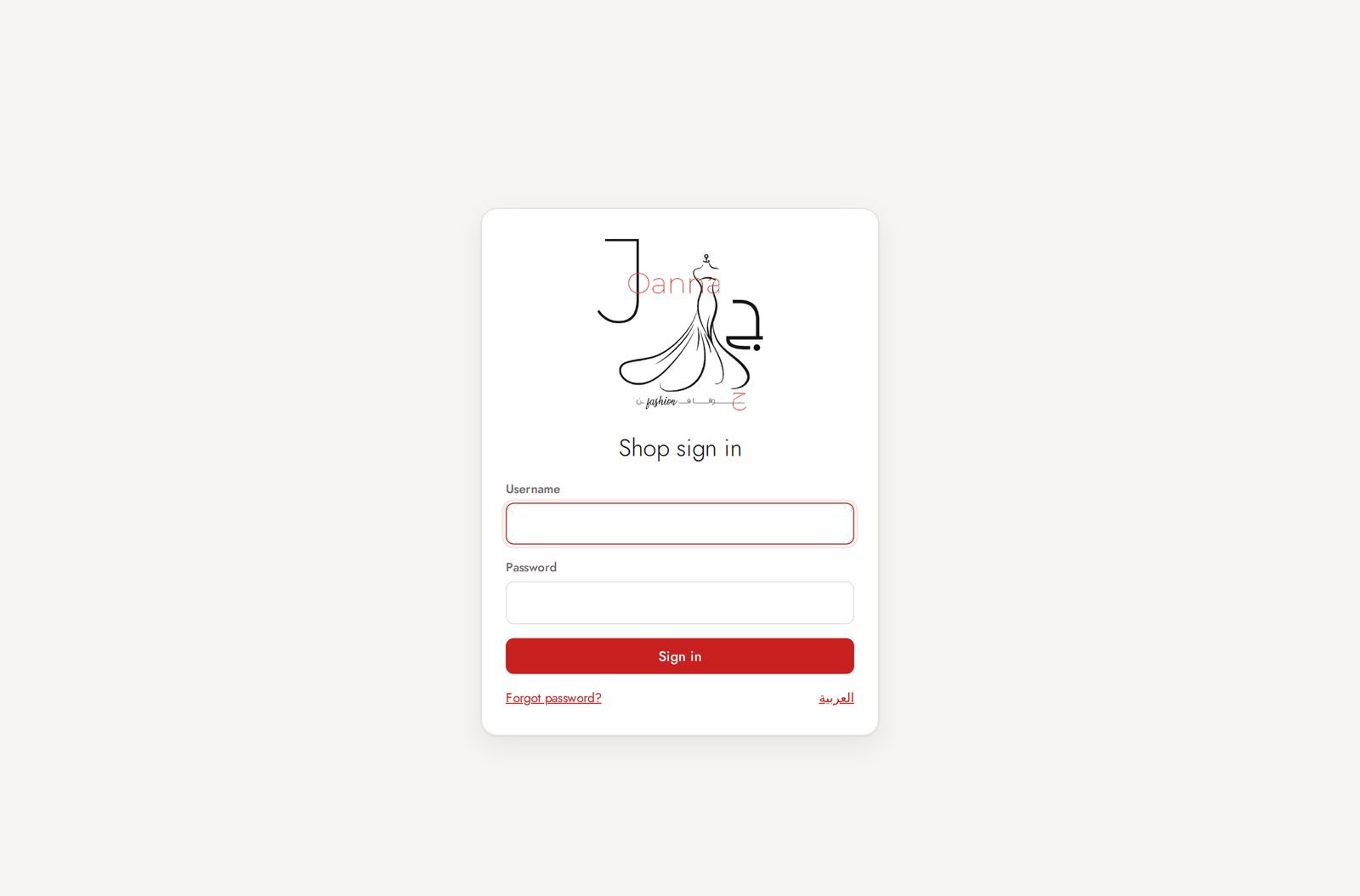
Admin (shop owner)
Sign in
One sign-in page for admin and staff. English / Arabic switch at the top.
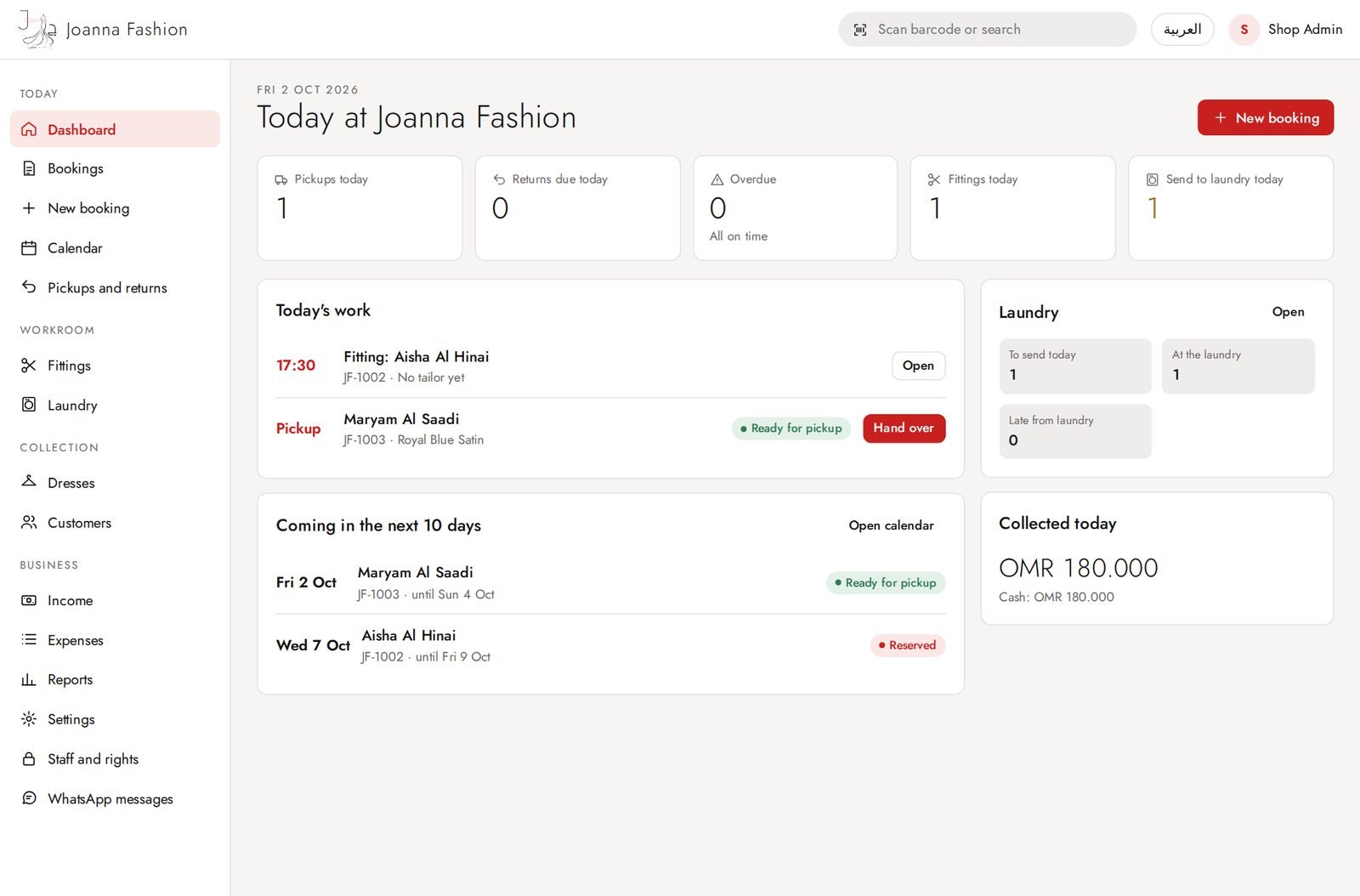
Dashboard (Today)
What needs doing today: pickups and deliveries, returns and collections, overdue dresses, fittings, laundry, and the next 10 days.
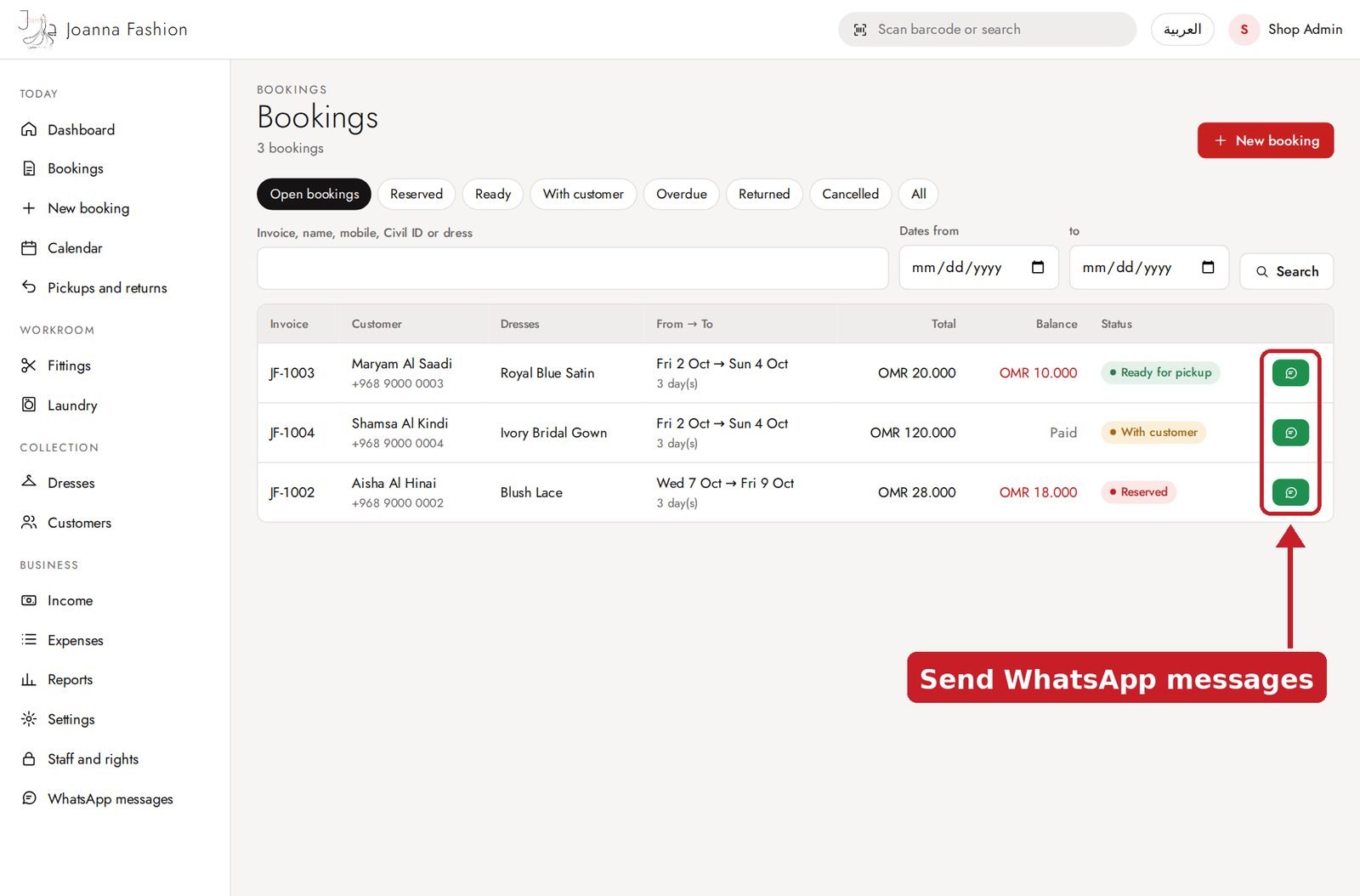
Bookings
All bookings with From → To dates, customer, status and money. The green button sends the customer a ready-made WhatsApp message.
New booking
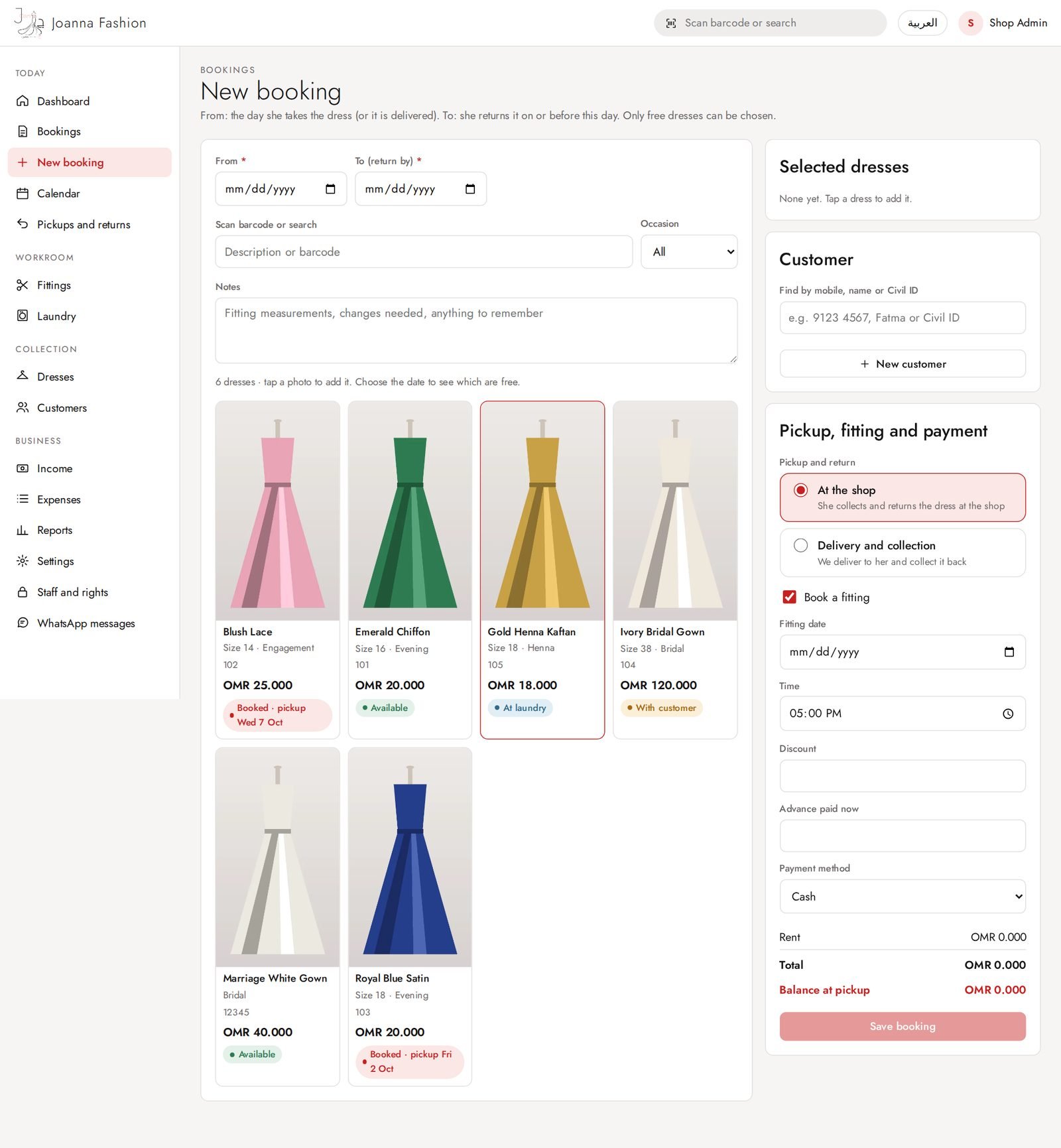
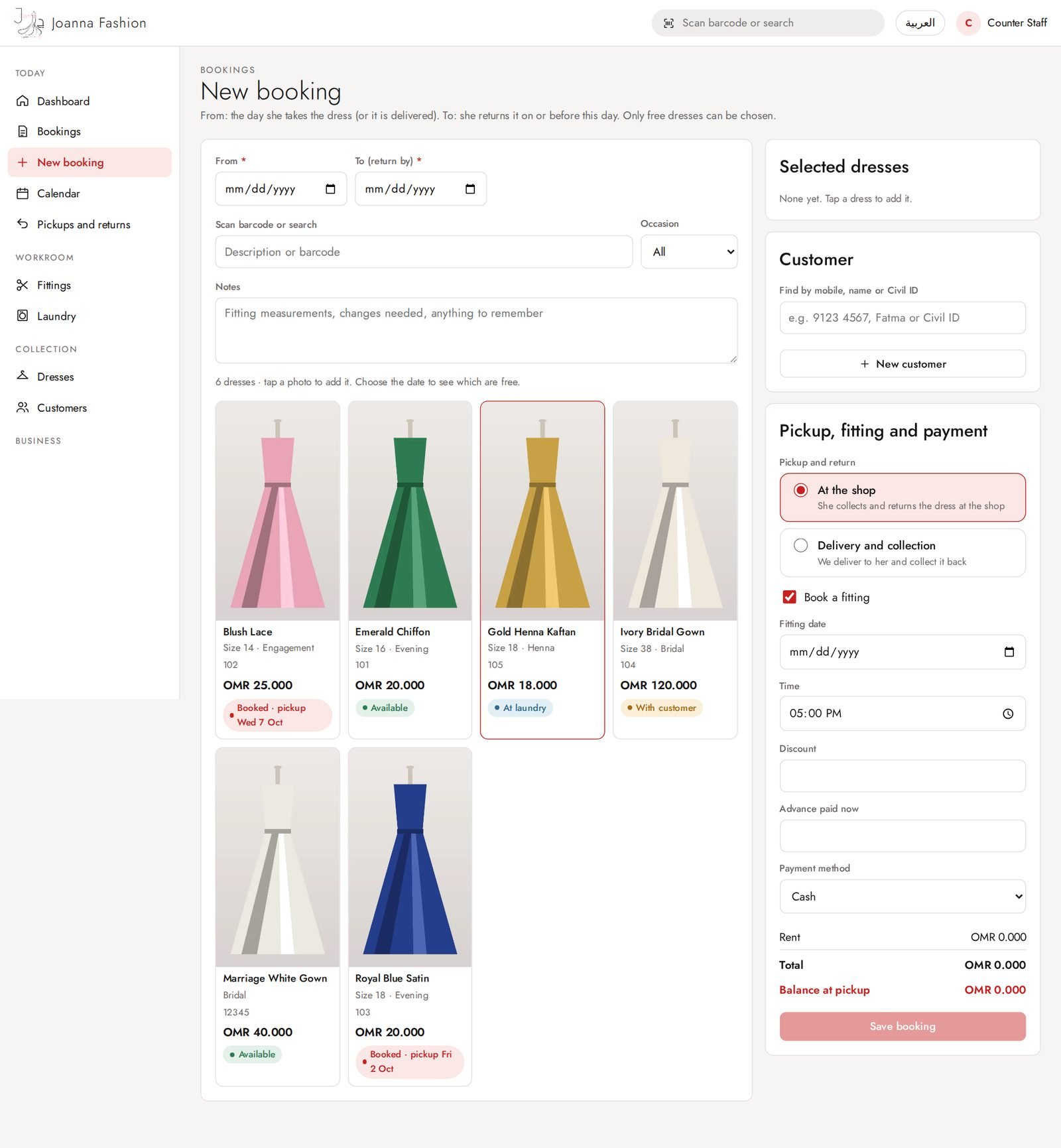
Pick From and To dates, tap dress photos, find the customer, choose shop pickup or delivery, fitting and advance payment.
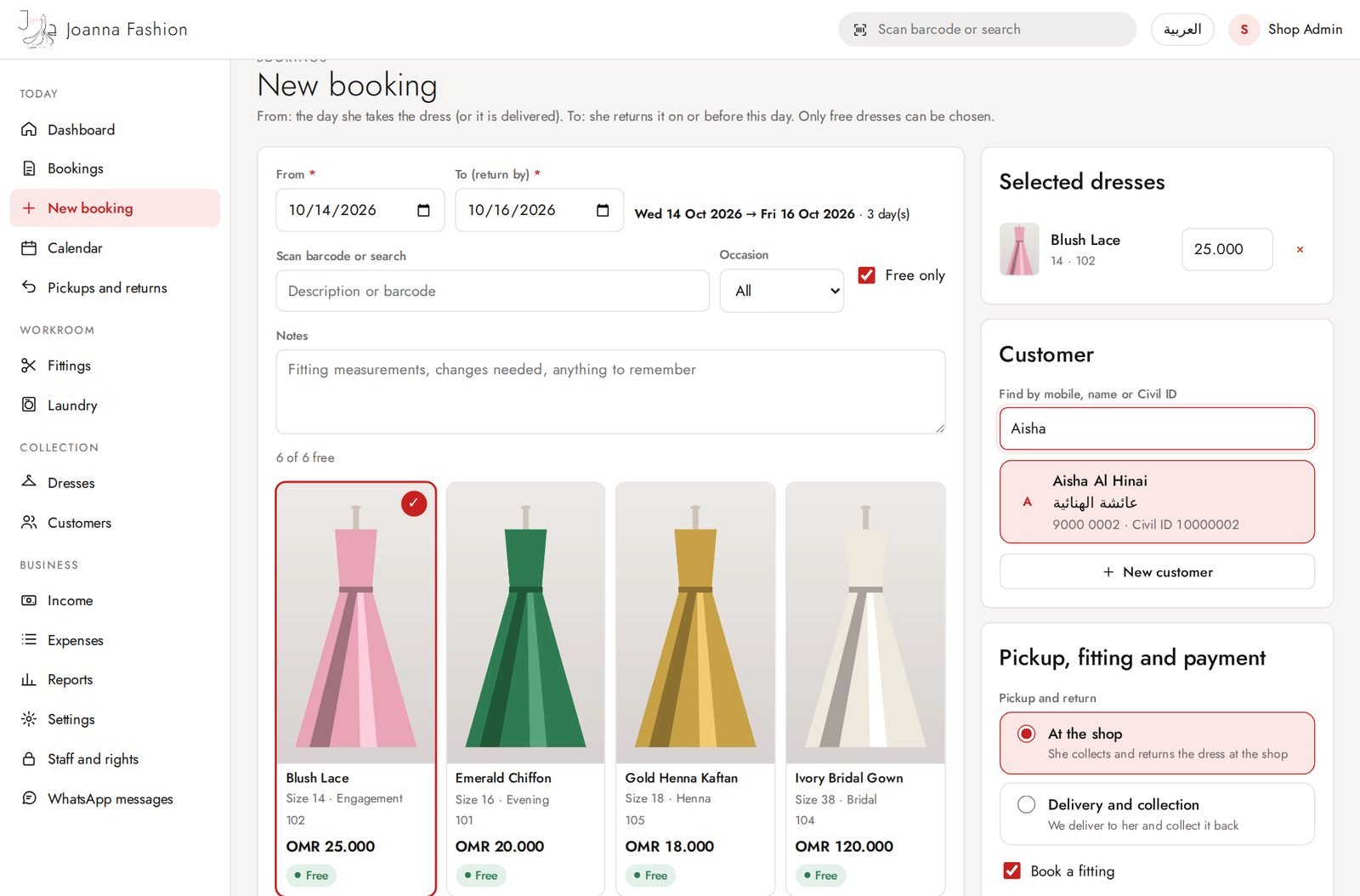
New booking: customer search
Type part of a name (English or Arabic), mobile or Civil ID. Result cards show both names, mobile and Civil ID.
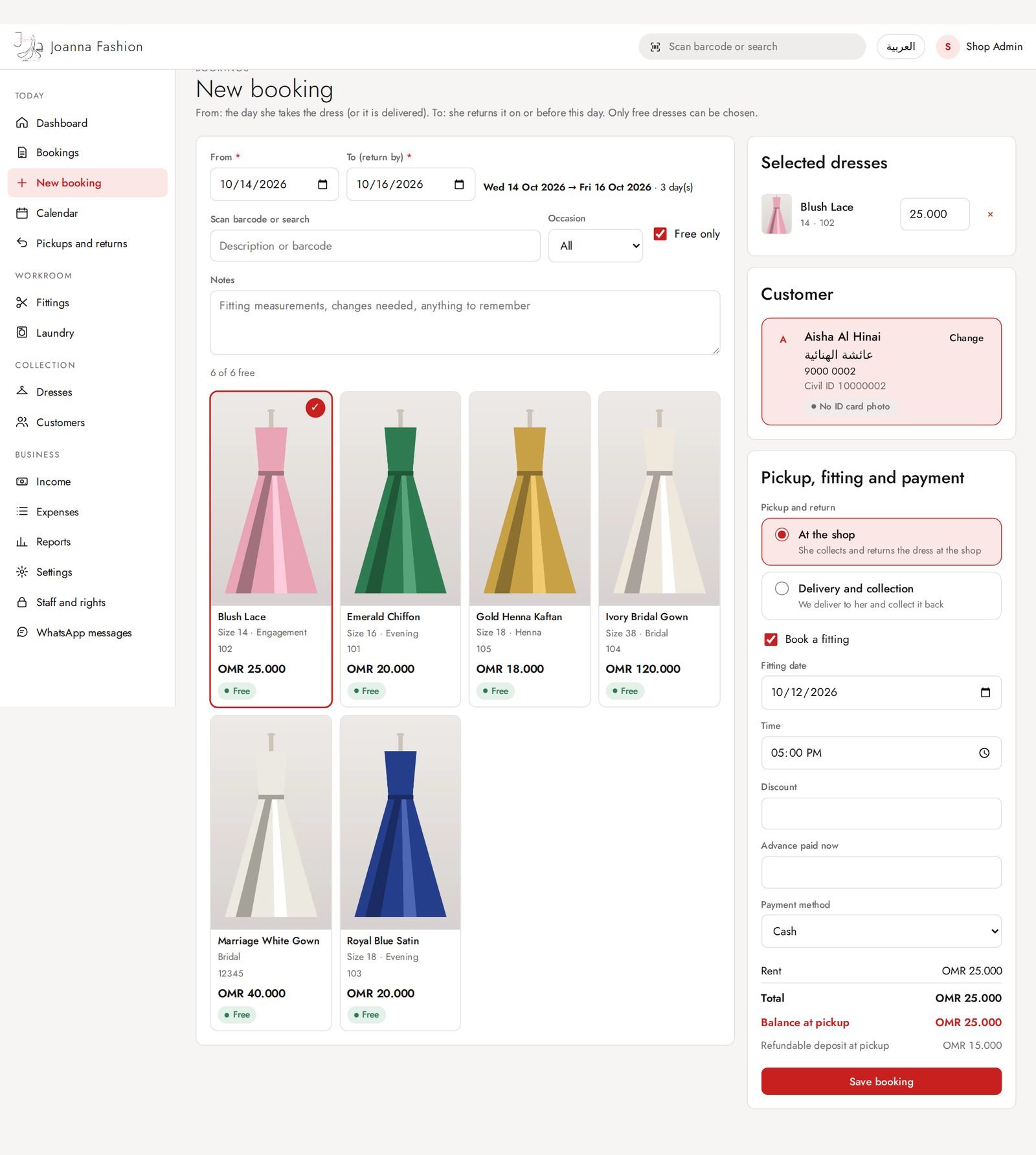
New booking: ready to save
Dress chosen, dates set, customer chosen. The total, advance and deposit are worked out automatically.
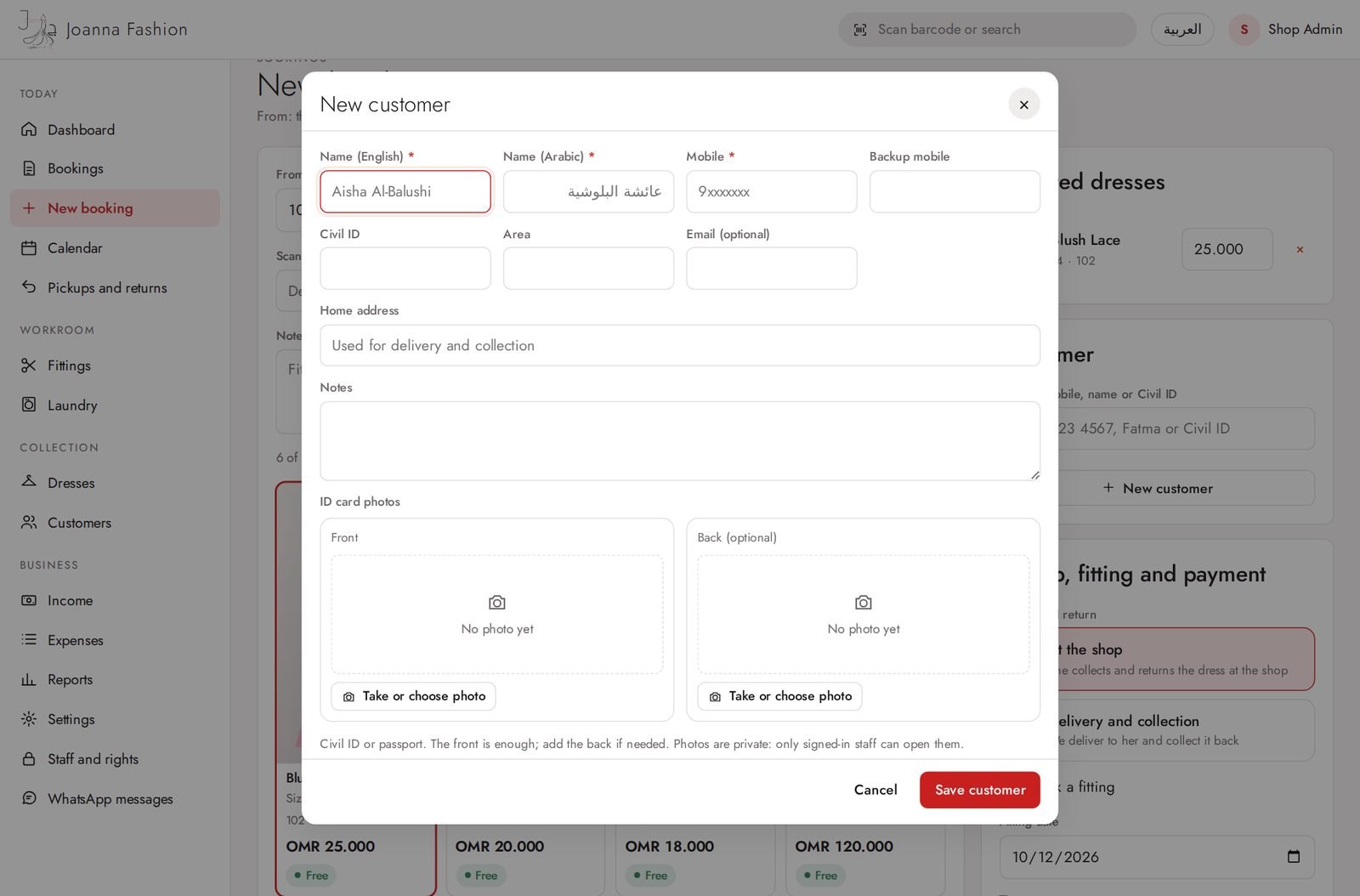
New customer pop-up
Add a new customer without leaving the booking: English and Arabic name, mobile, Civil ID, address, ID card photos.
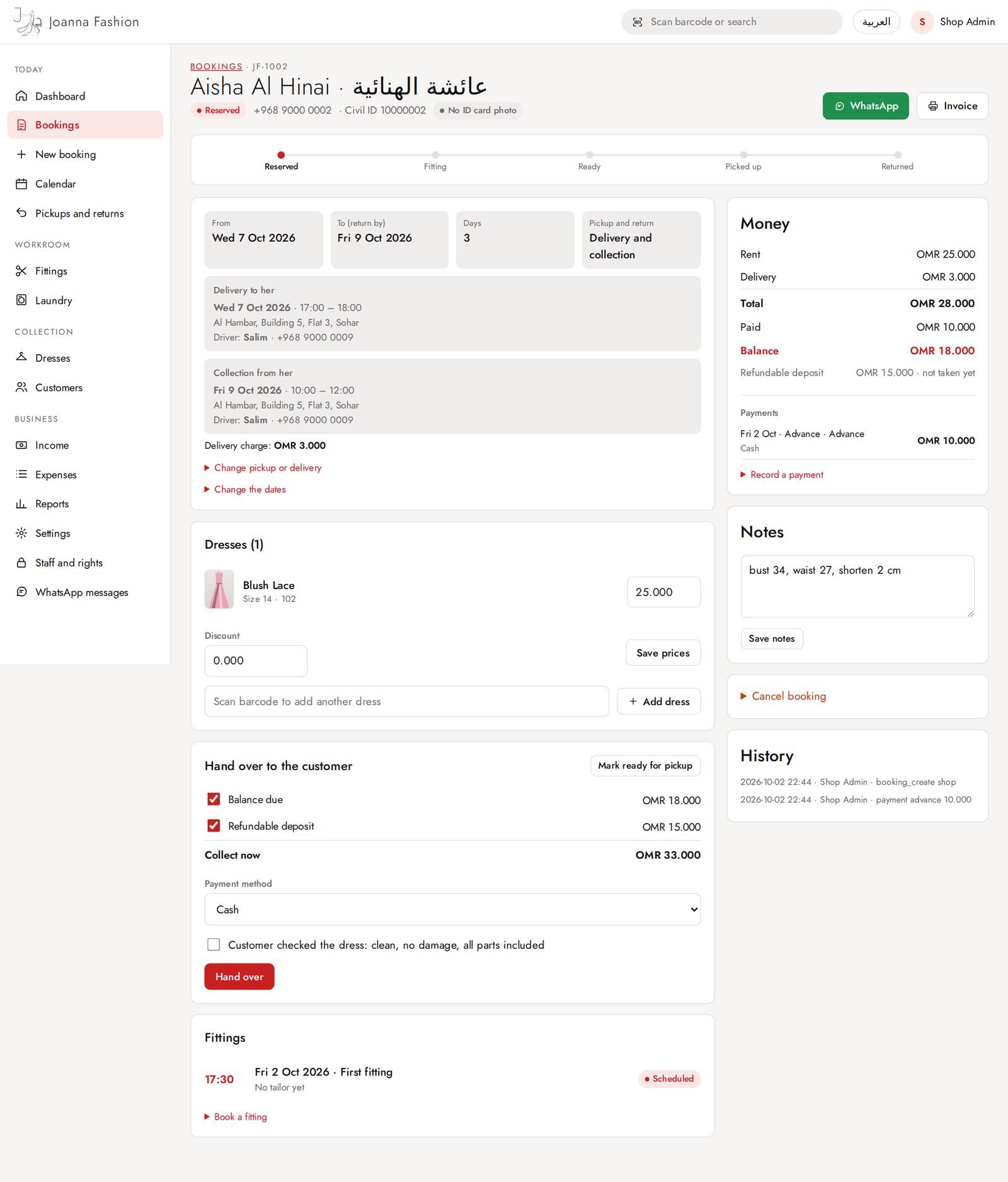
Booking: reserved, with delivery
Delivery schedule (date, time window, driver), fitting, payments, WhatsApp message, change dates.
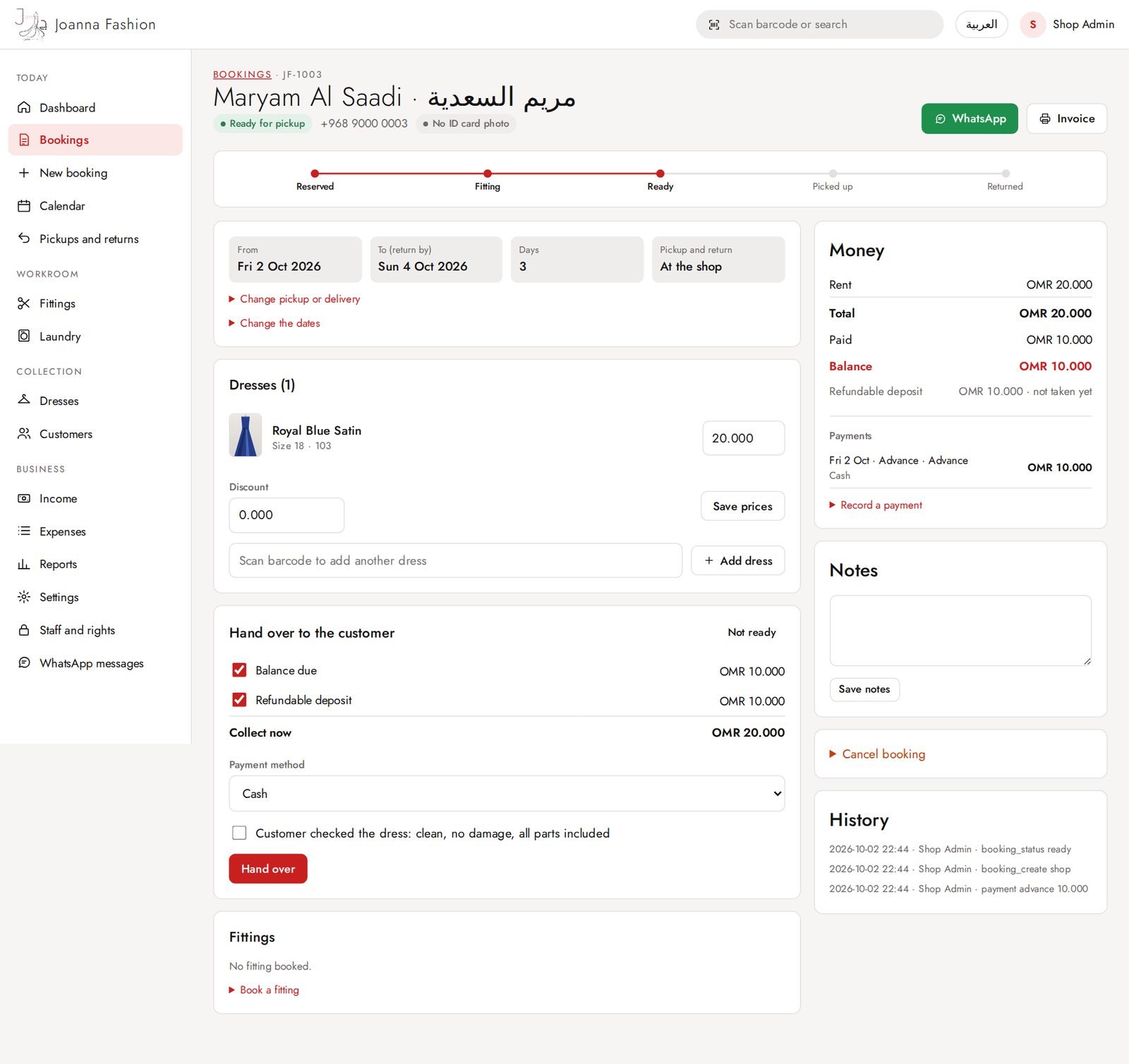
Booking: ready to hand over
Hand over the dress to the customer and take the balance and deposit.
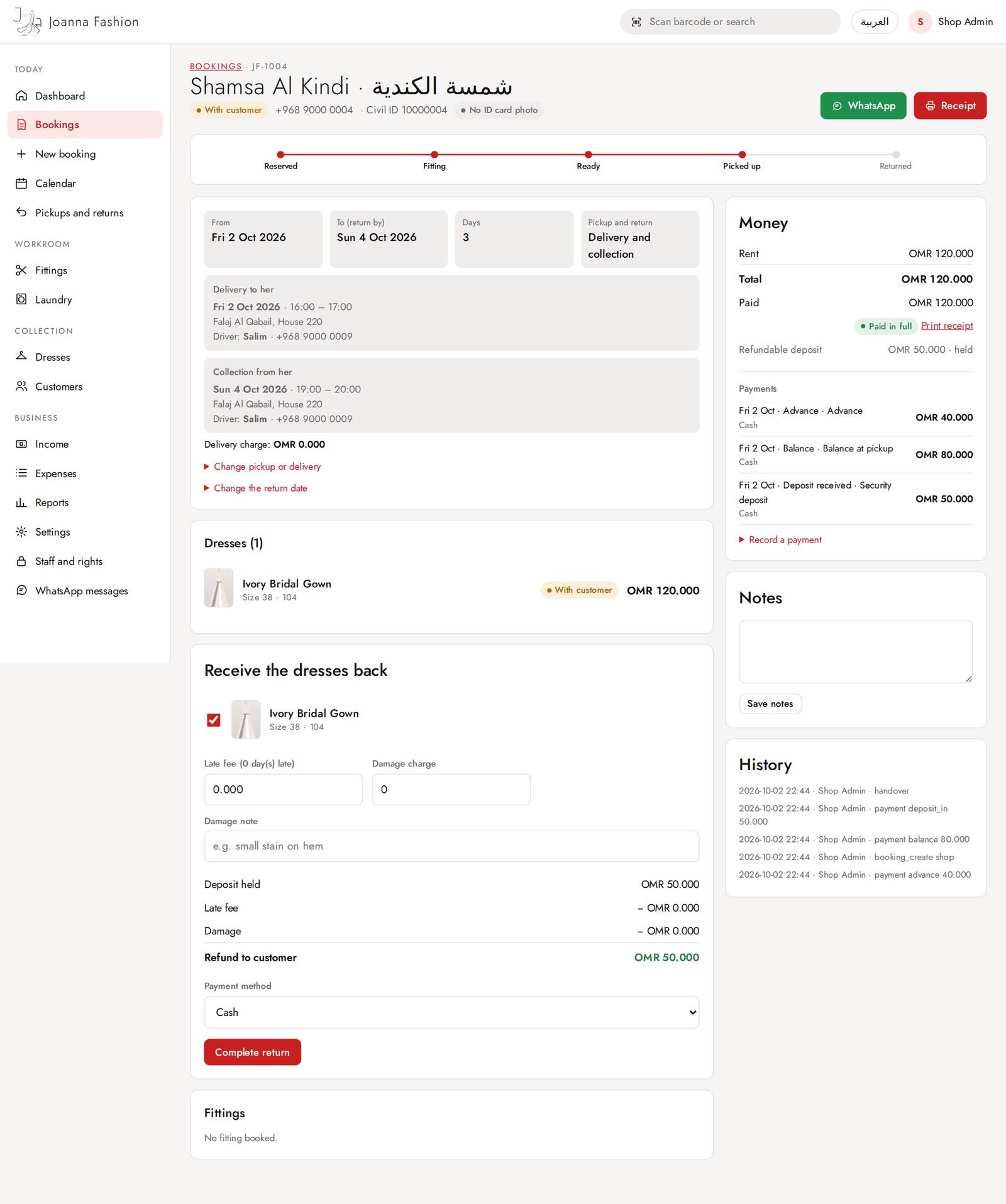
Booking: dress with the customer
Return screen: late fee and damage are worked out, deposit refunded.
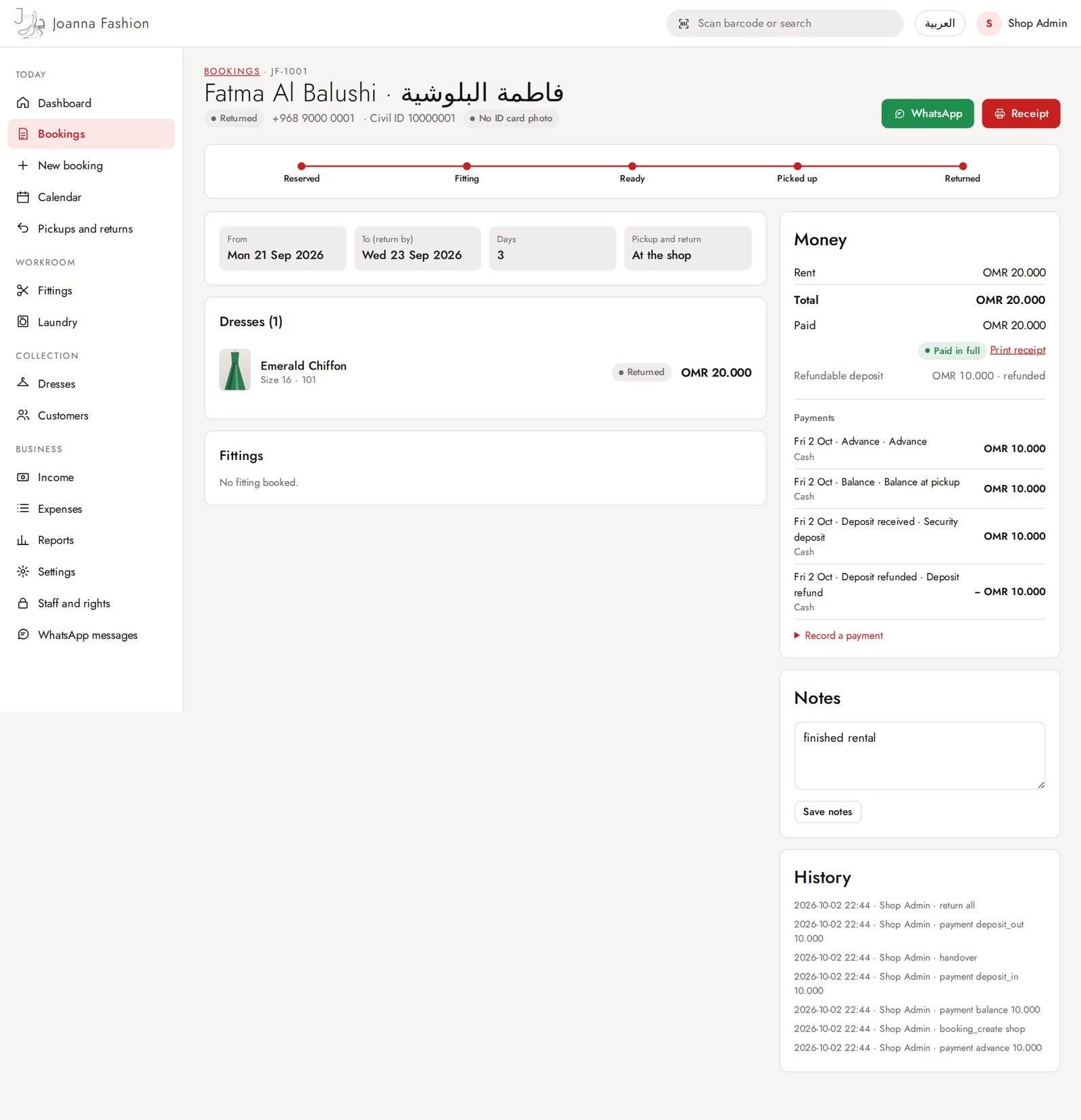
Booking: returned and closed
Full history of the booking and its payments.
Invoice
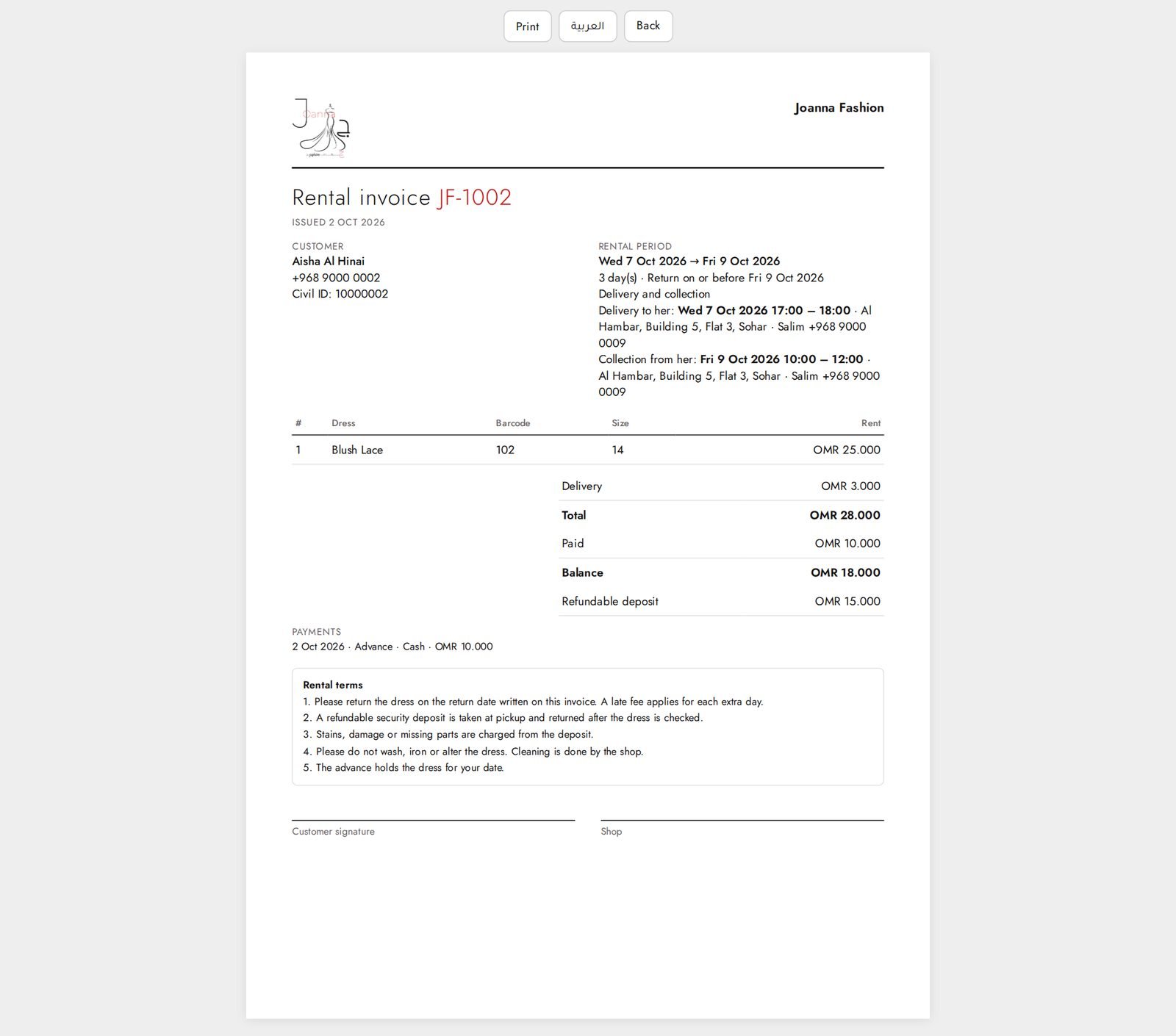
Printable invoice with rental period, dresses, delivery and payments. Becomes a Receipt when fully paid.
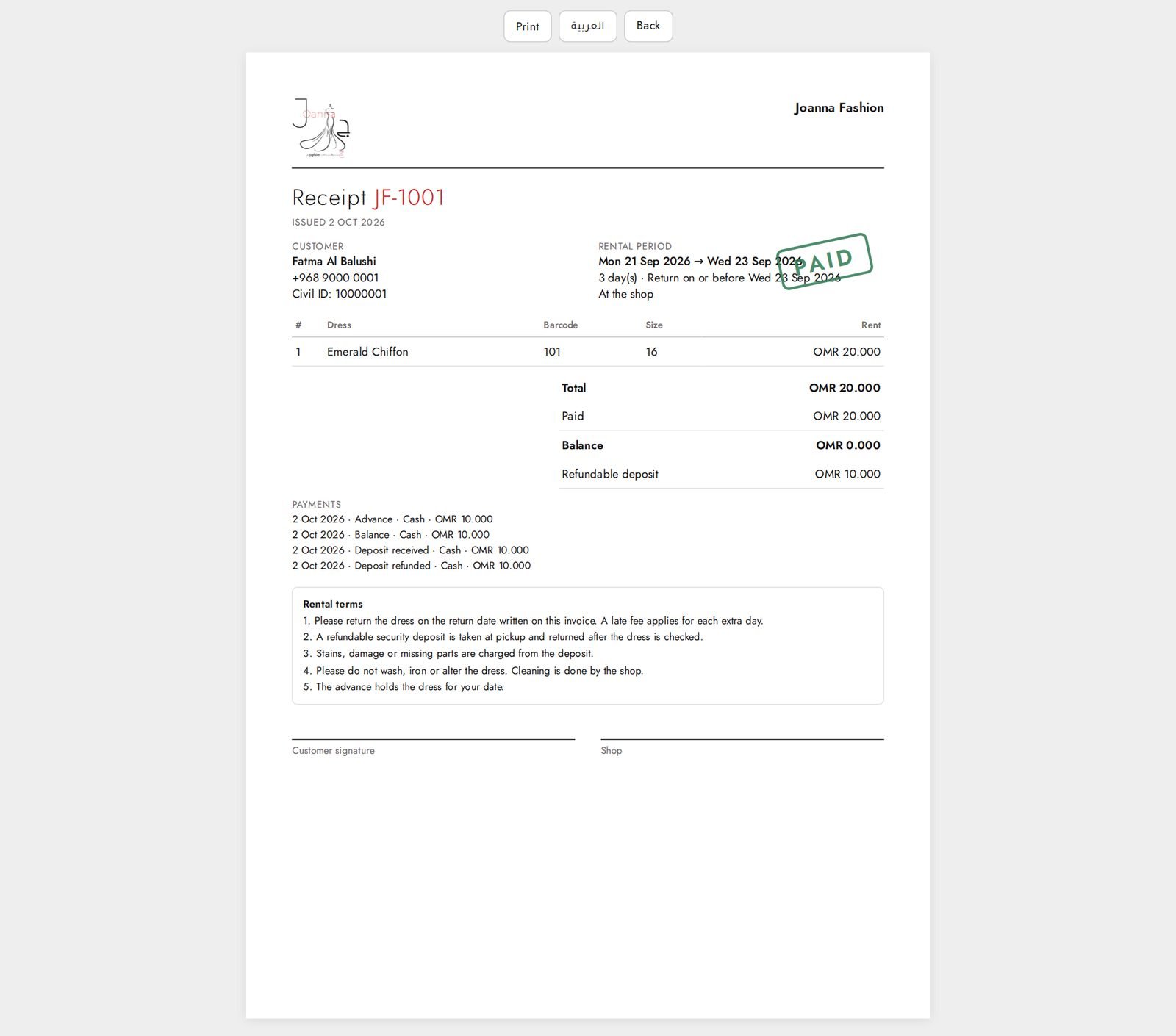
Receipt (fully paid)
Shown as a Receipt with a PAID stamp once everything is paid.
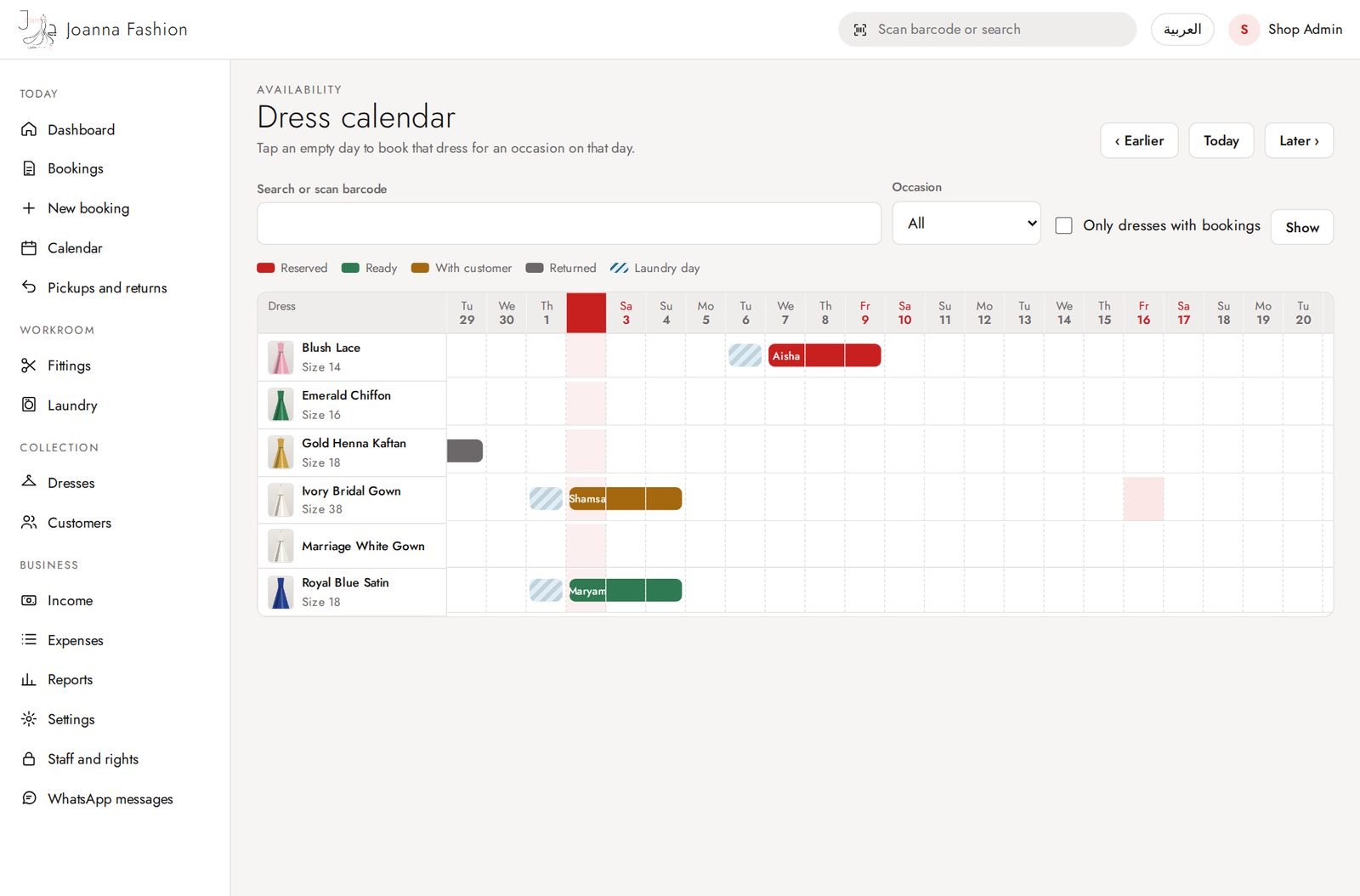
Calendar
Every dress against the days: who has it and when it is free.
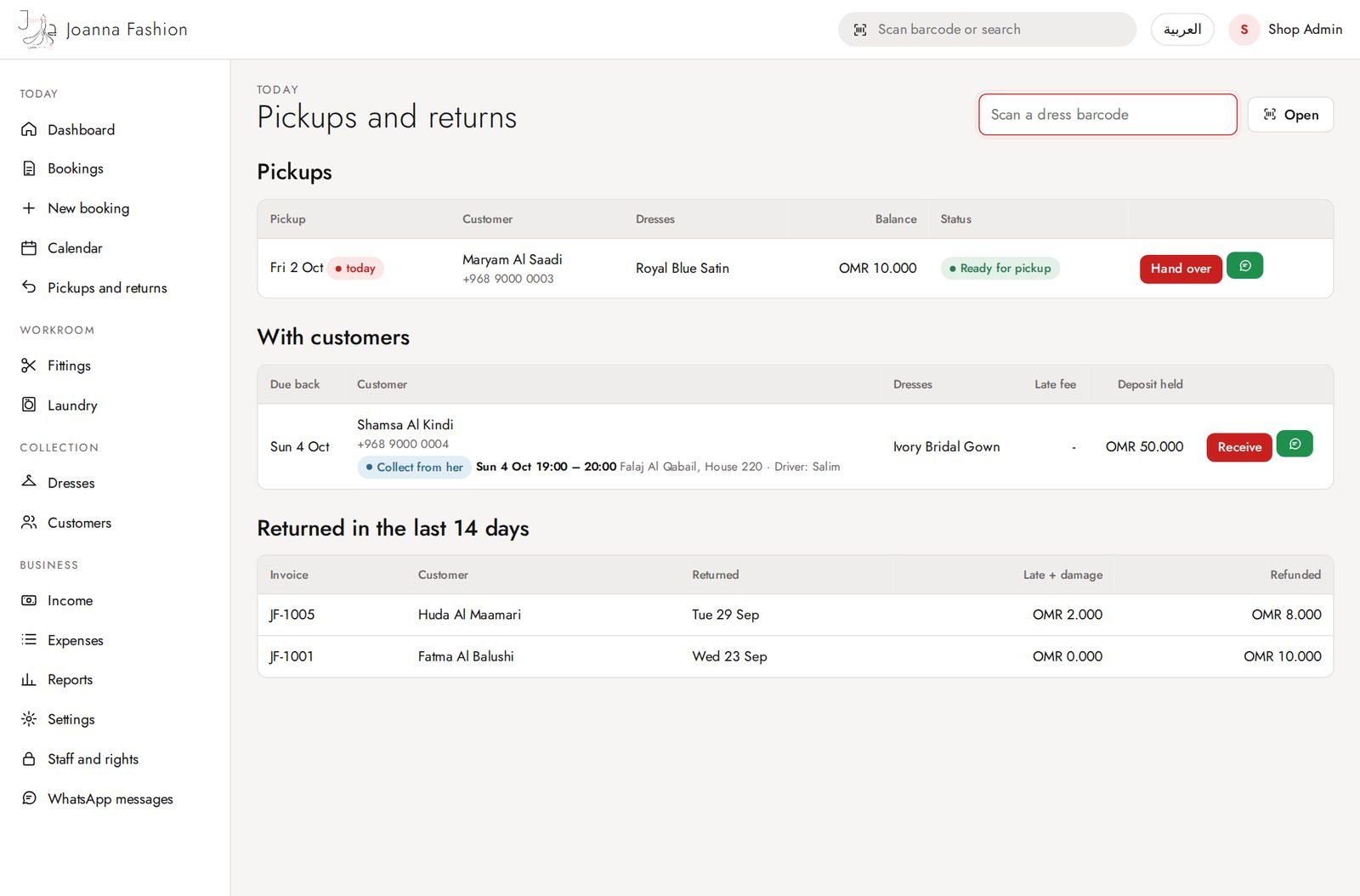
Pickups and returns
Dresses to hand over, dresses out with customers, and recent returns.
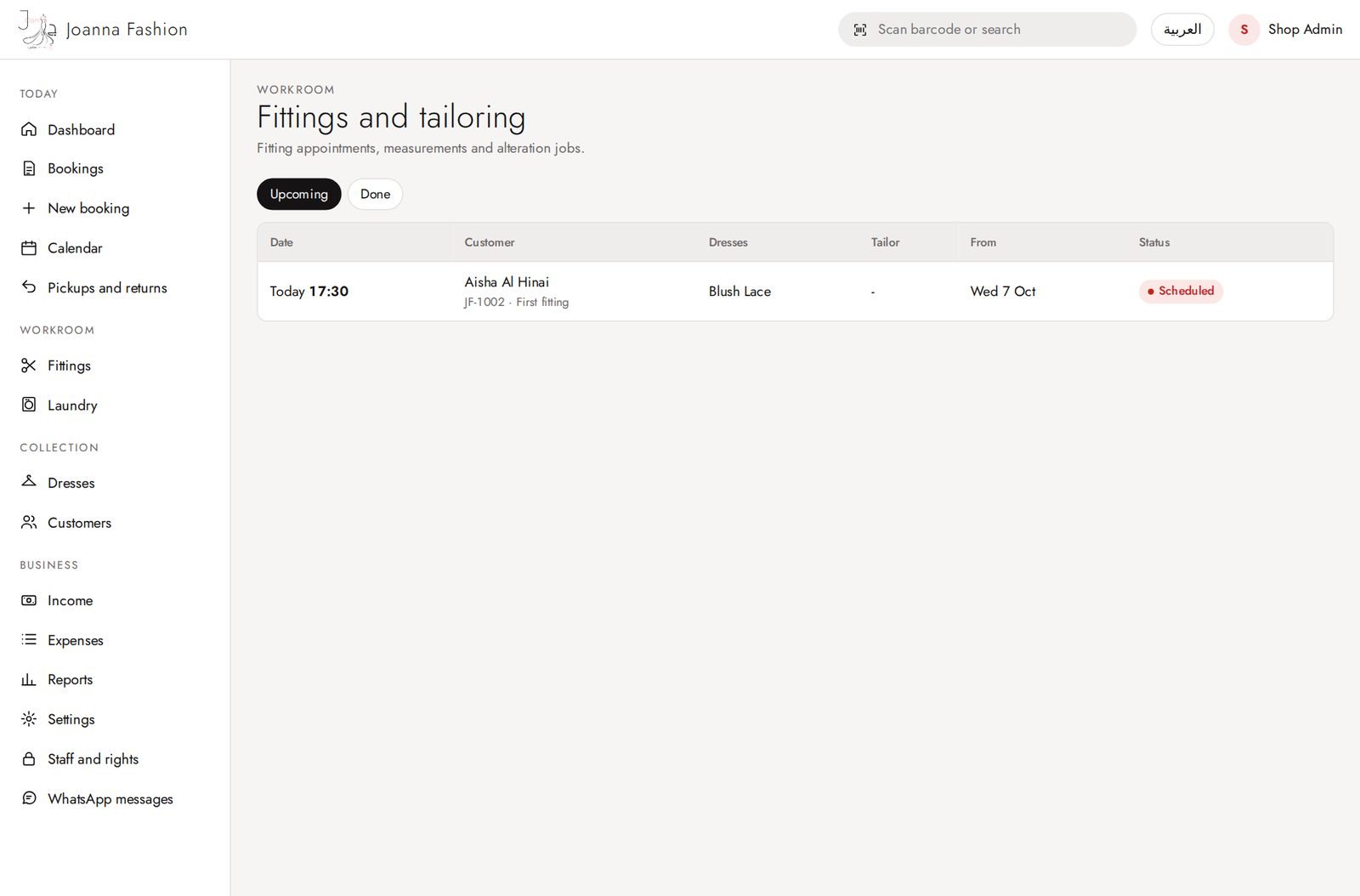
Fittings
Fitting appointments and alteration jobs for the tailor.
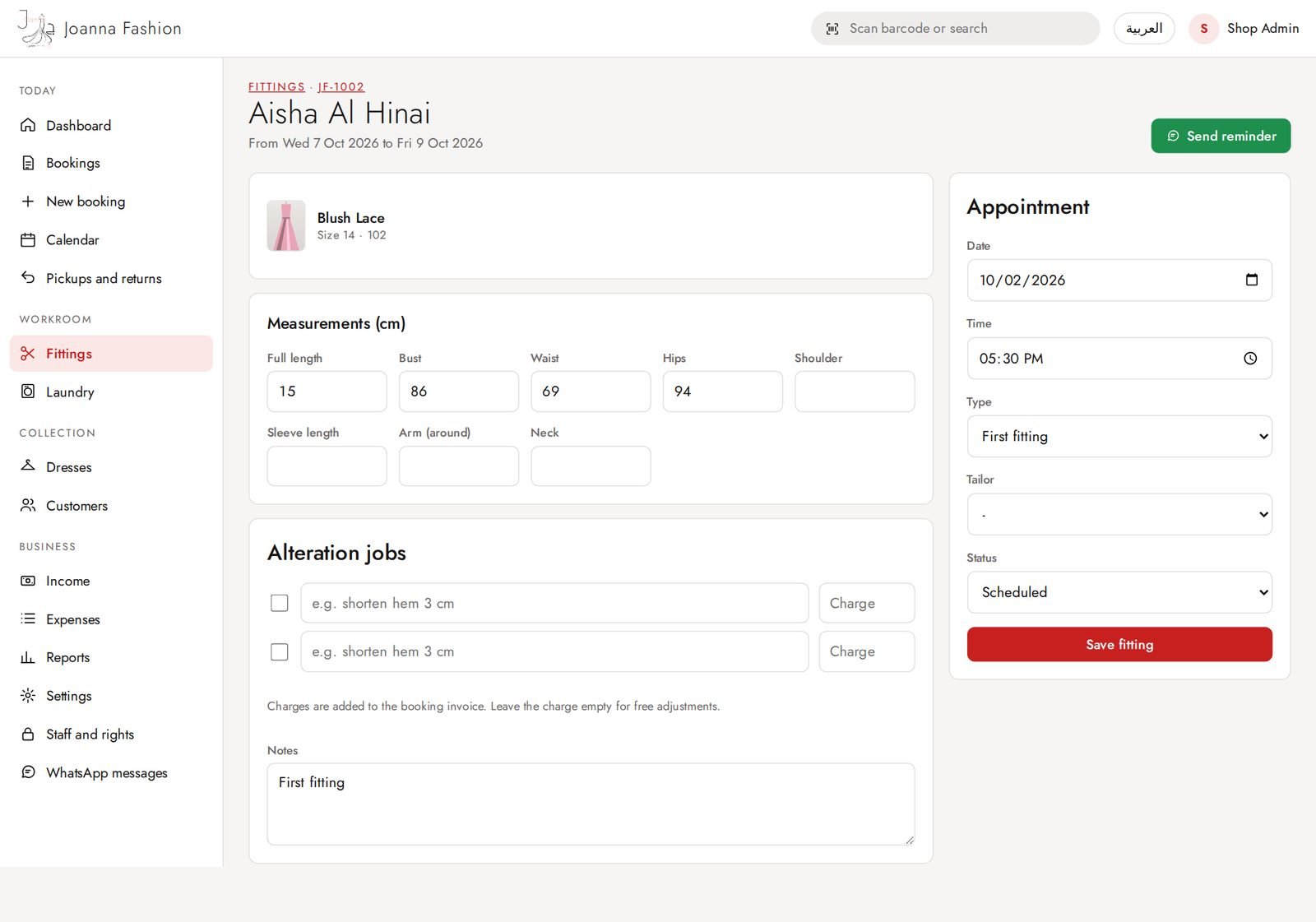
Fitting details
Measurements, alteration jobs, tailor and status.
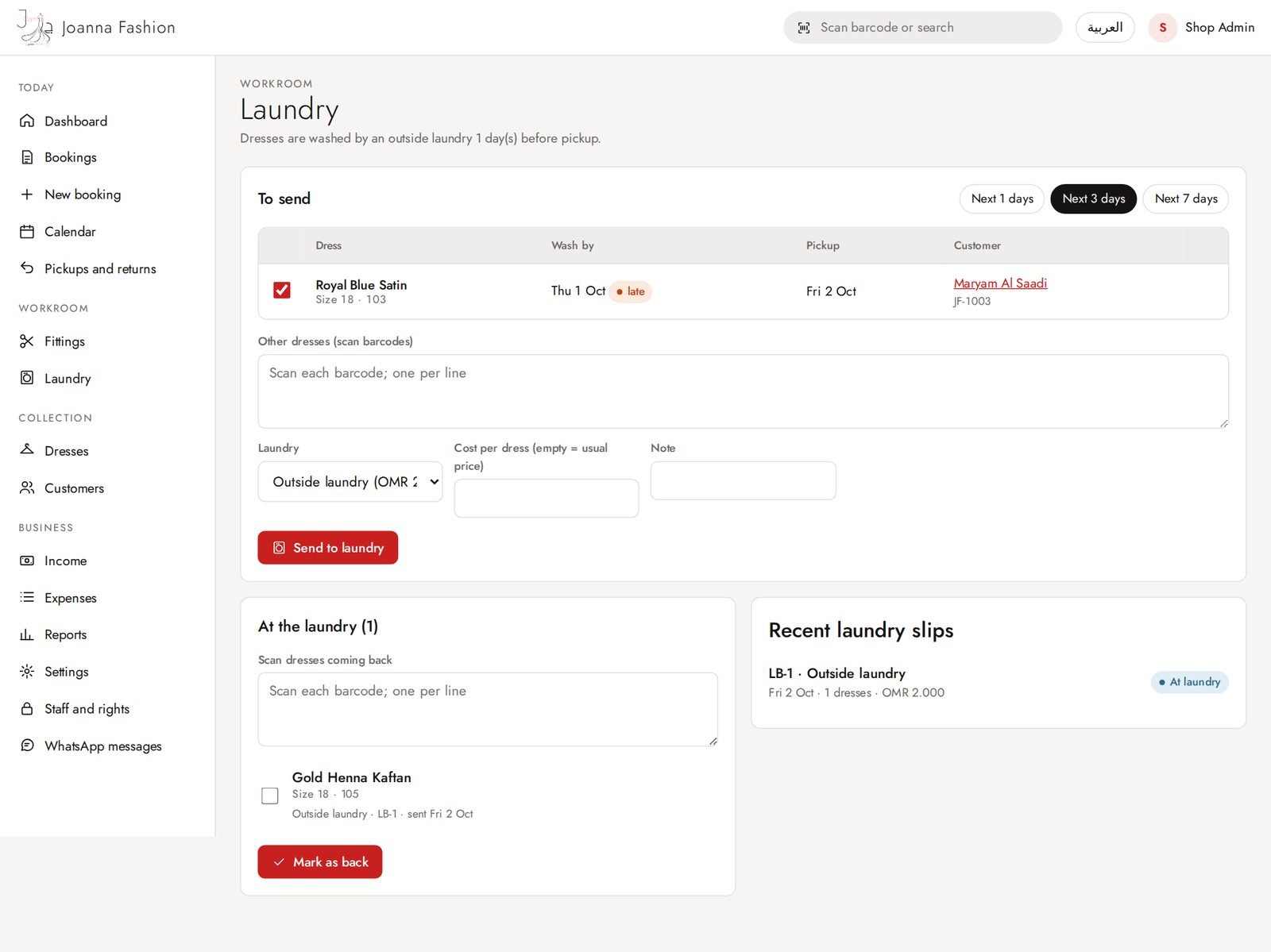
Laundry
Dresses to wash before the next booking, send and receive batches.
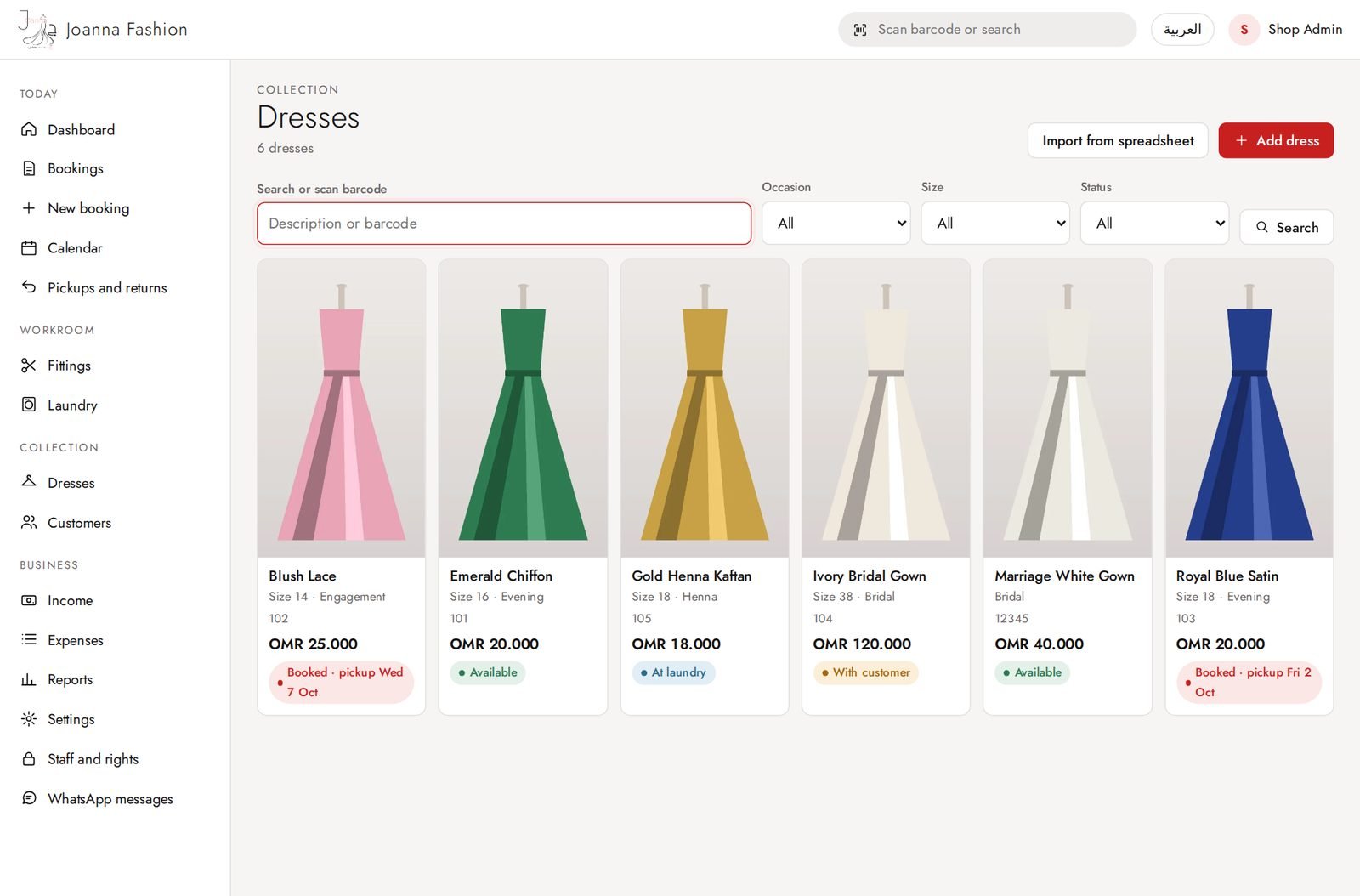
Dresses
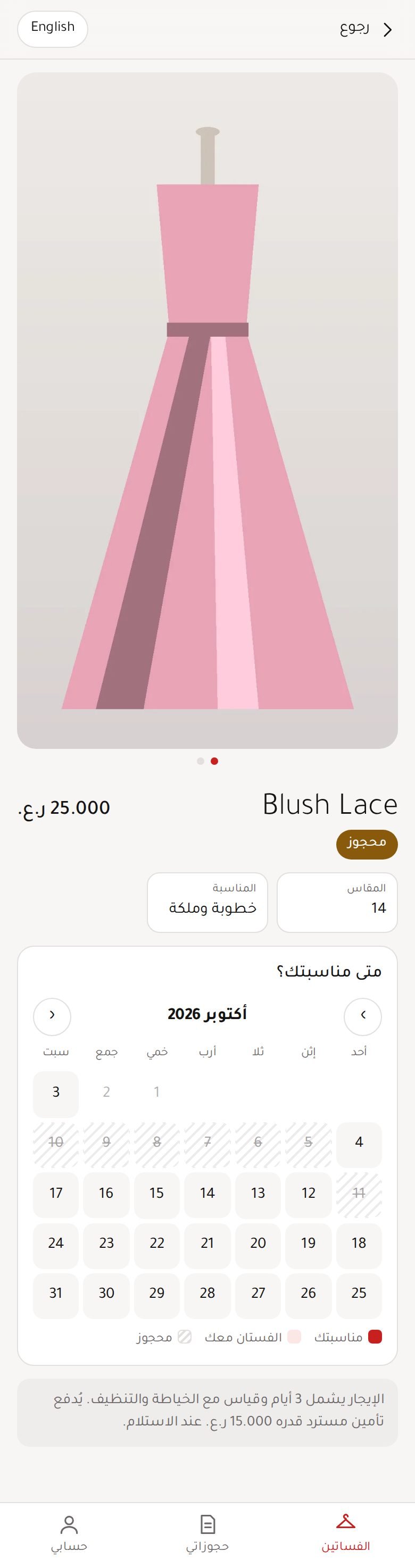
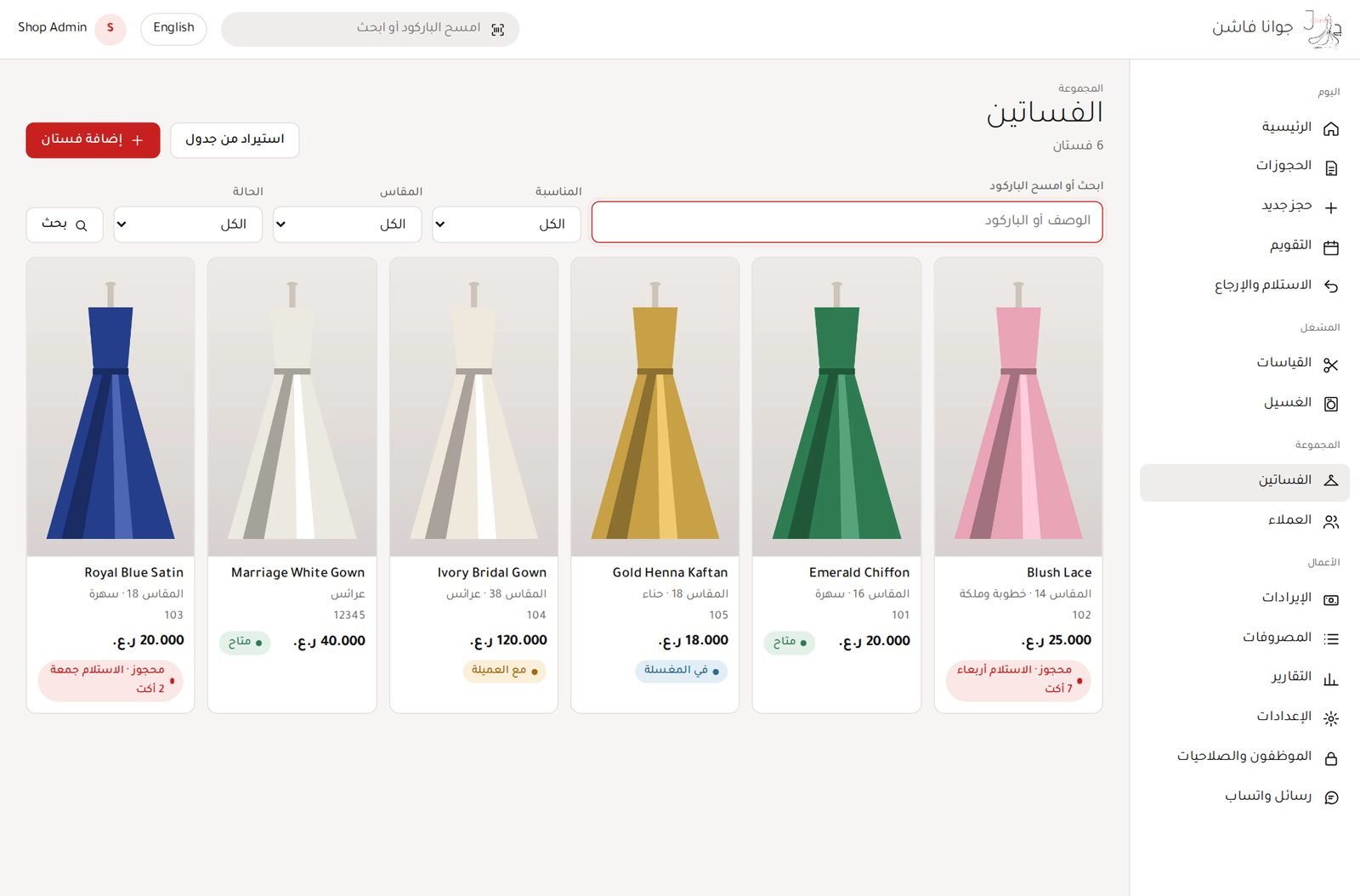
The collection with photos and automatic status (free, booked, out, overdue, laundry).
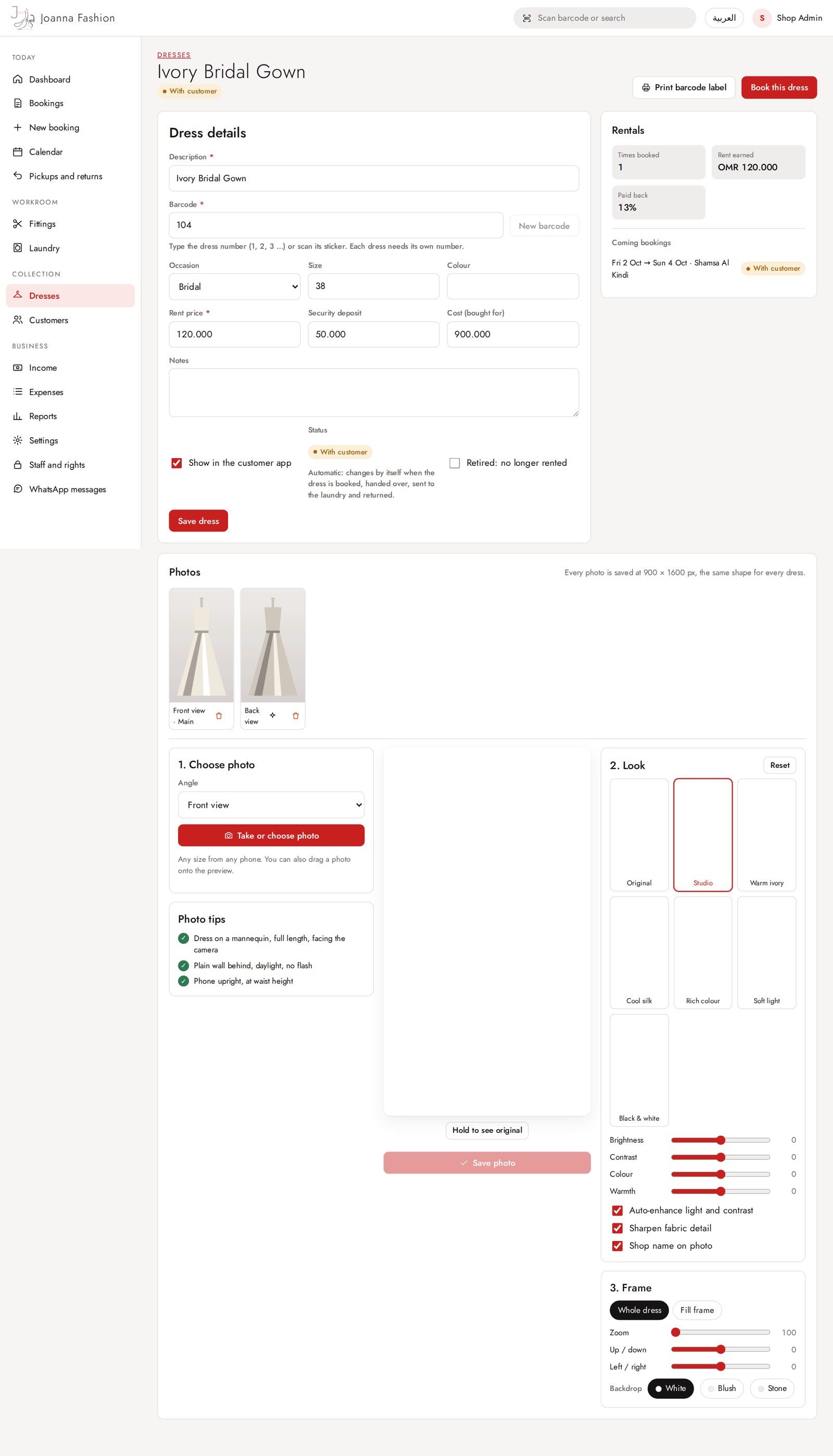
Dress details and photos
Dress number, price, deposit, upcoming bookings, and photos taken with the phone (same shape for every dress).
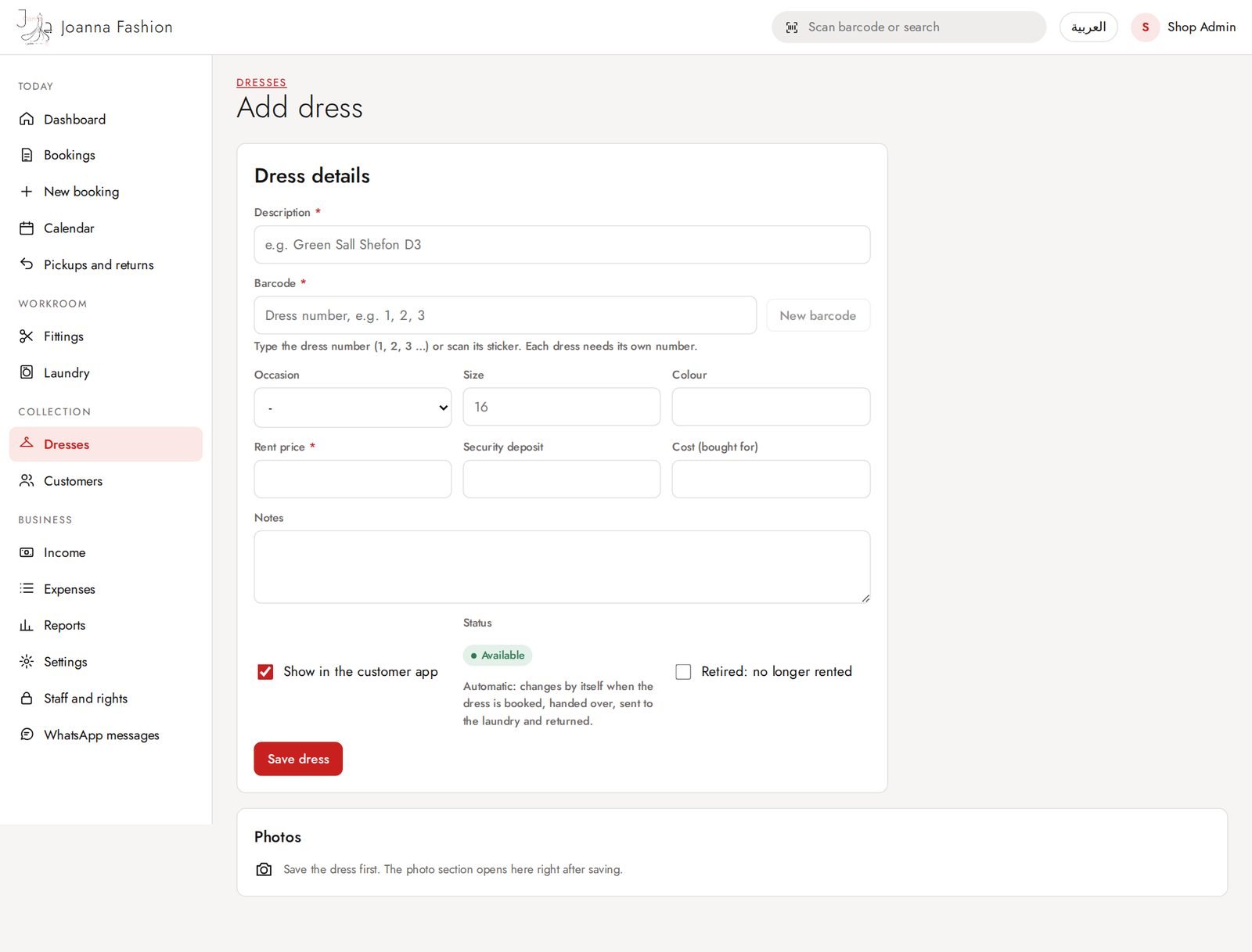
Add a dress
Description, dress number, size, price. Photos are added right after saving.
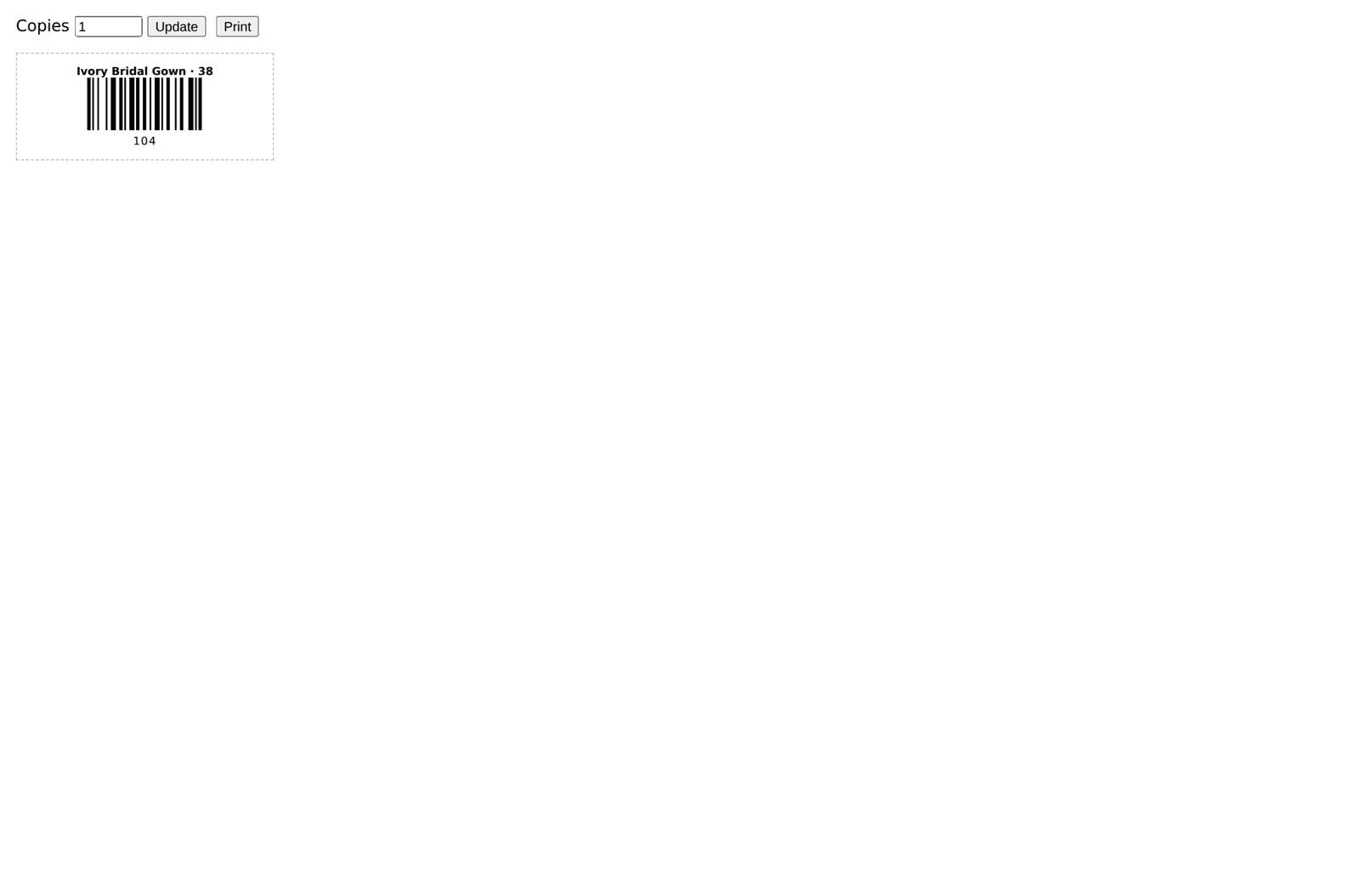
Dress label
Printable label with barcode for the dress.
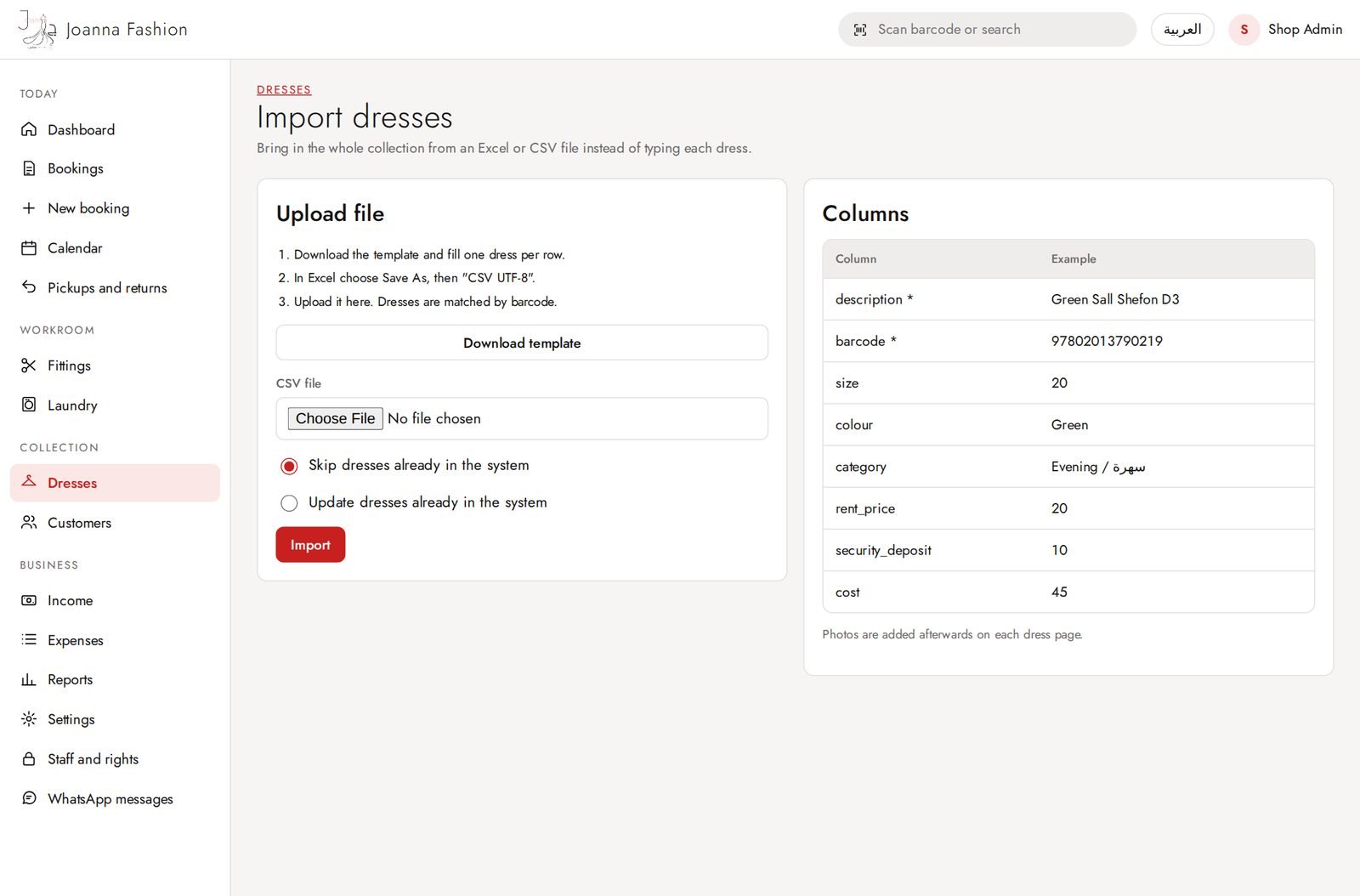
Import dresses
Add many dresses at once from a spreadsheet (CSV).
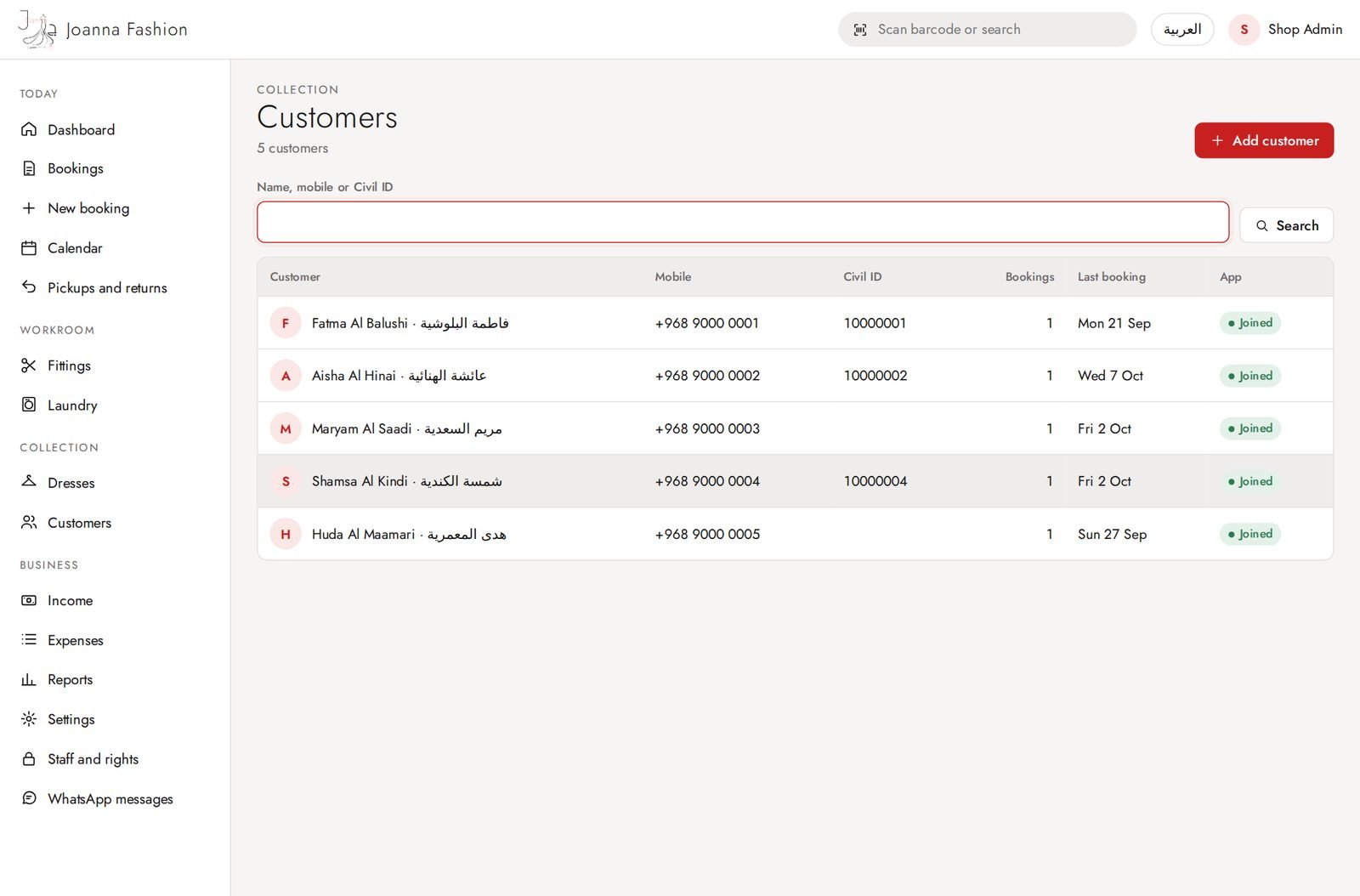
Customers
Customers with English and Arabic name, mobile, Civil ID, bookings and app status.
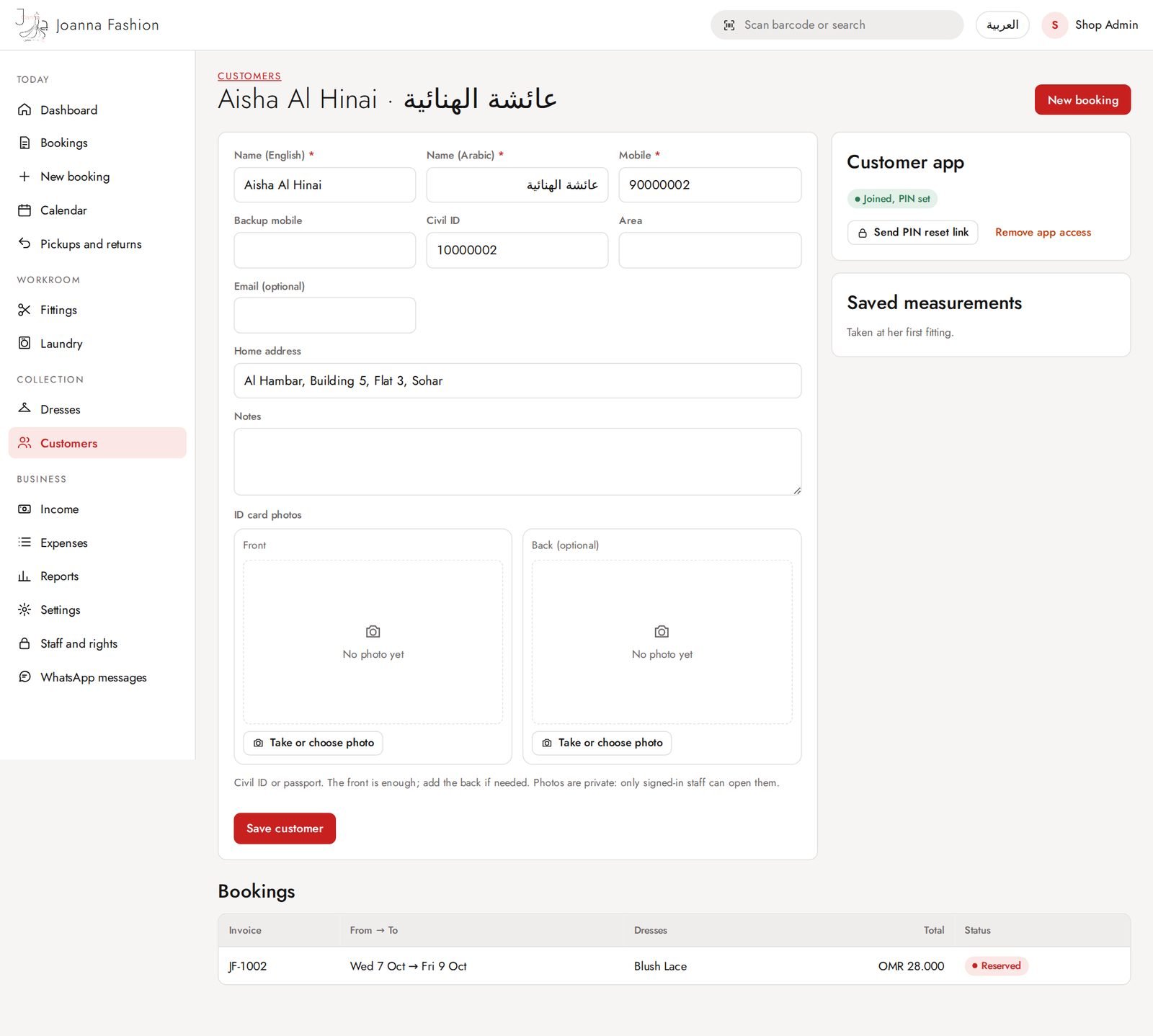
Customer details
Customer form with ID card photos, booking history and customer app access.
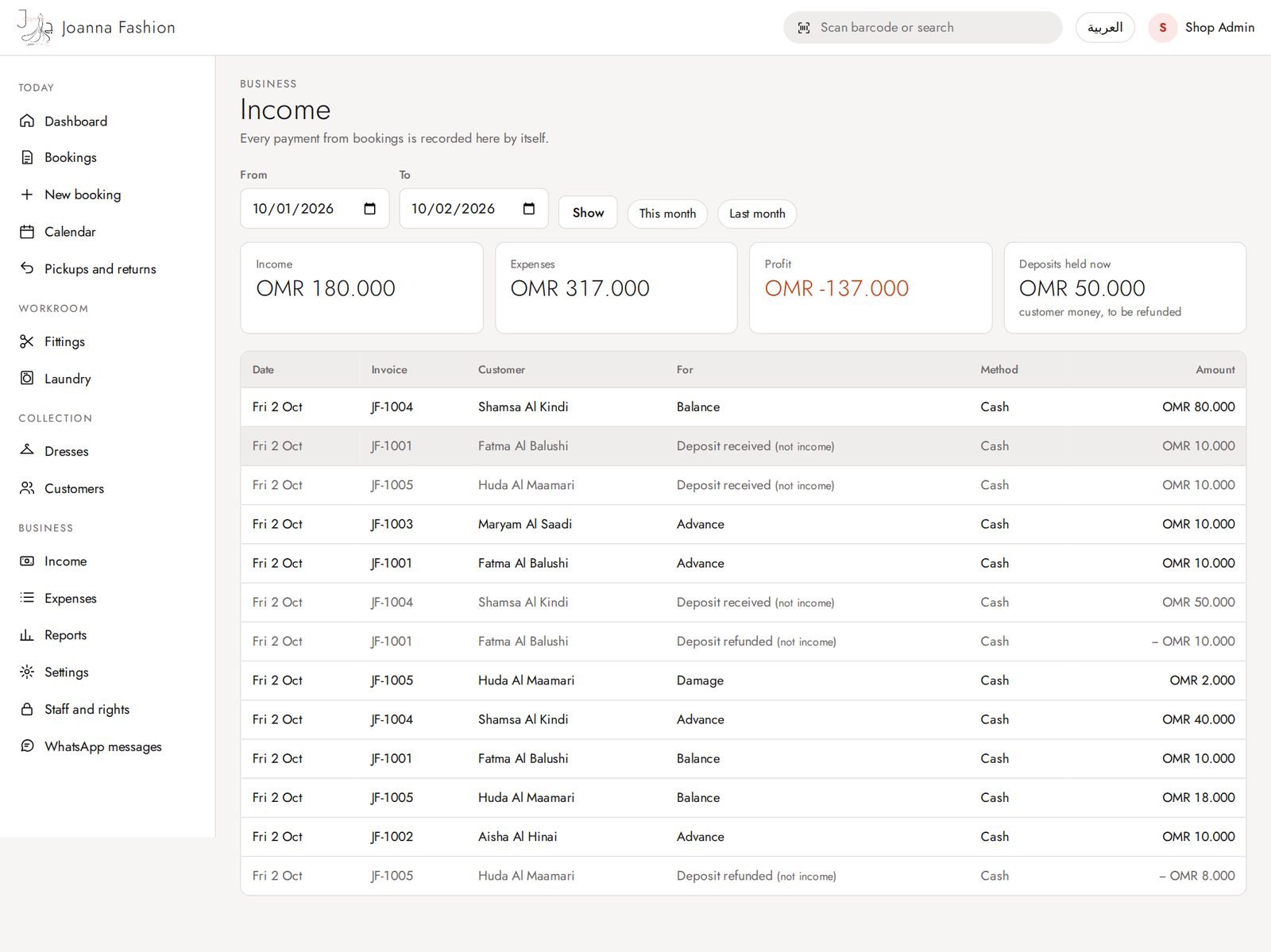
Income
Money received by day and payment method. Deposits are kept separate from income.
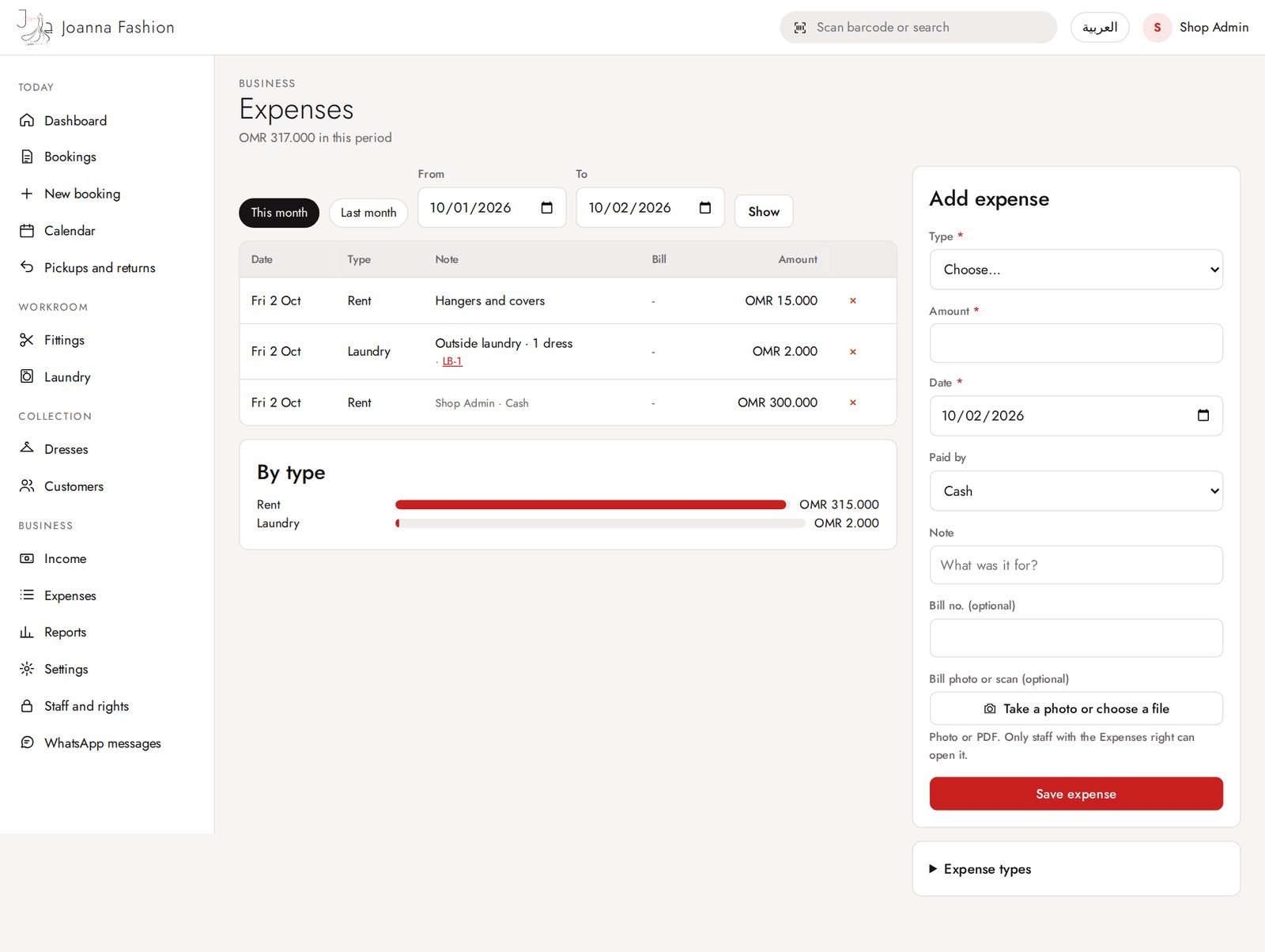
Expenses
Add expenses with type and a photo or PDF of the bill. The shop manages its own expense types.
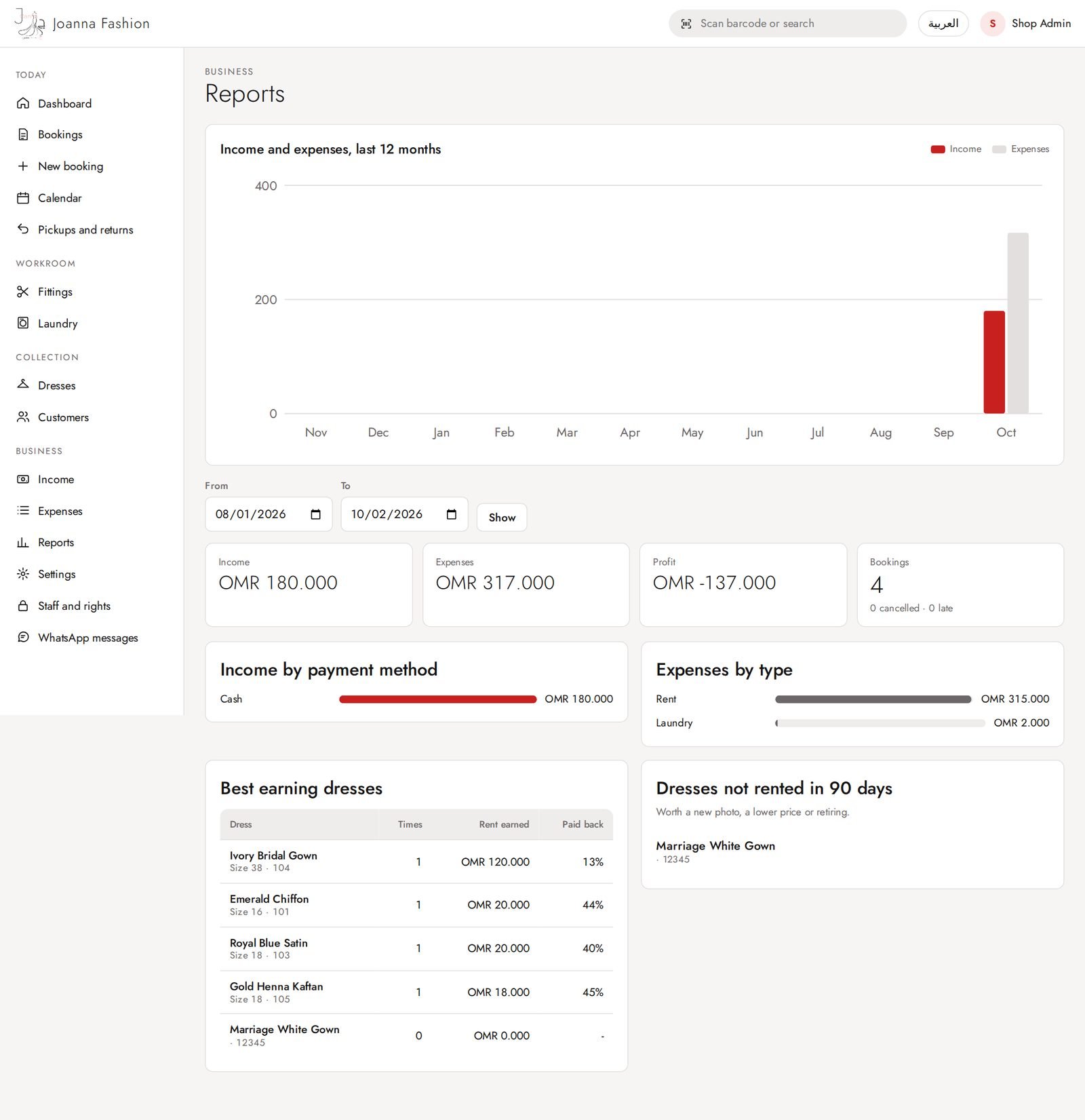
Reports
Income, expenses and profit for any period, best dresses and booking counts.
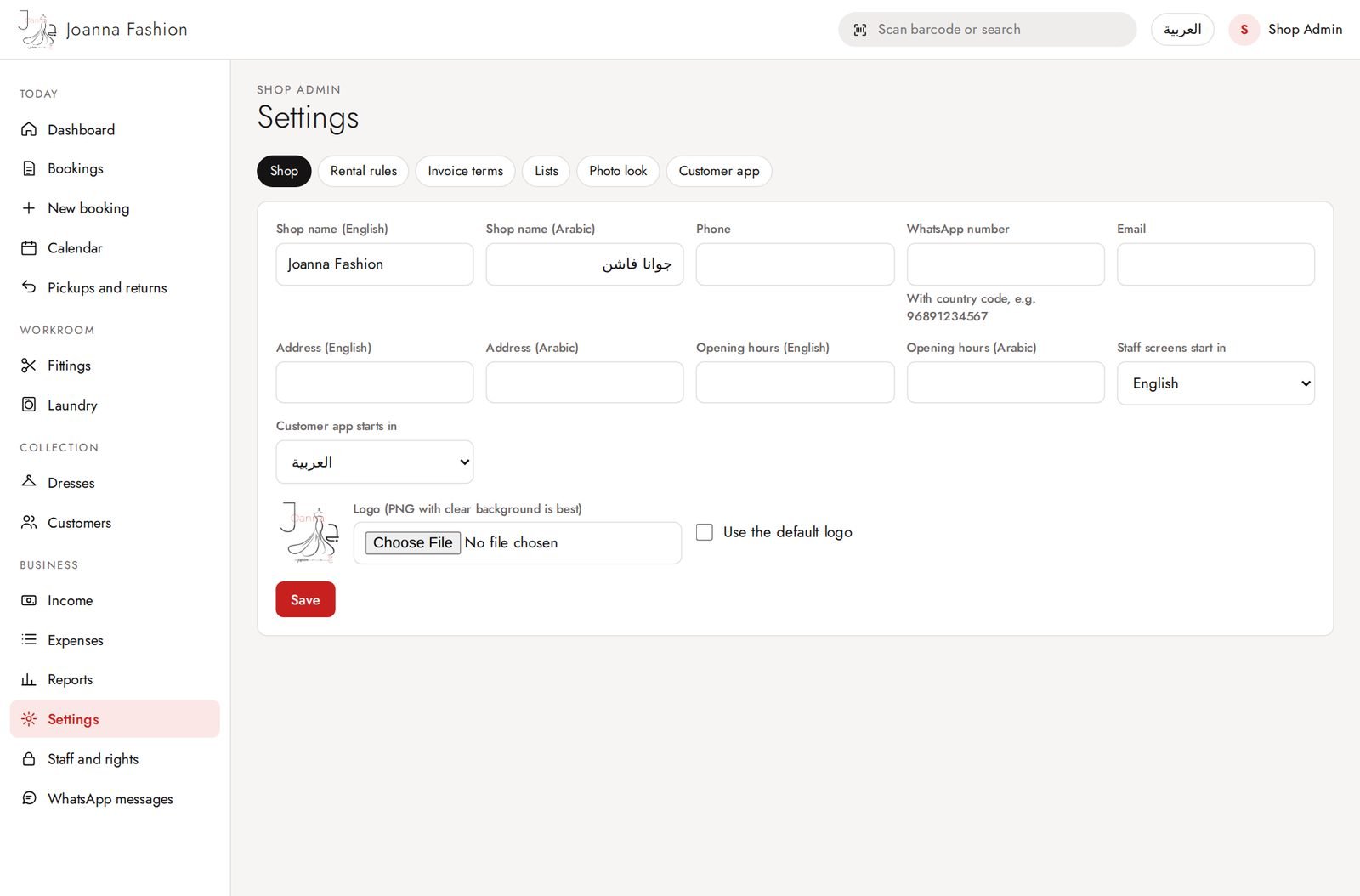
Settings: shop details
The shop sets its own rules and wording; nothing is hard-coded.
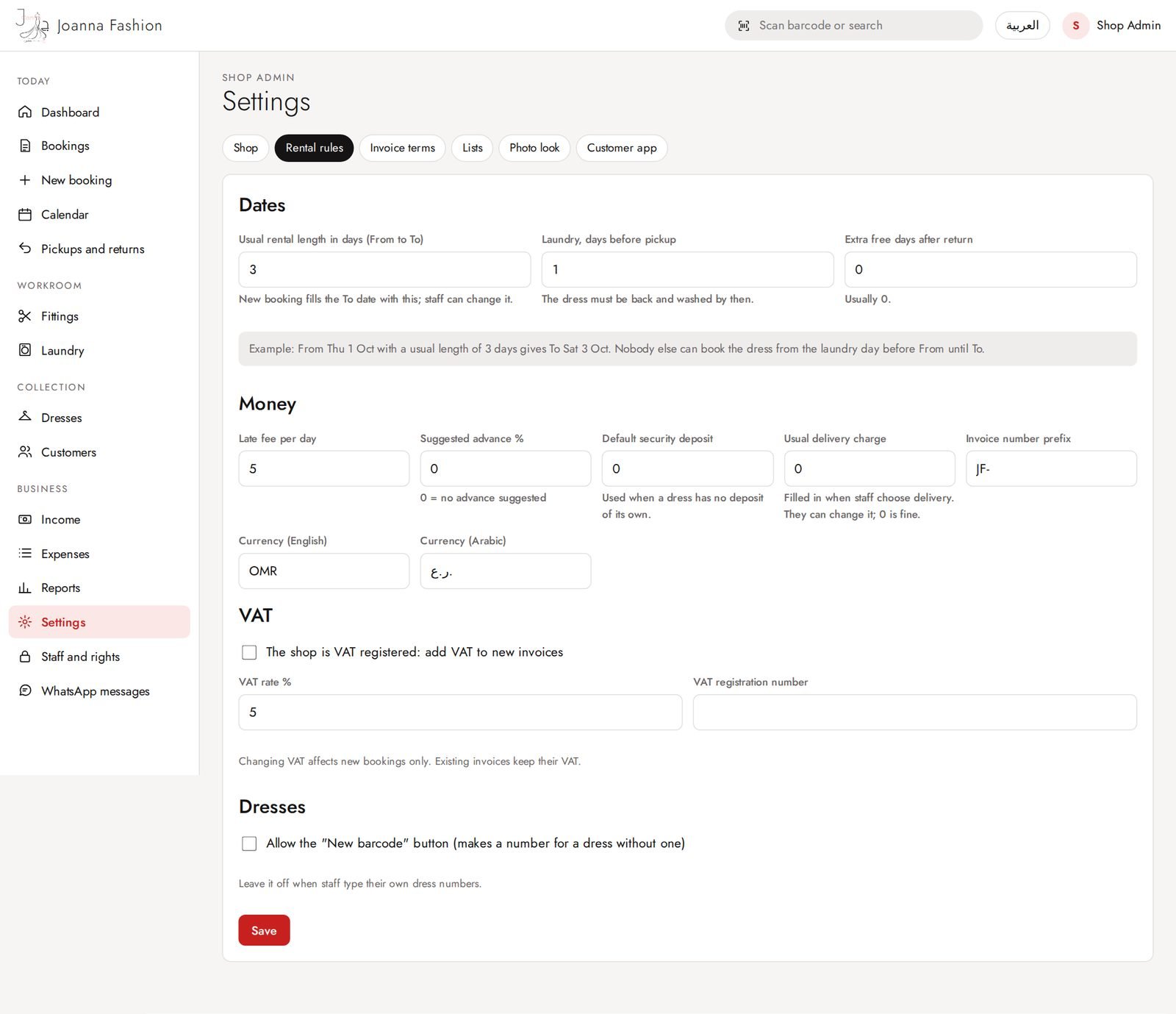
Settings: rental rules
The shop sets its own rules and wording; nothing is hard-coded.
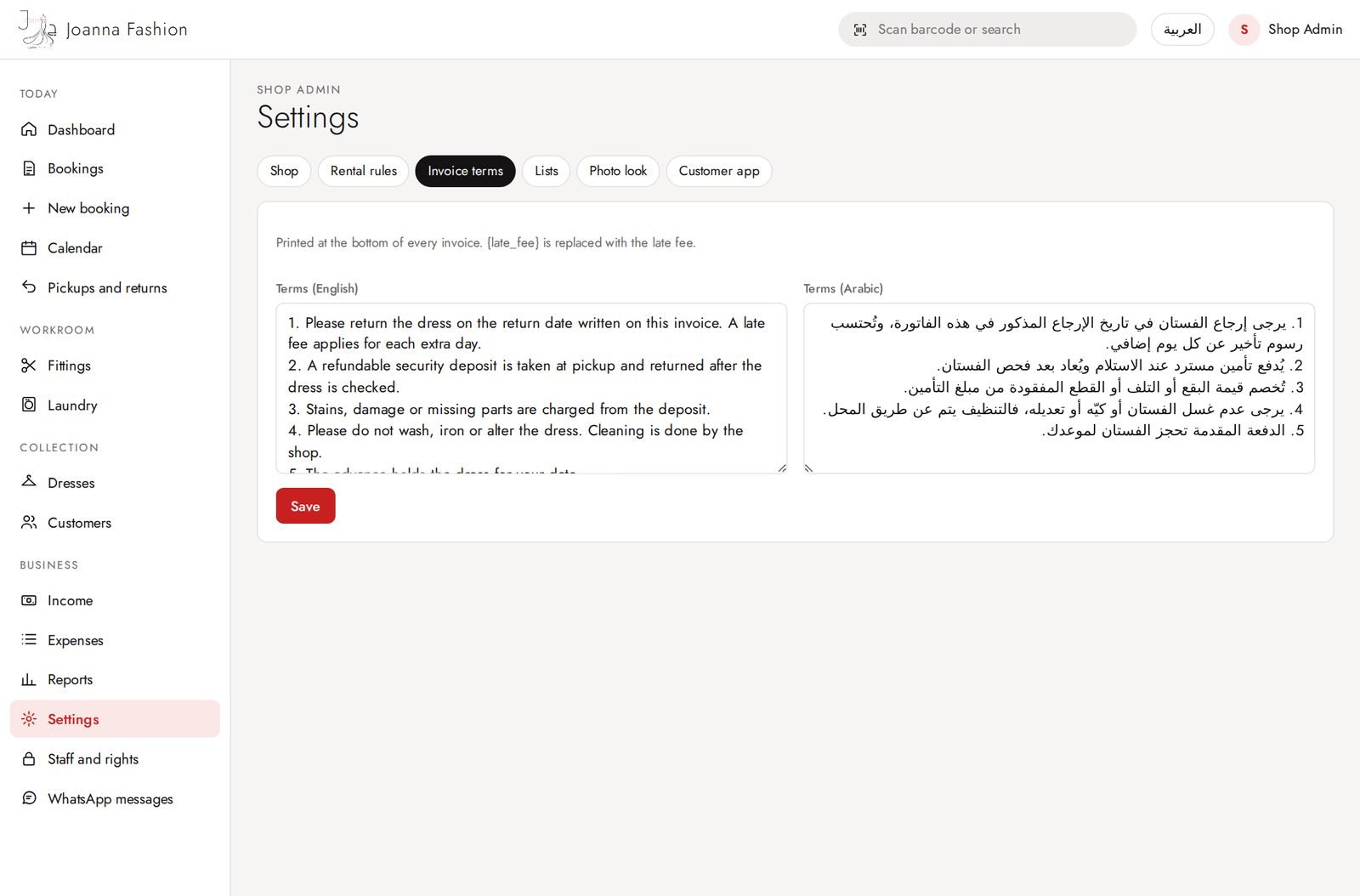
Settings: terms and invoice
The shop sets its own rules and wording; nothing is hard-coded.
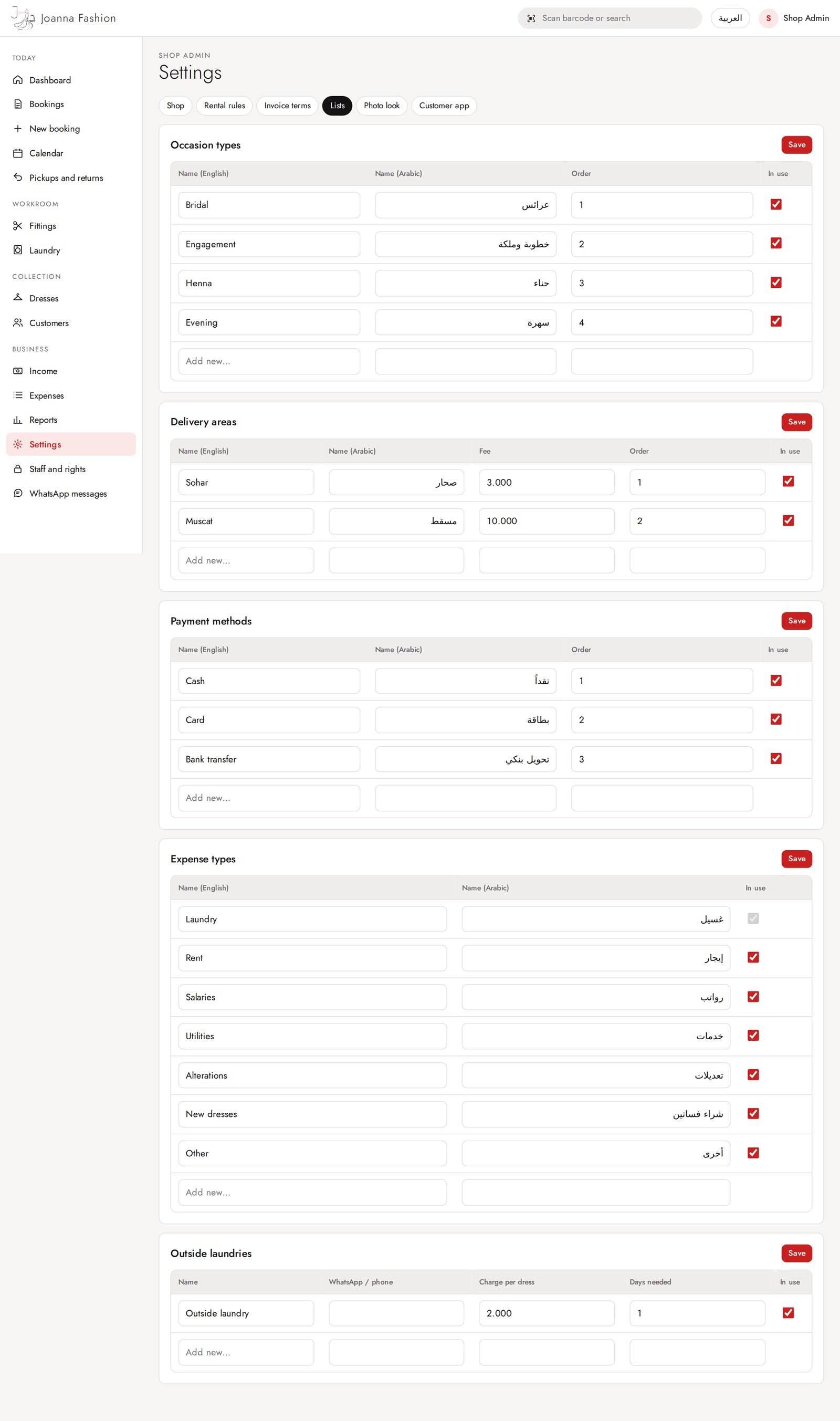
Settings: lists
The shop sets its own rules and wording; nothing is hard-coded.
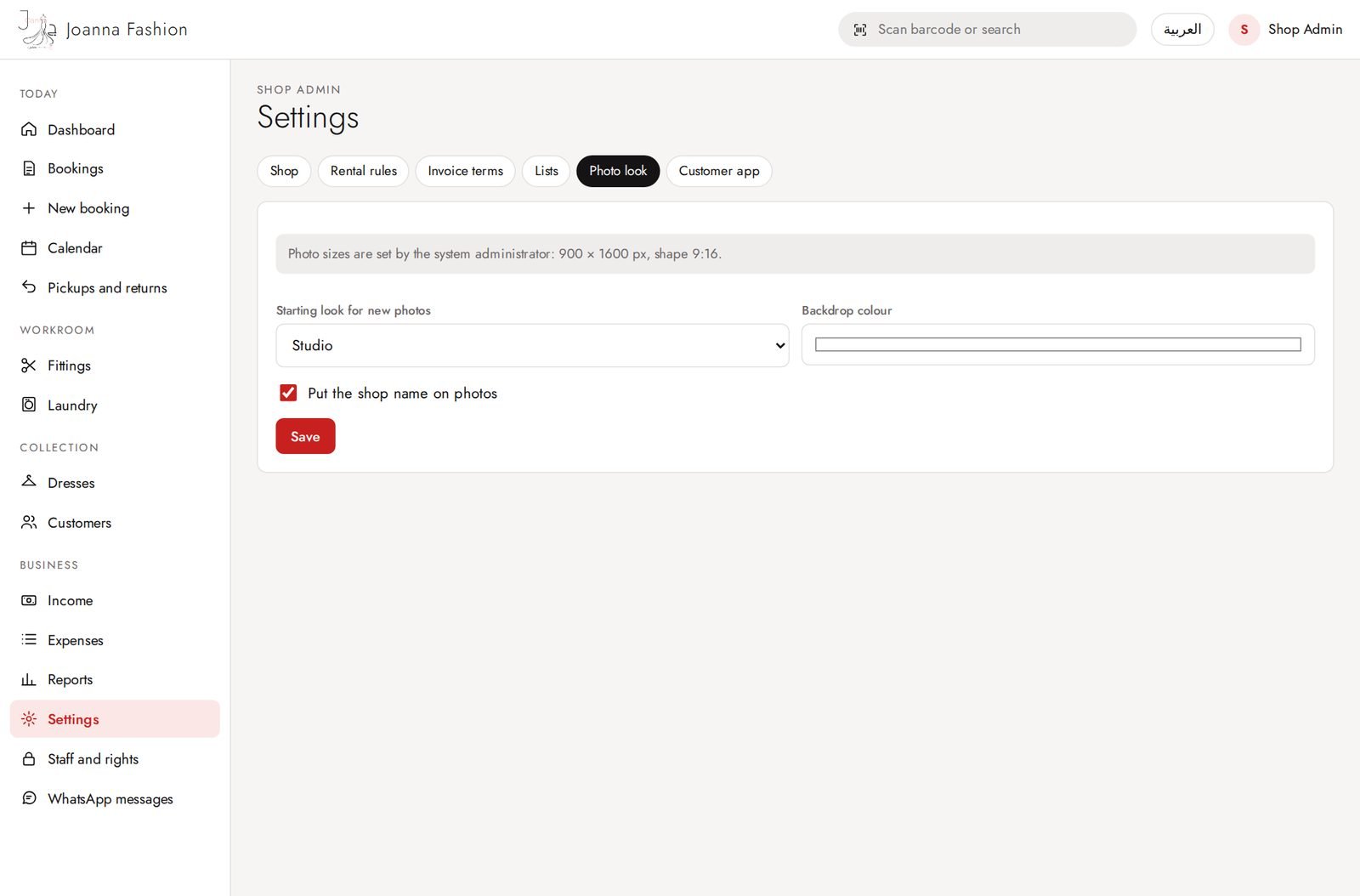
Settings: photo style
The shop sets its own rules and wording; nothing is hard-coded.
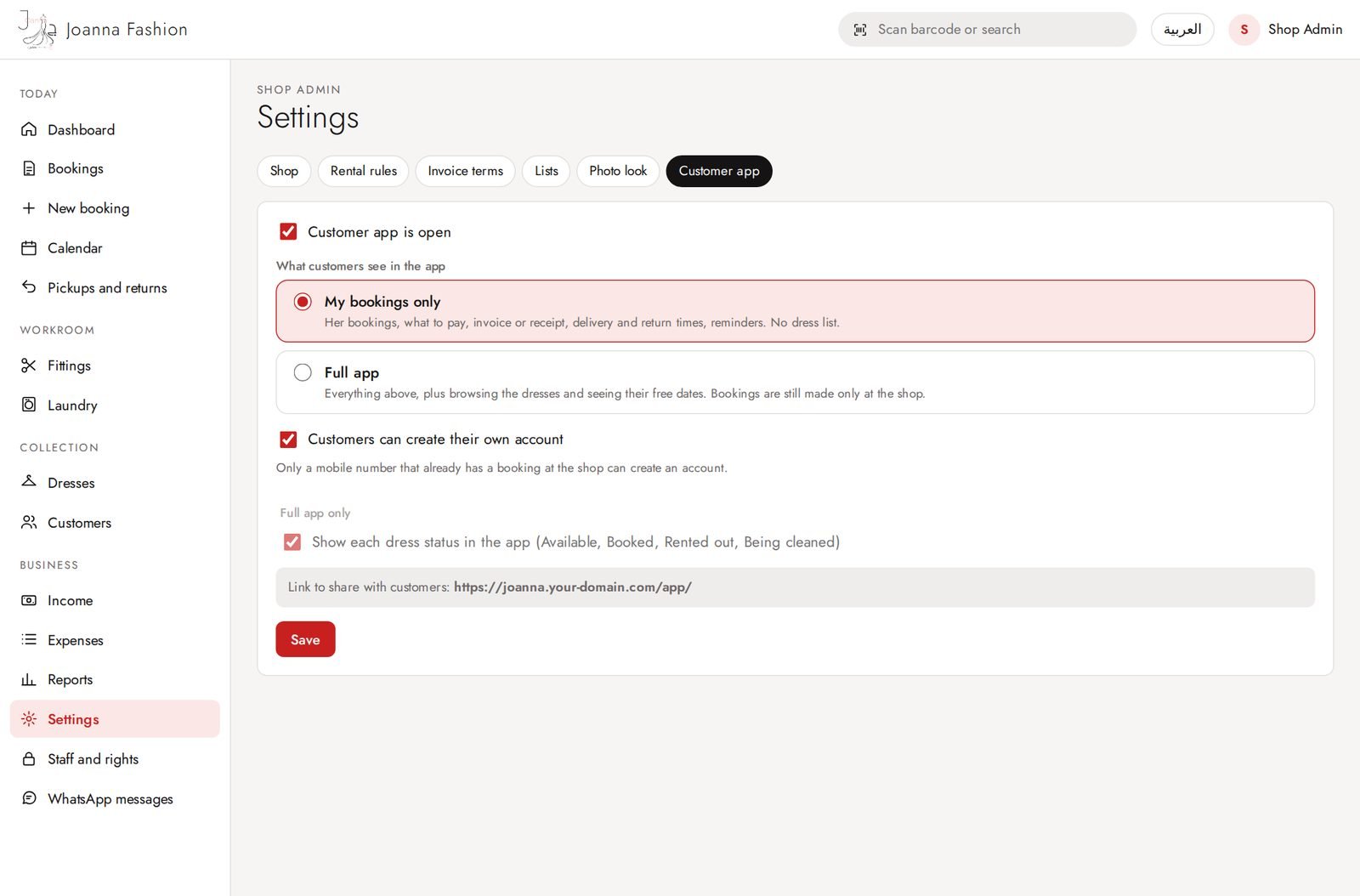
Settings: customer app
The shop sets its own rules and wording; nothing is hard-coded.
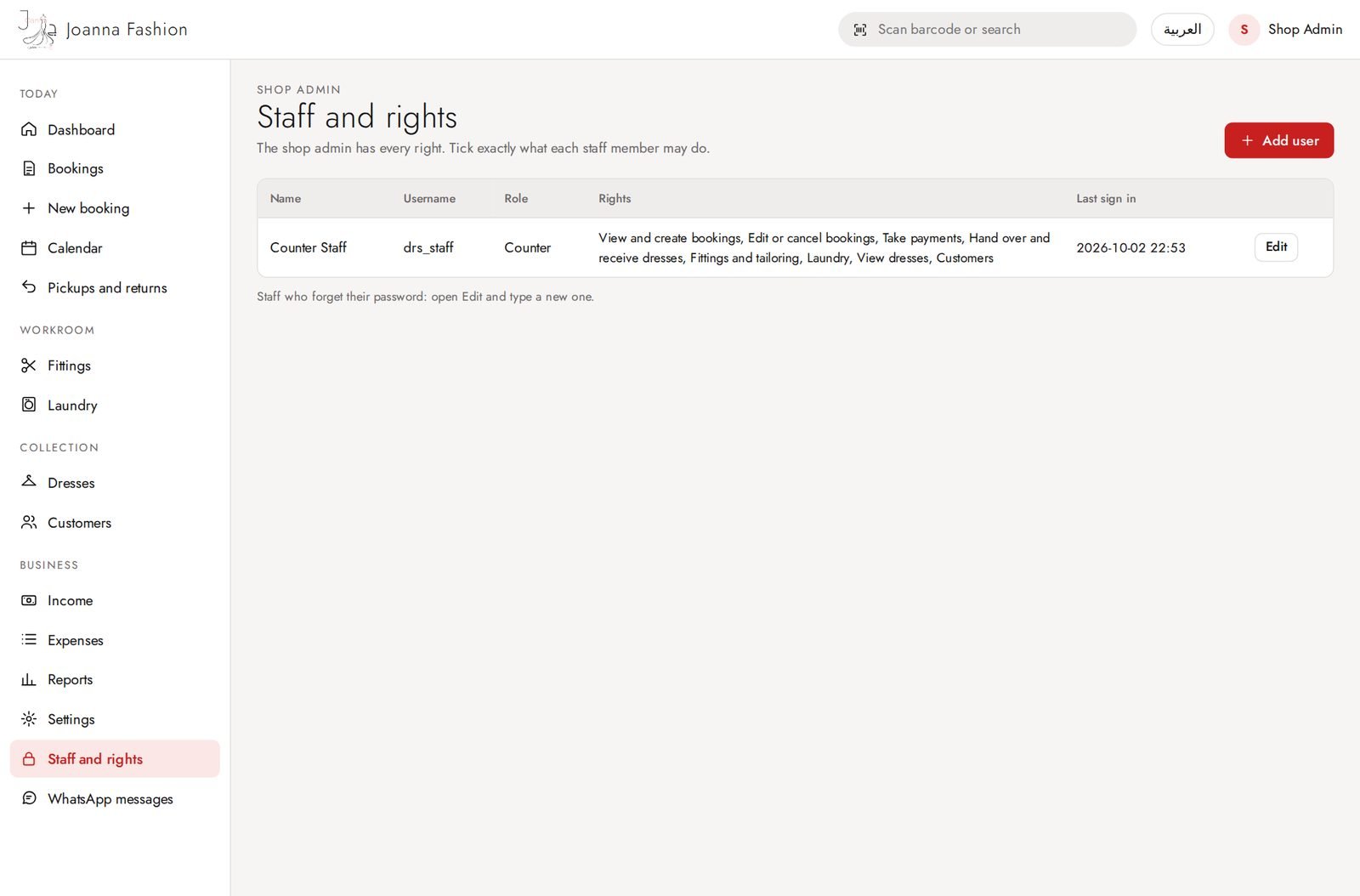
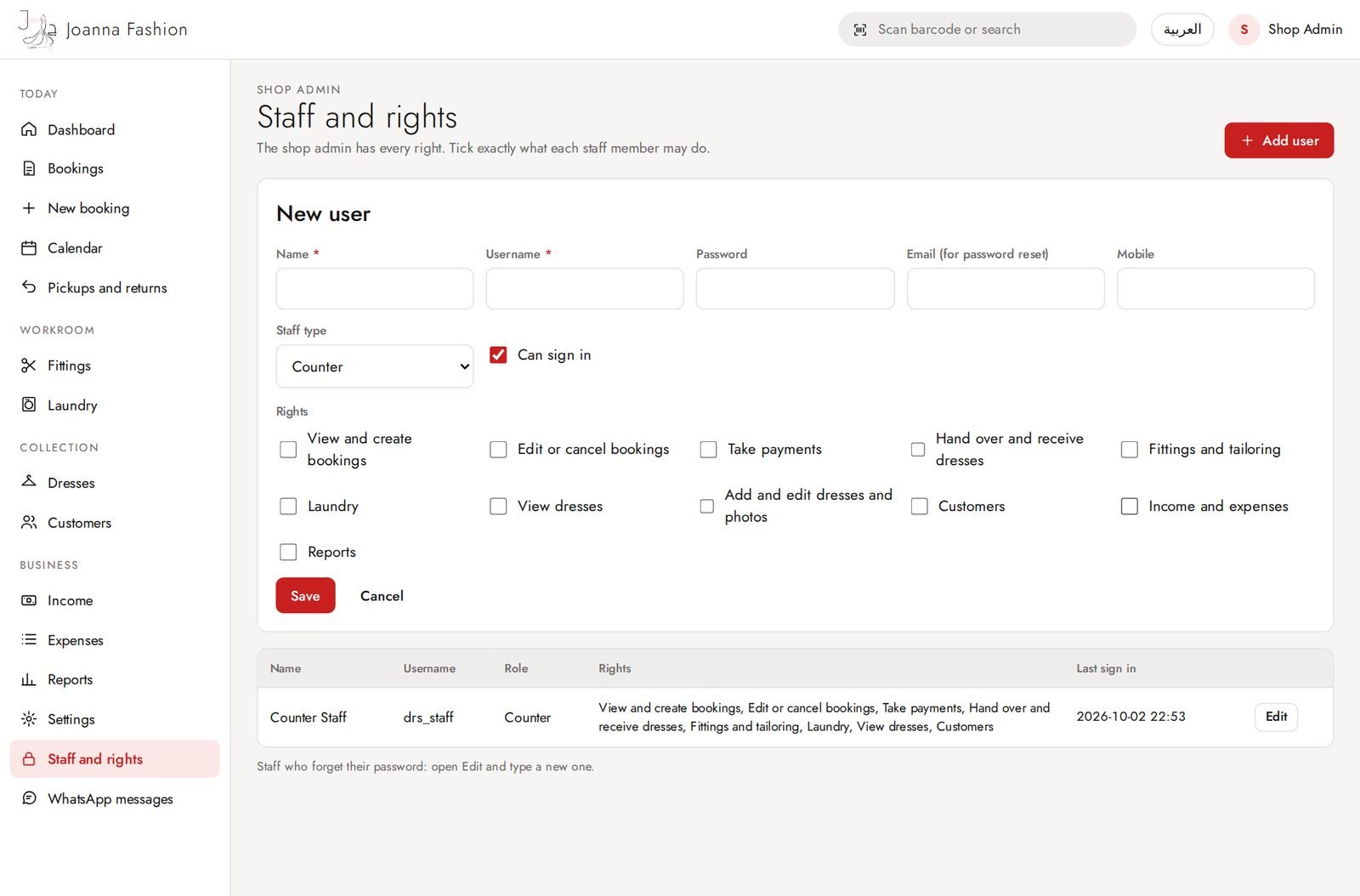
Staff and rights
Staff accounts; each staff member gets only the rights ticked for her.
Add staff member
Name, sign-in, staff type (counter, tailor, driver) and rights in one place.
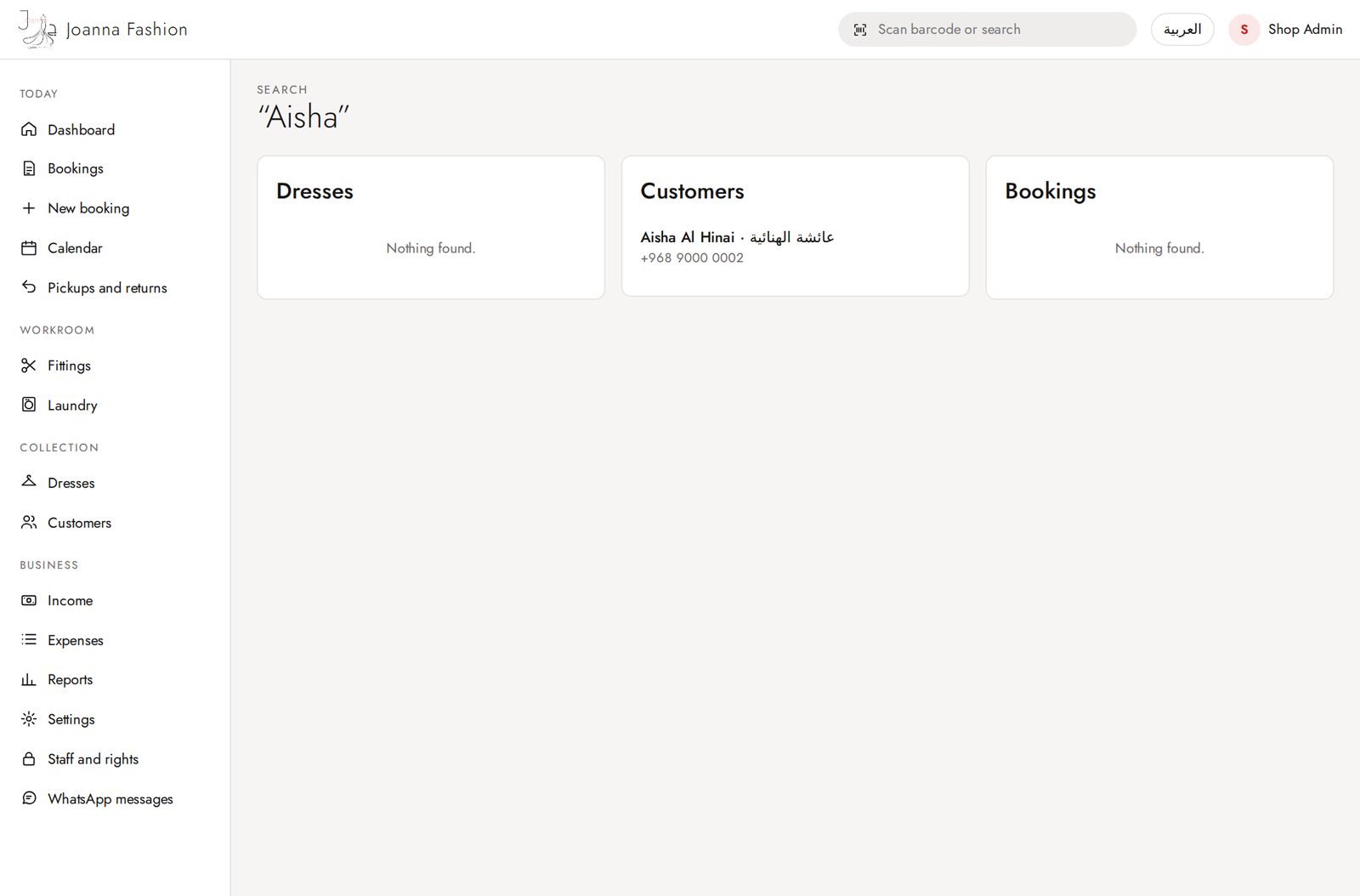
Search
One search box for dresses, customers and invoices. Scanning a barcode opens the dress.
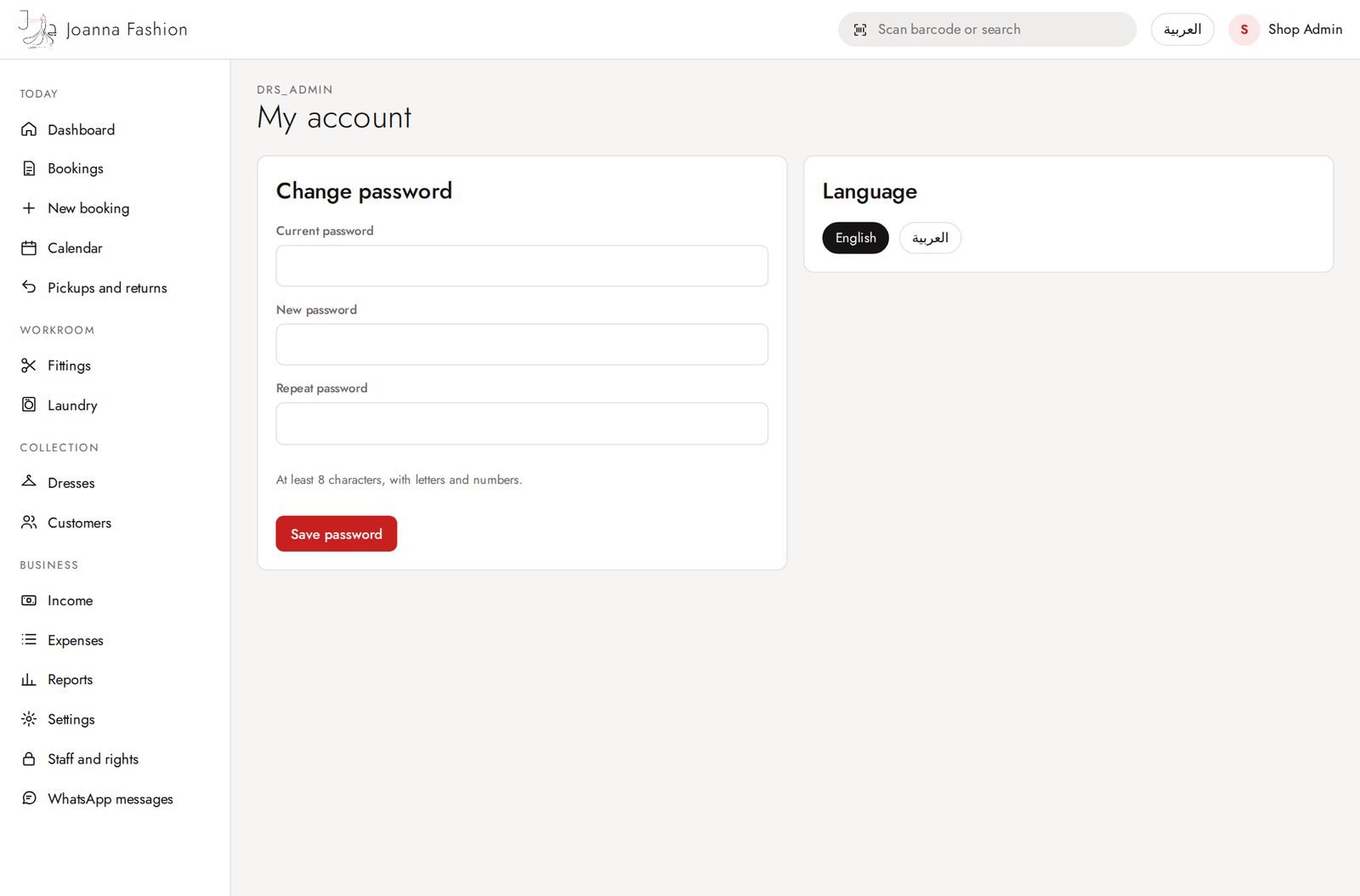
My account
Change own password and language.
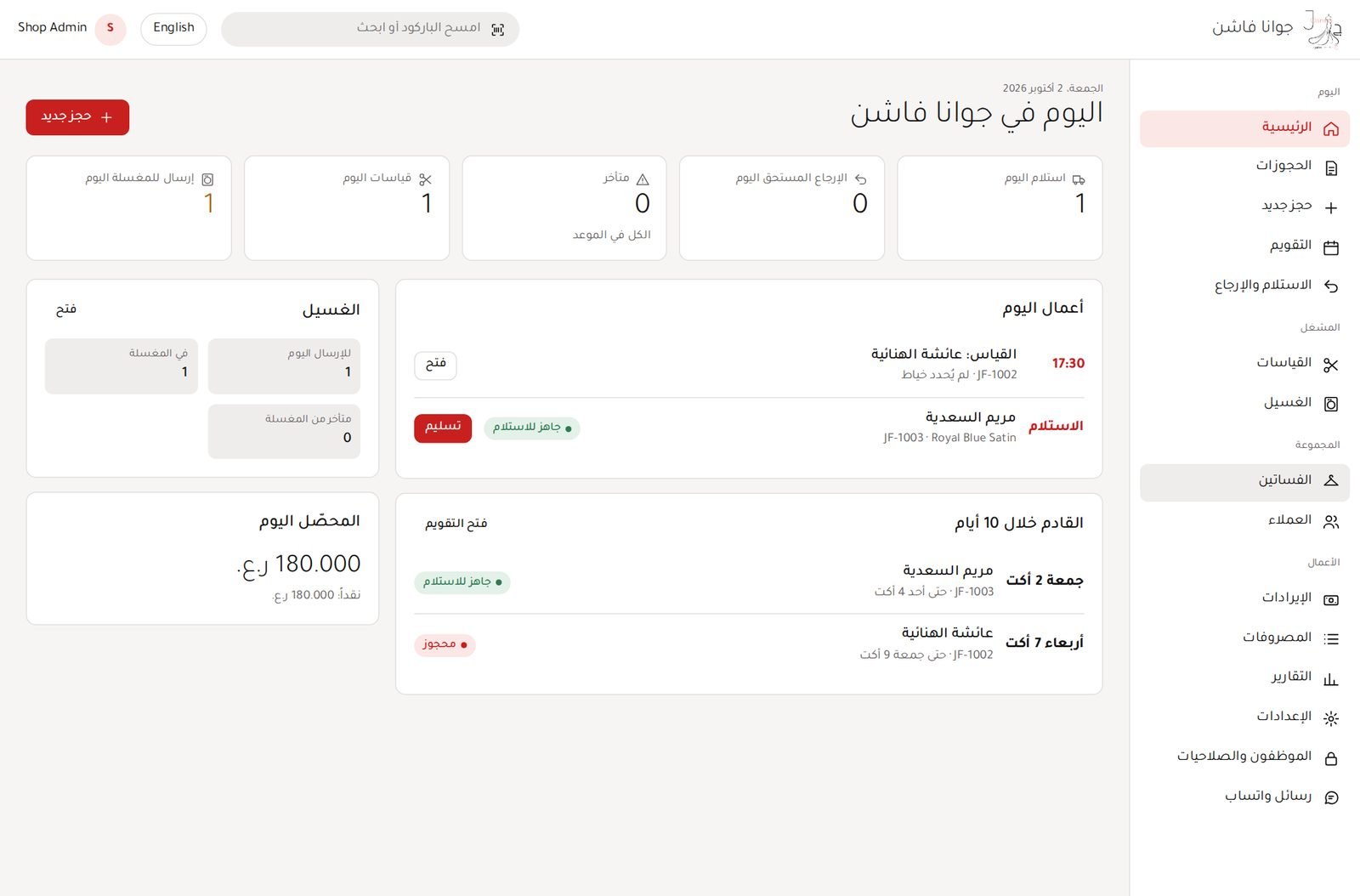
Arabic screens
Dashboard (Arabic)
Every screen works fully in Arabic, right to left.
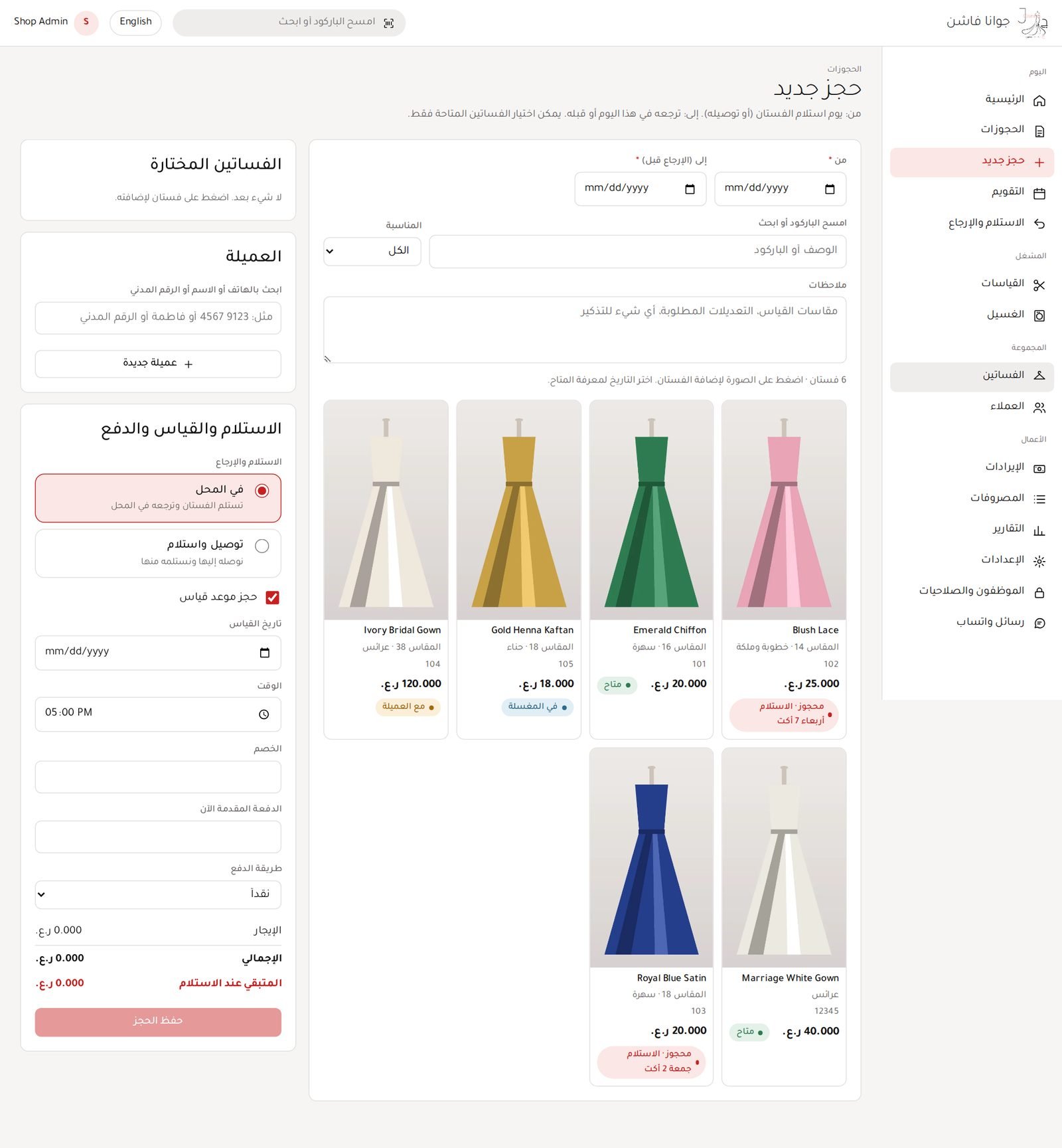
New booking (Arabic)
Every screen works fully in Arabic, right to left.
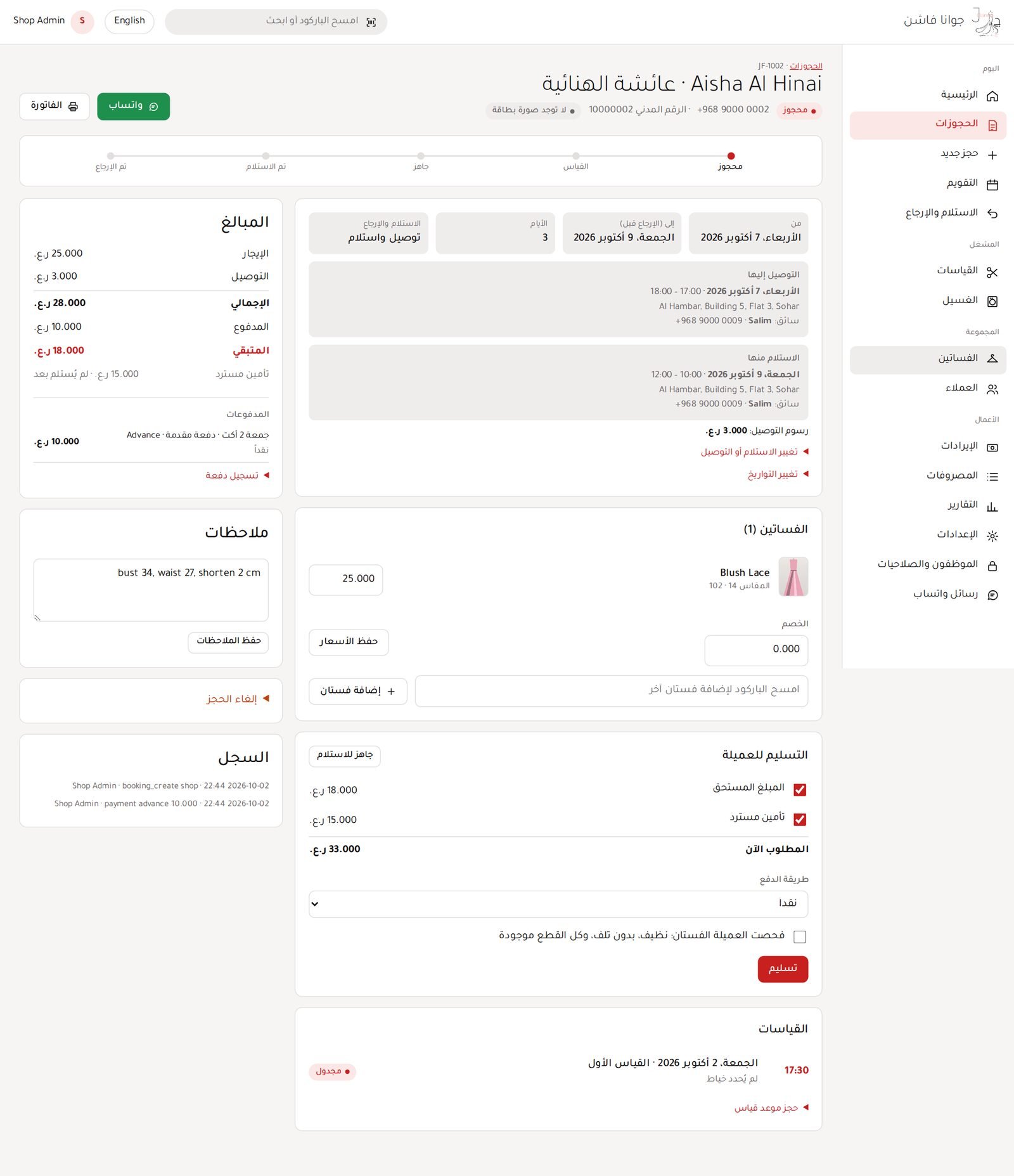
Booking (Arabic)
Every screen works fully in Arabic, right to left.
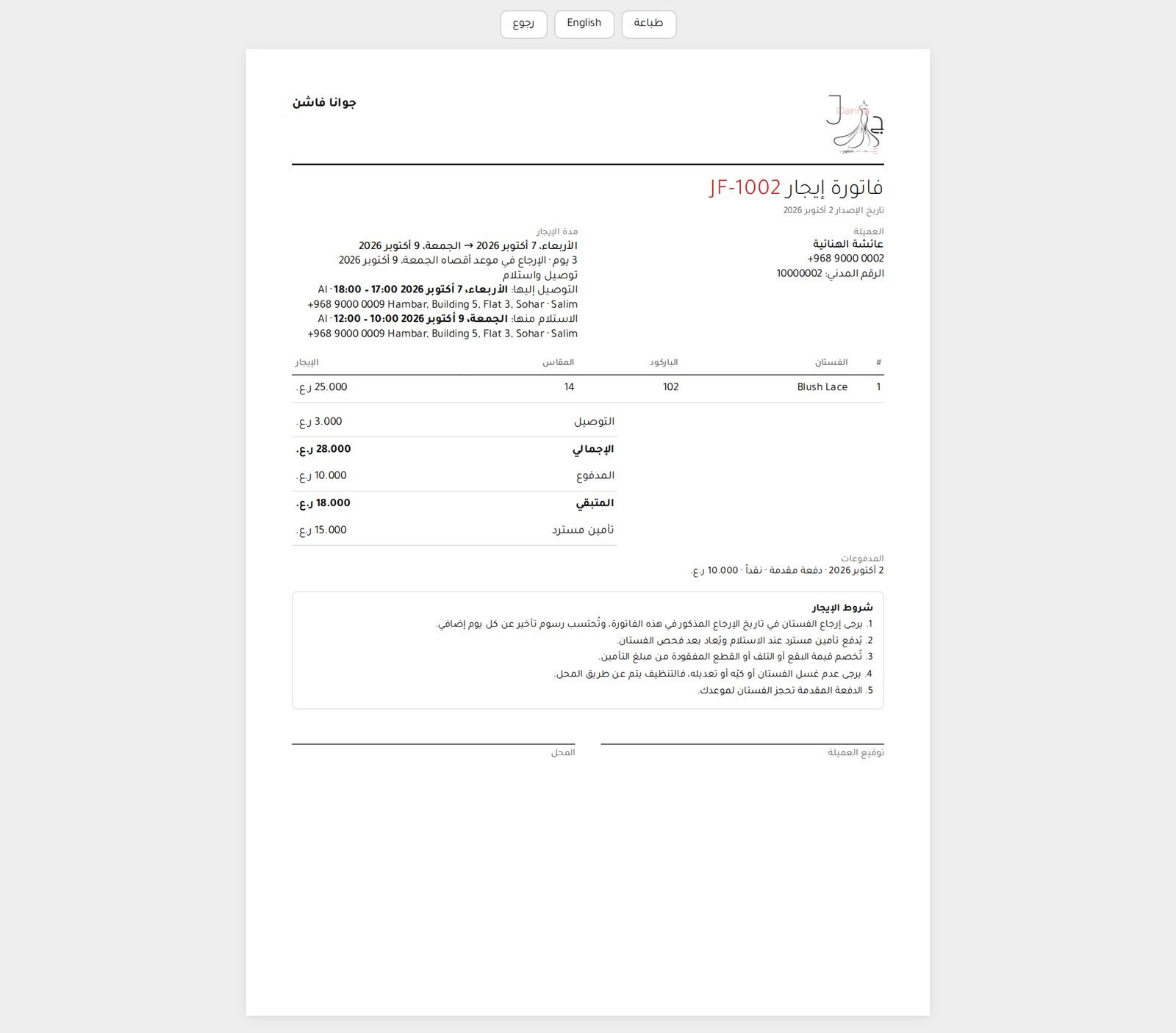
Invoice (Arabic)
Every screen works fully in Arabic, right to left.
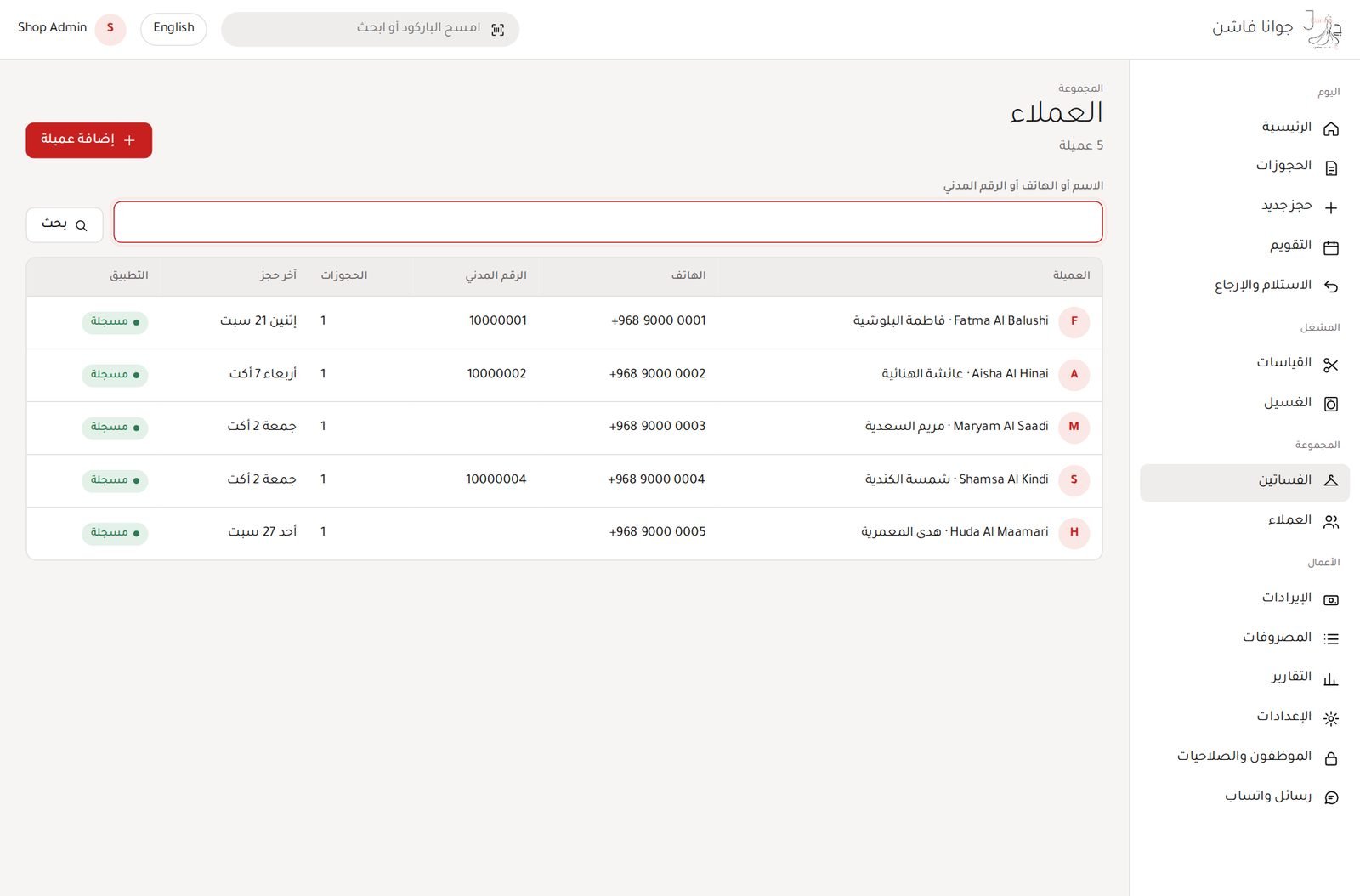
Customers (Arabic)
Every screen works fully in Arabic, right to left.
Dresses (Arabic)
Every screen works fully in Arabic, right to left.
Staff (limited rights)
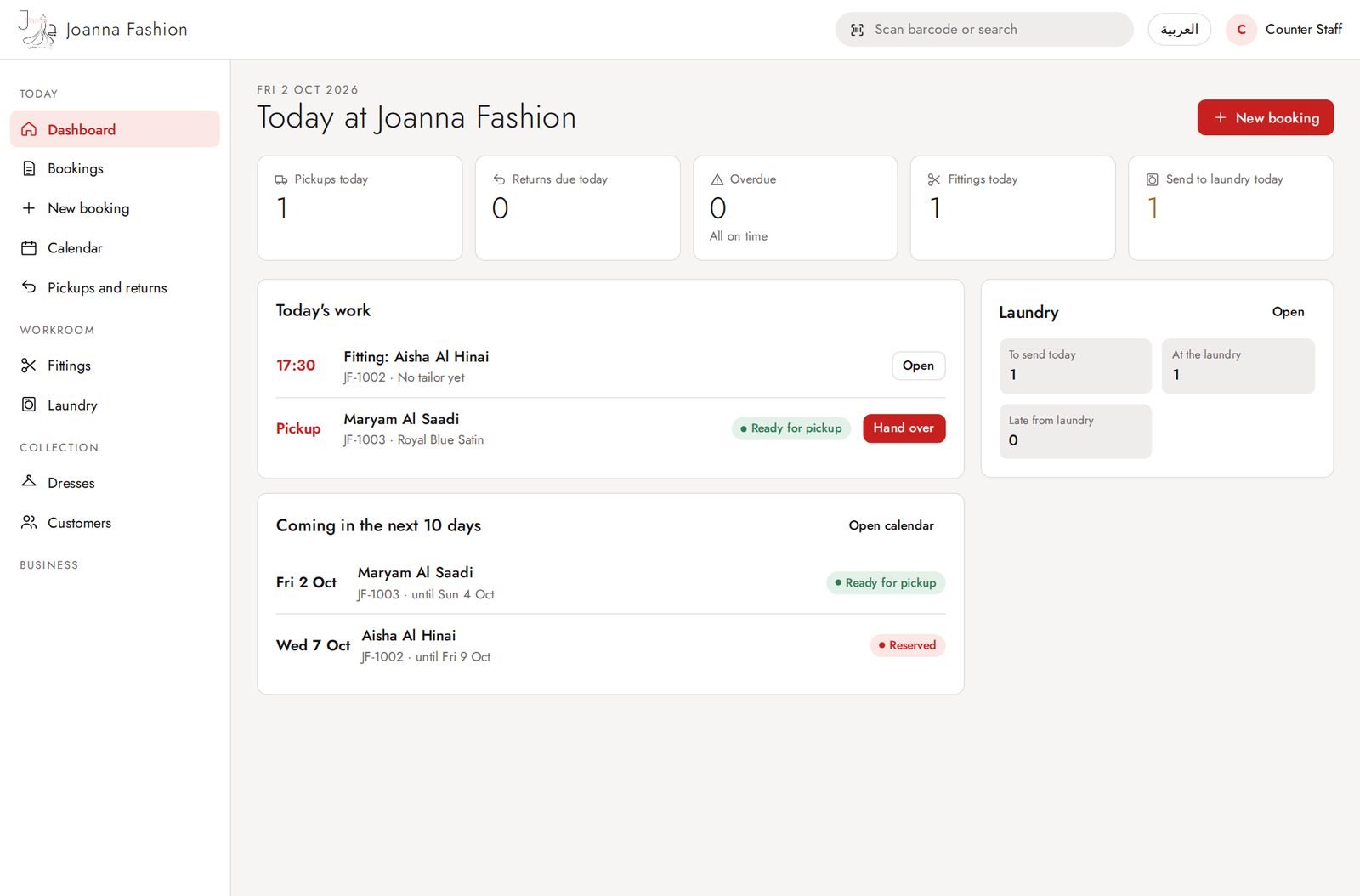
Staff dashboard
Staff see only what their rights allow: no money, reports, settings or staff screens.
Staff: new booking
Counter staff can make bookings, take payments and hand over dresses if allowed.
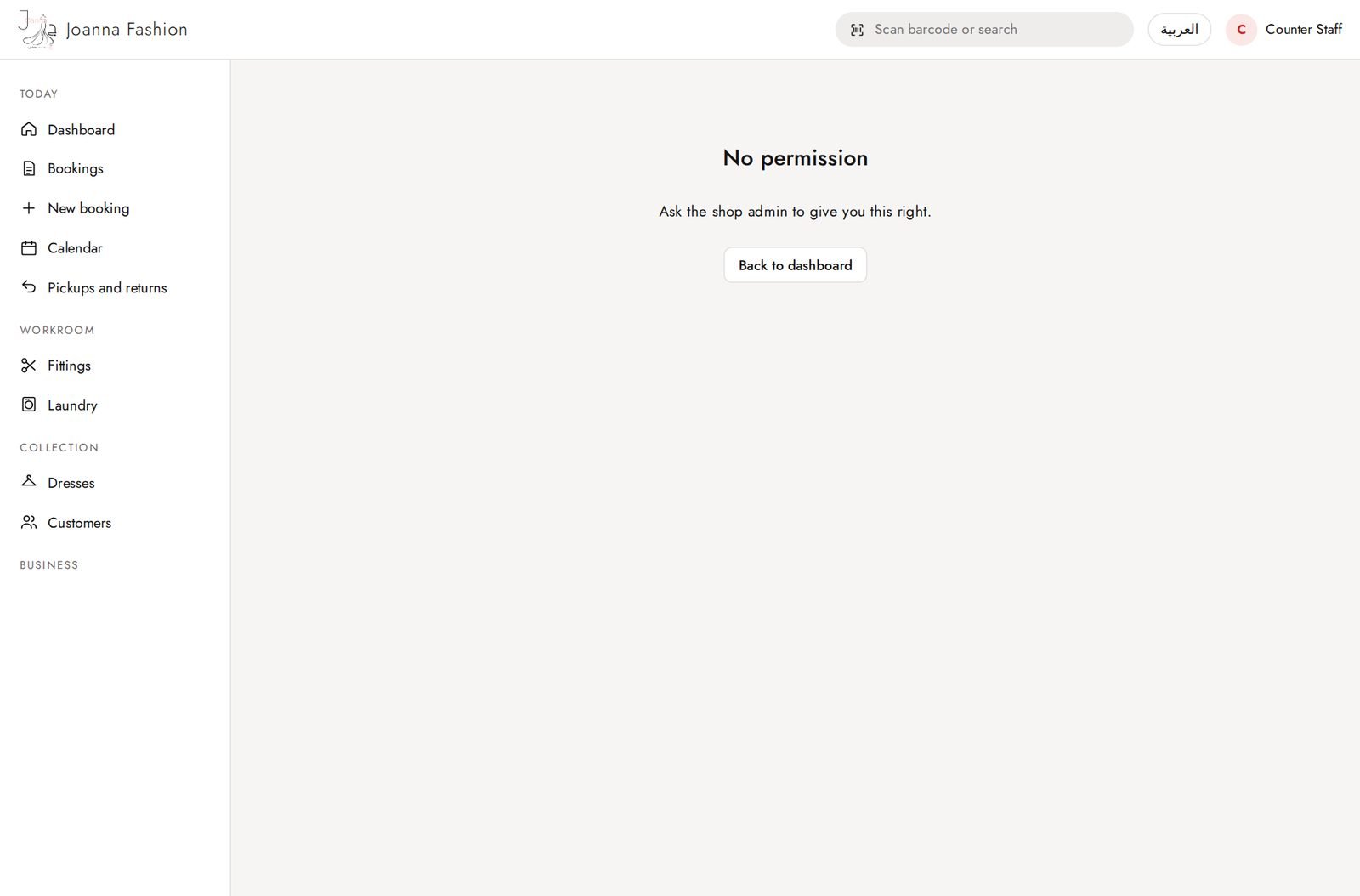
Staff: page not allowed
A screen outside her rights is refused.
Customer app (phone)
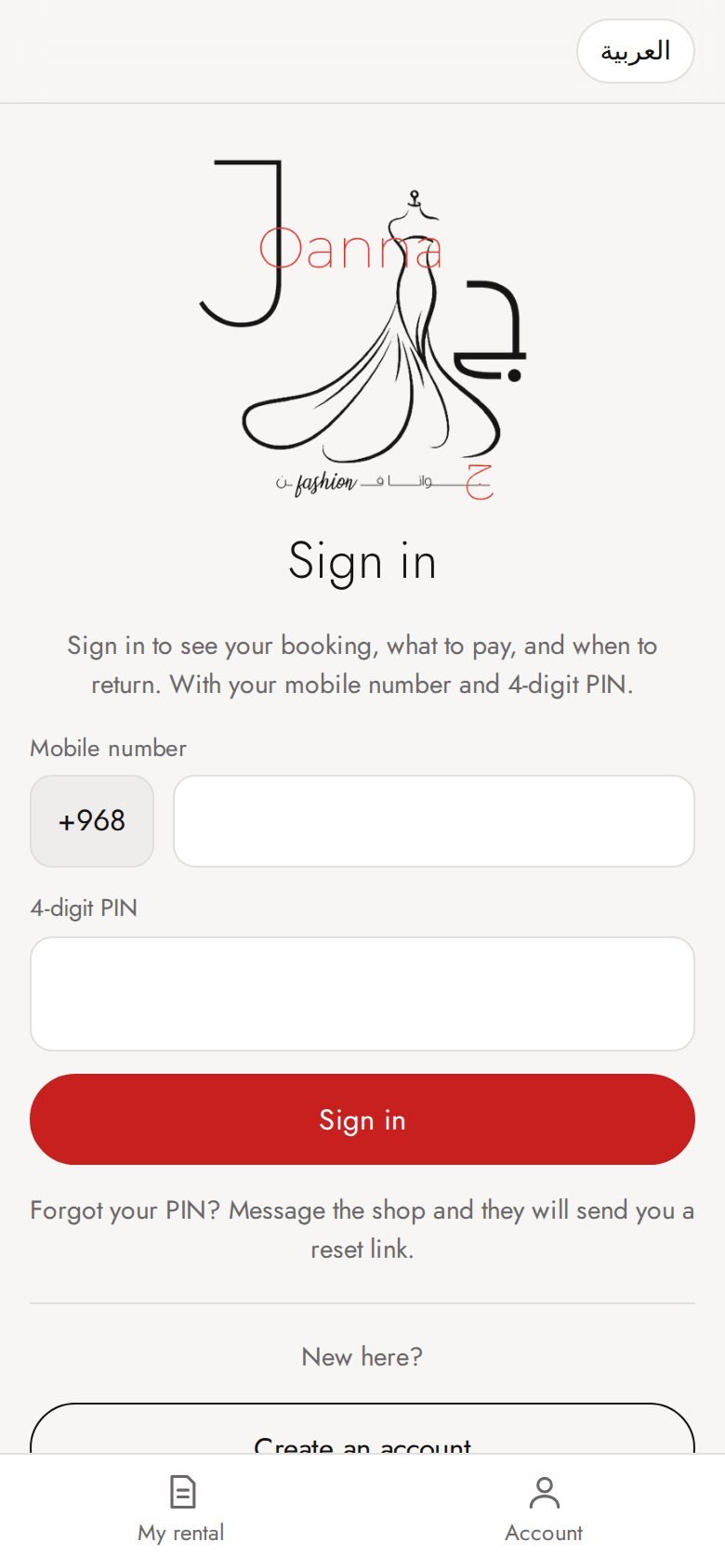
App: sign in
Customers sign in with their mobile and a 4-digit PIN. Only customers with a booking can join.
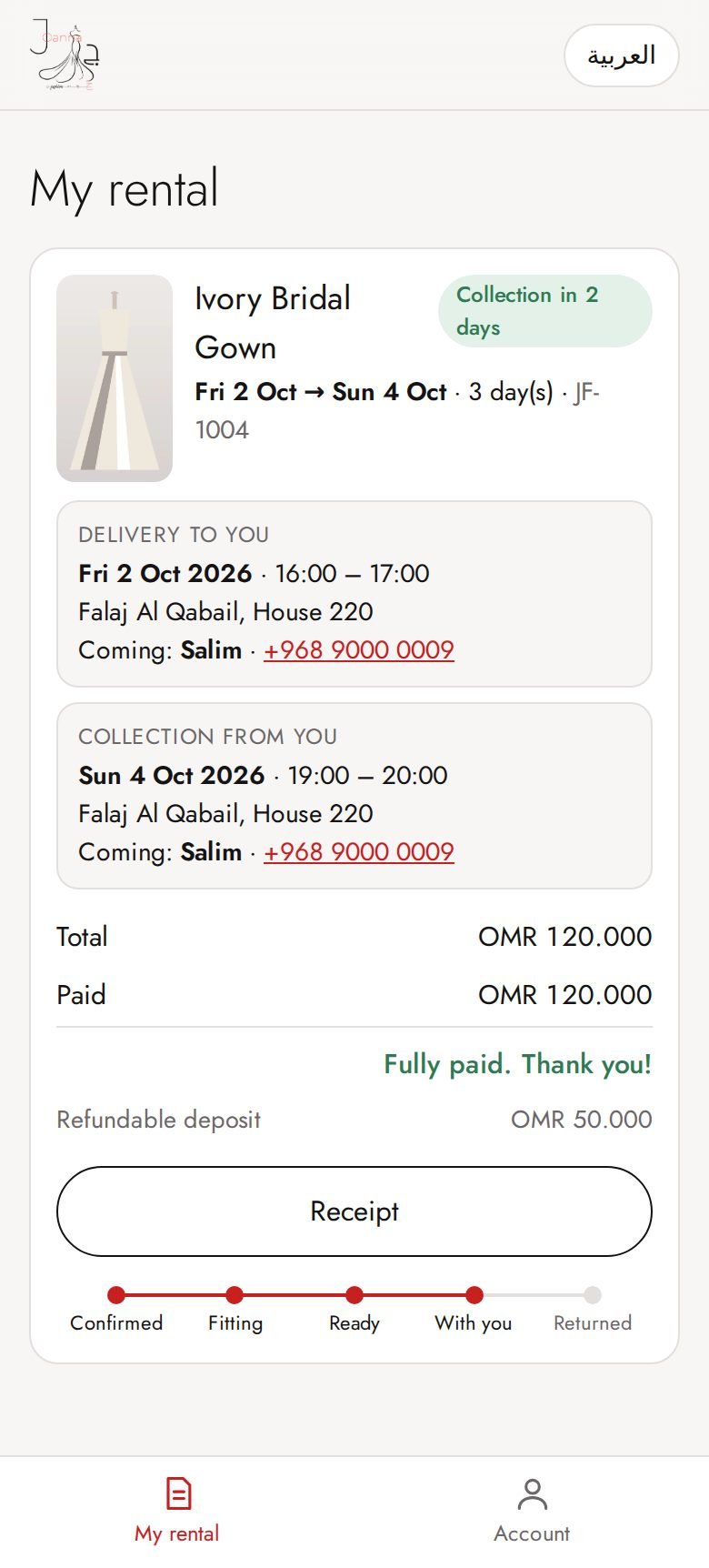
App: my rental (dress with her)
Countdown to the return date, collection details, what she paid and what is left.
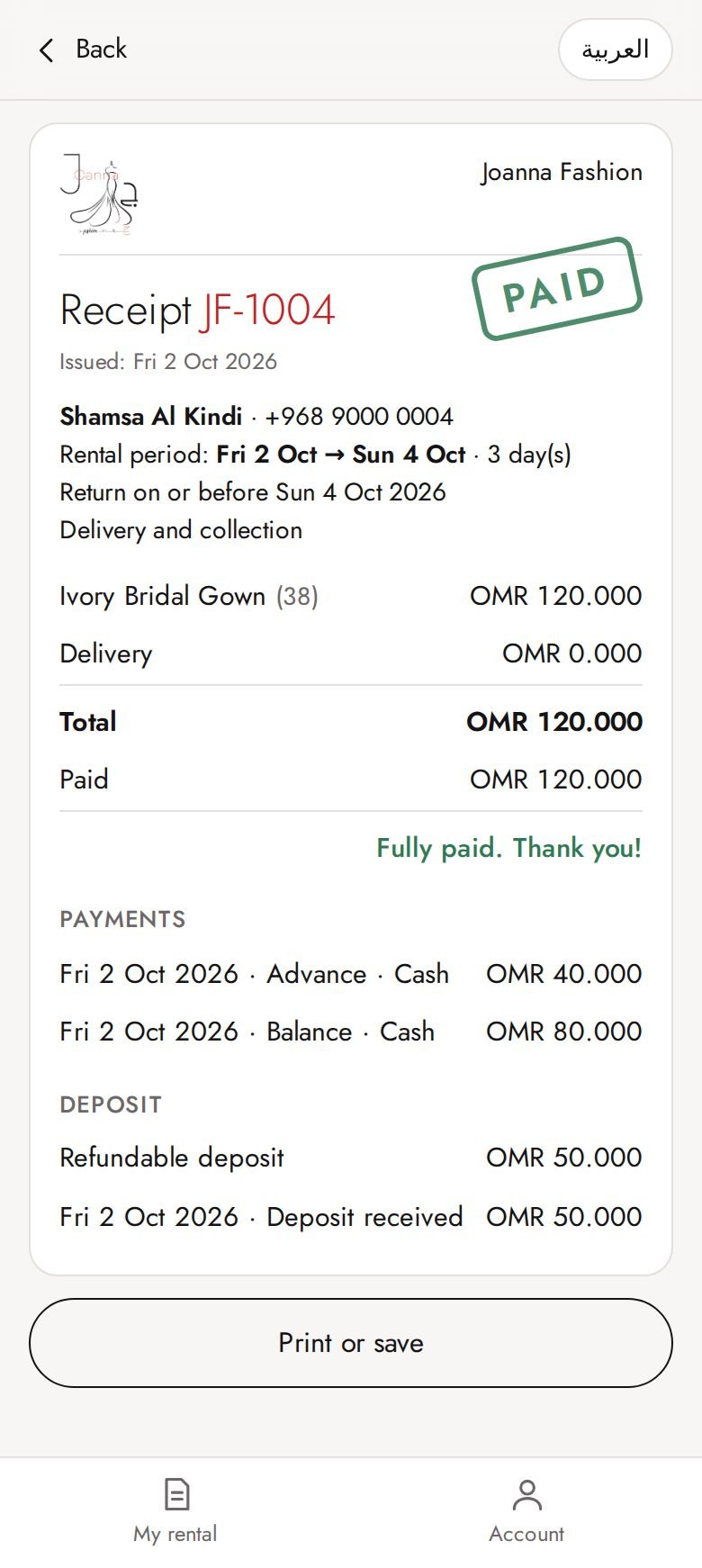
App: invoice
She can open her invoice, or her receipt once fully paid.
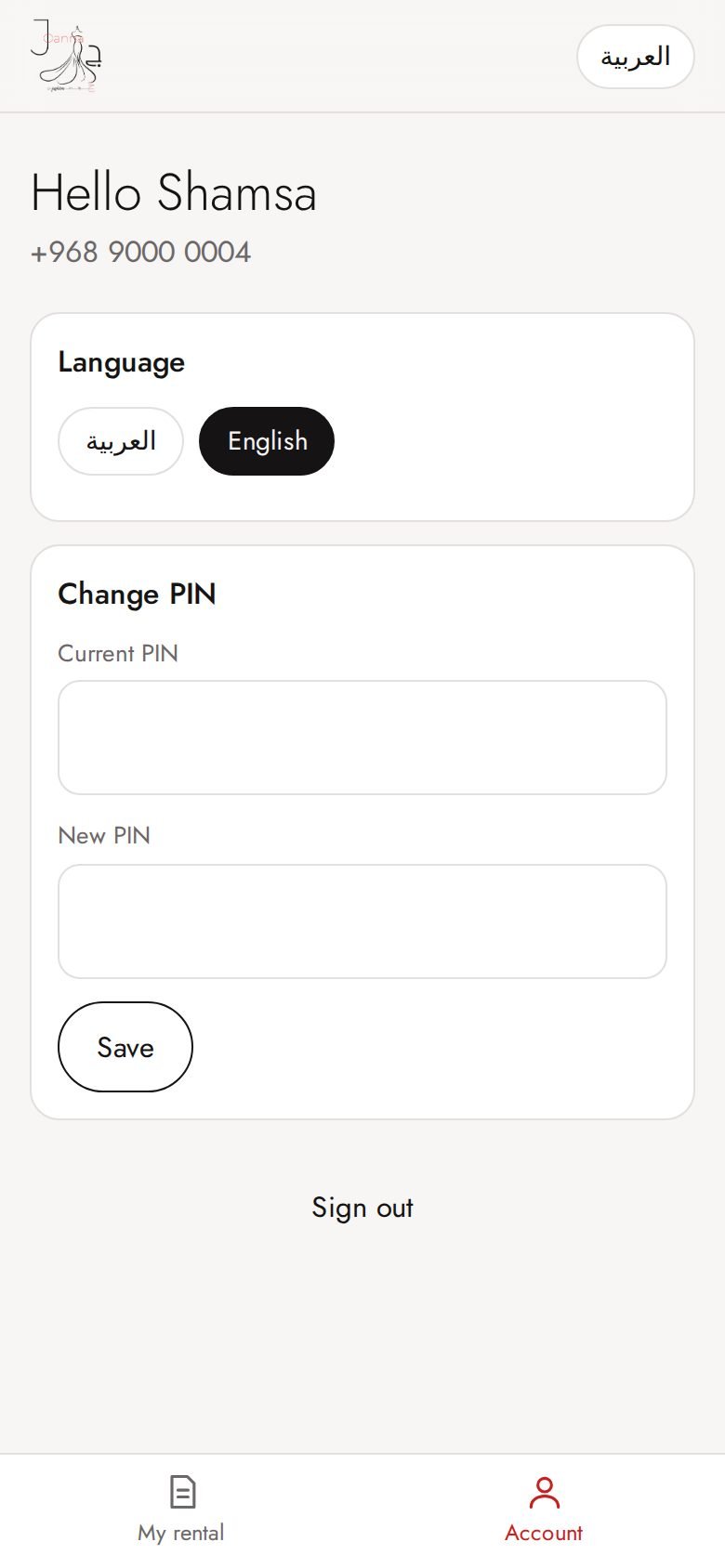
App: account
Language, change PIN, sign out.
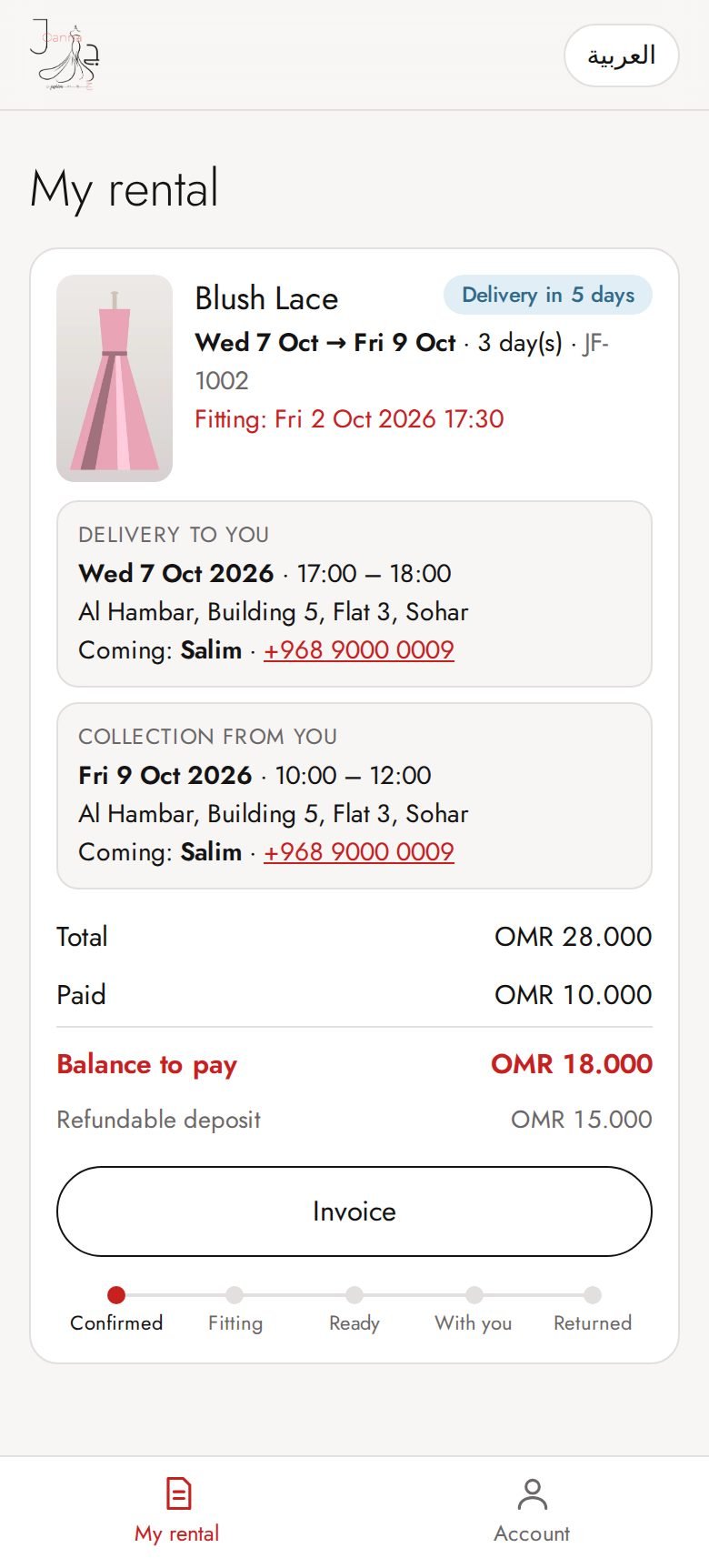
App: upcoming booking with delivery
Booking steps, delivery date and time window, who delivers, and money paid / left.
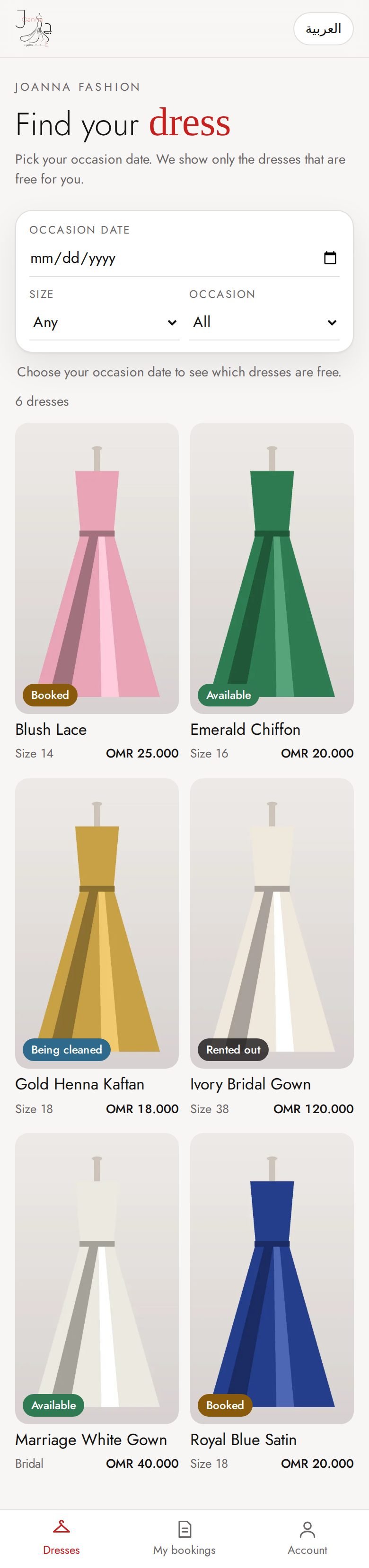
App (optional mode): browse dresses
If the shop turns it on, customers can also see the collection. They cannot book from the app; only the shop books.
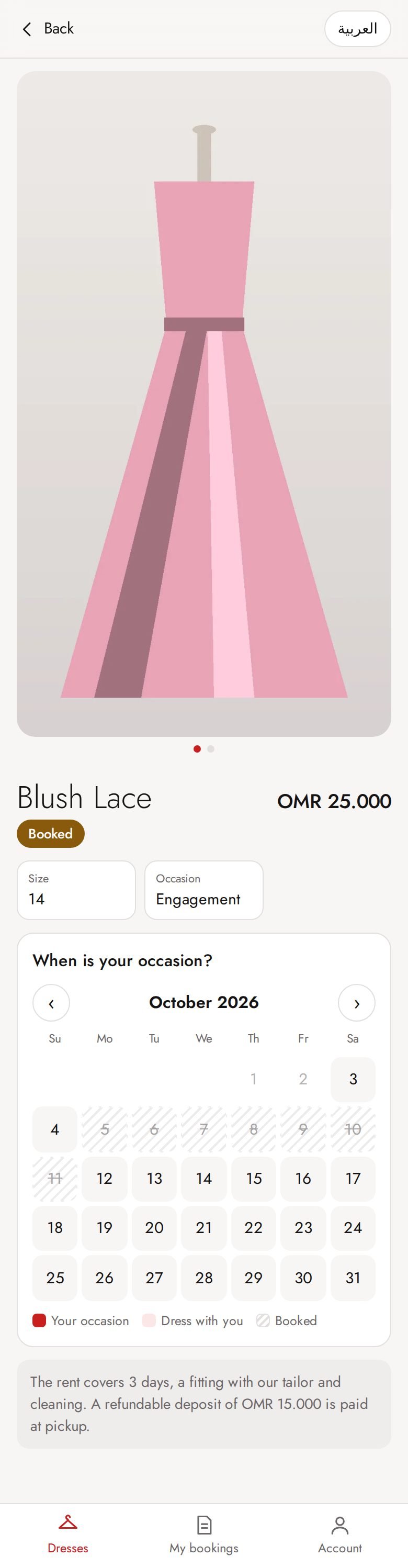
App (optional mode): dress details
Photos, price and an "Ask the shop" WhatsApp button.
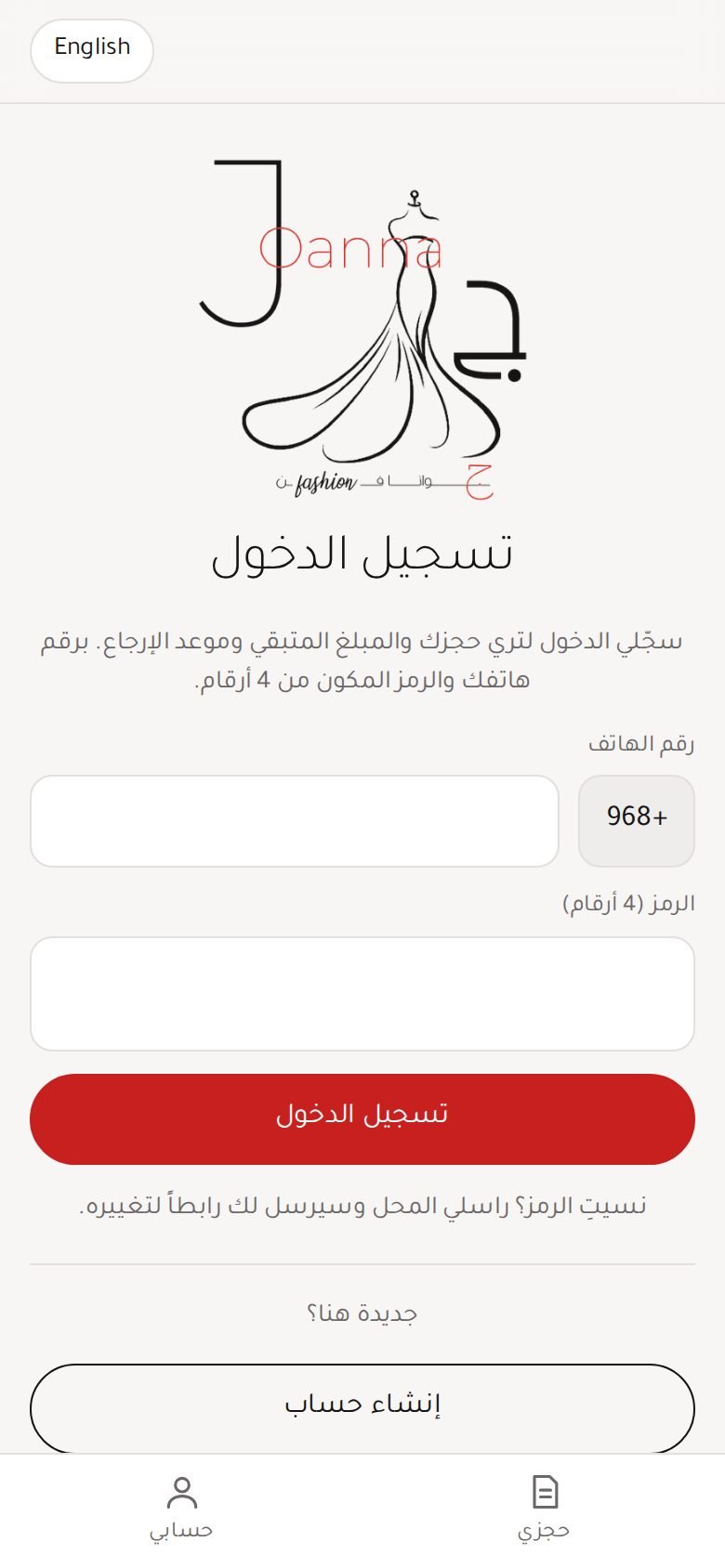
App: sign in (Arabic)
Customers sign in with their mobile and a 4-digit PIN. Only customers with a booking can join.
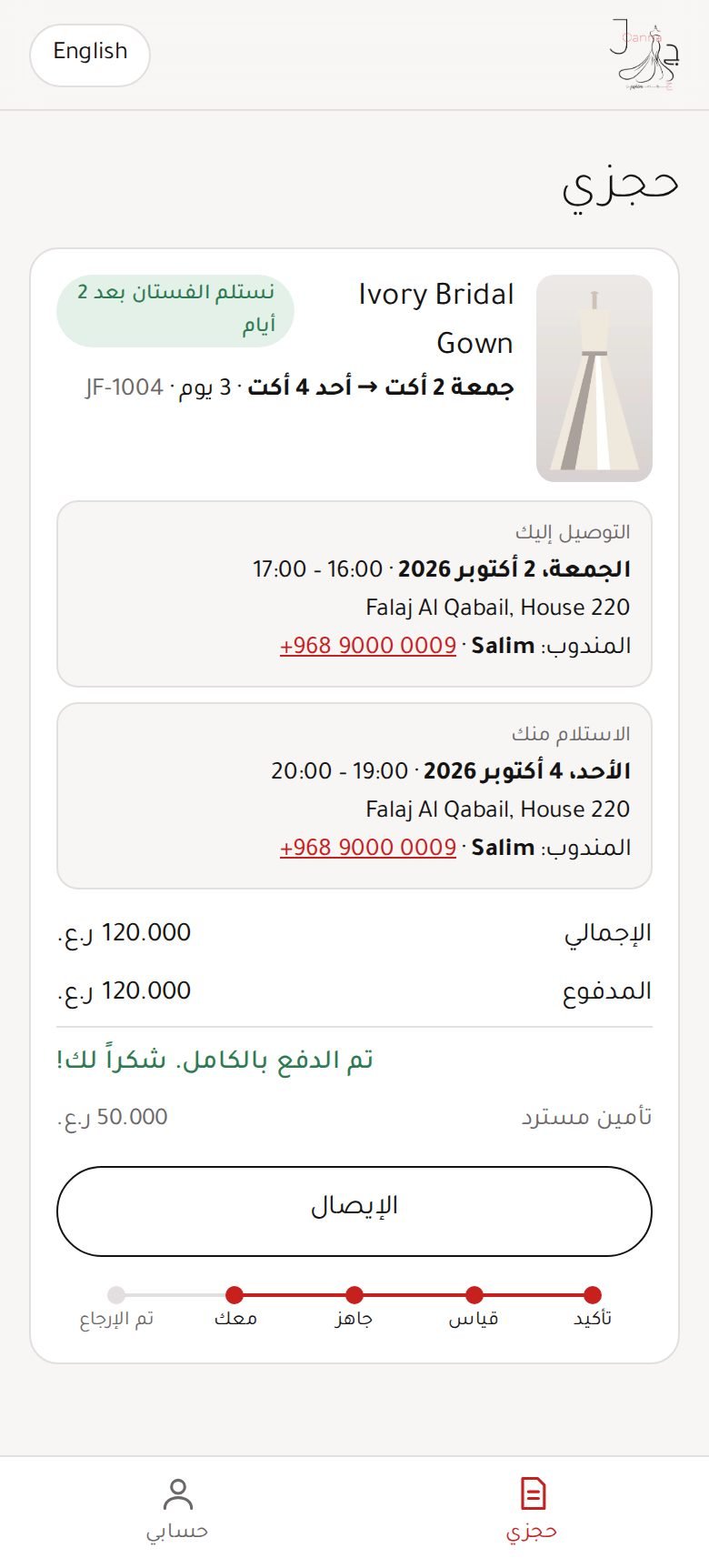
App: my rental (dress with her) (Arabic)
Countdown to the return date, collection details, what she paid and what is left.
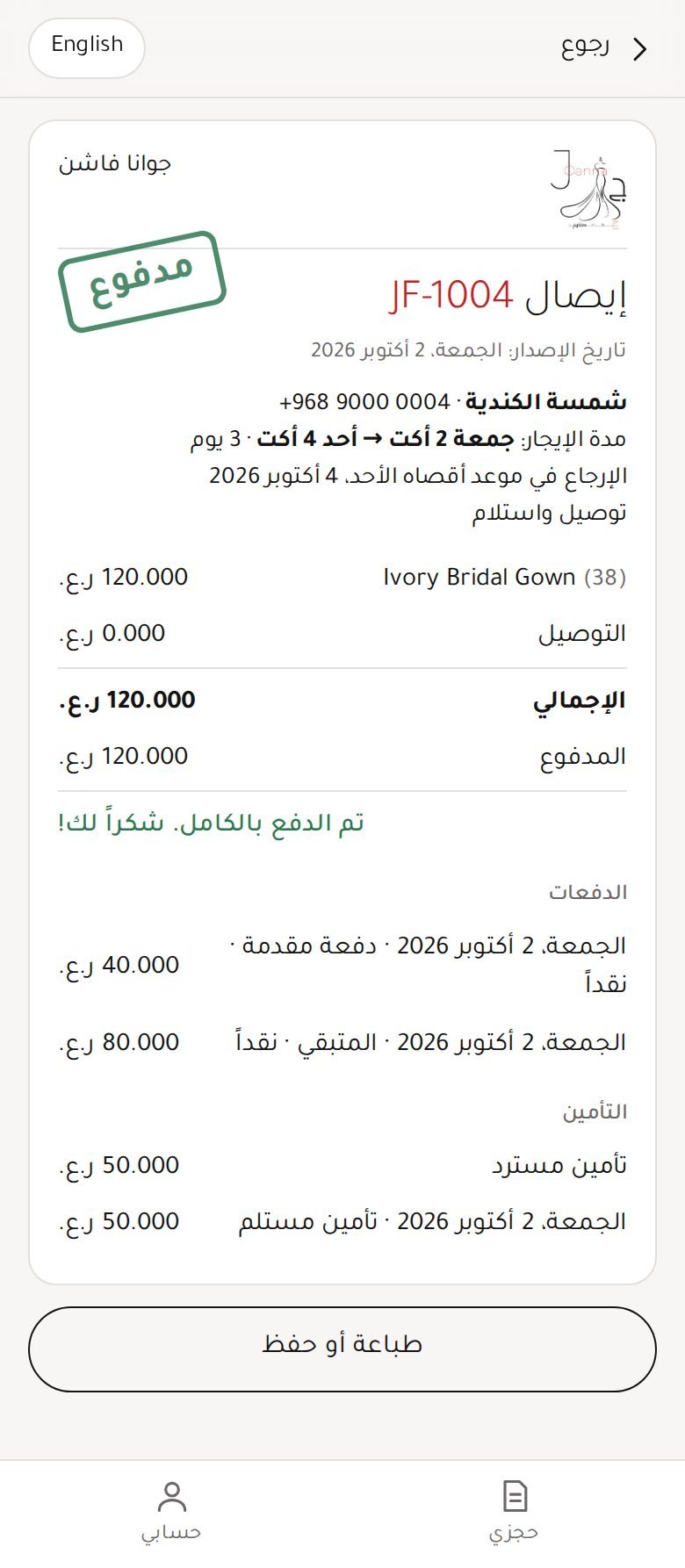
App: invoice (Arabic)
She can open her invoice, or her receipt once fully paid.
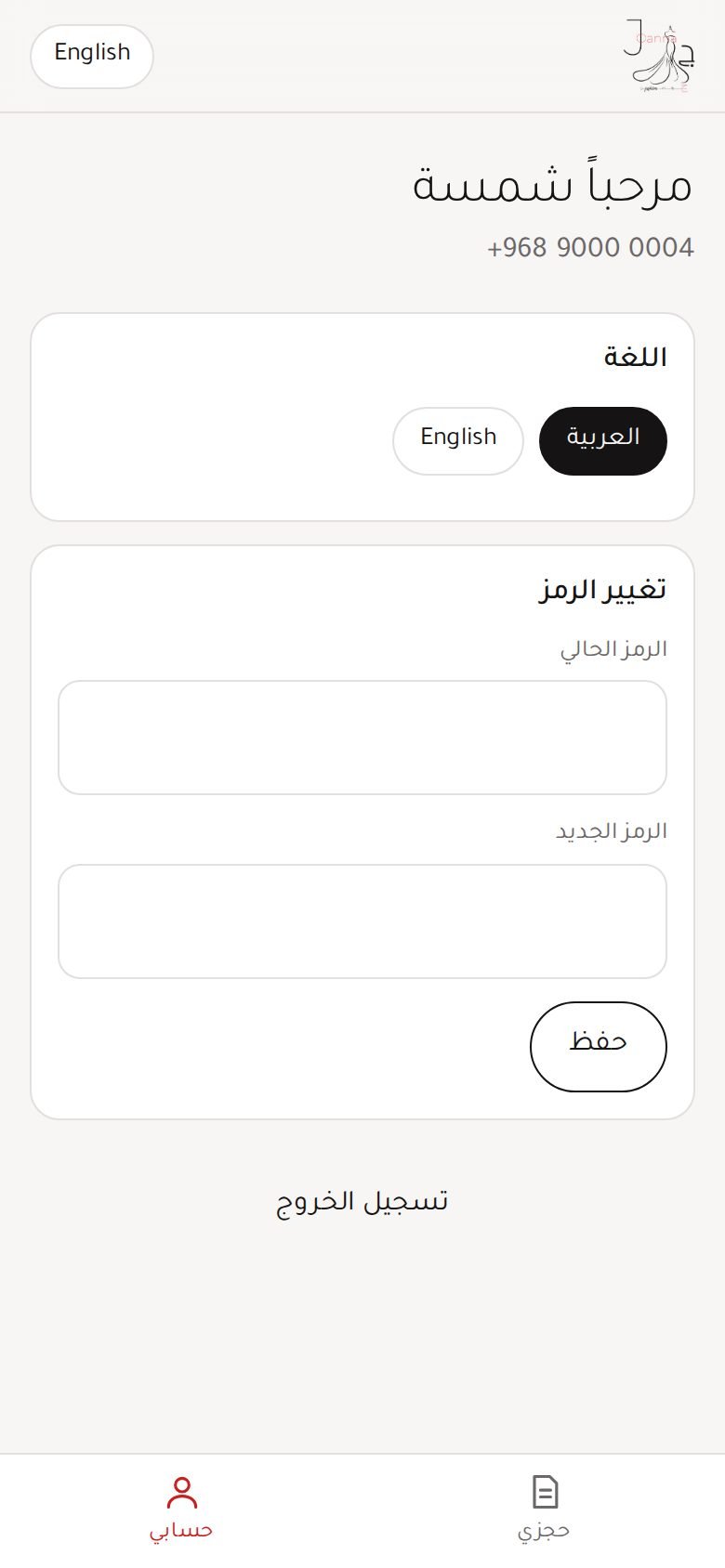
App: account (Arabic)
Language, change PIN, sign out.
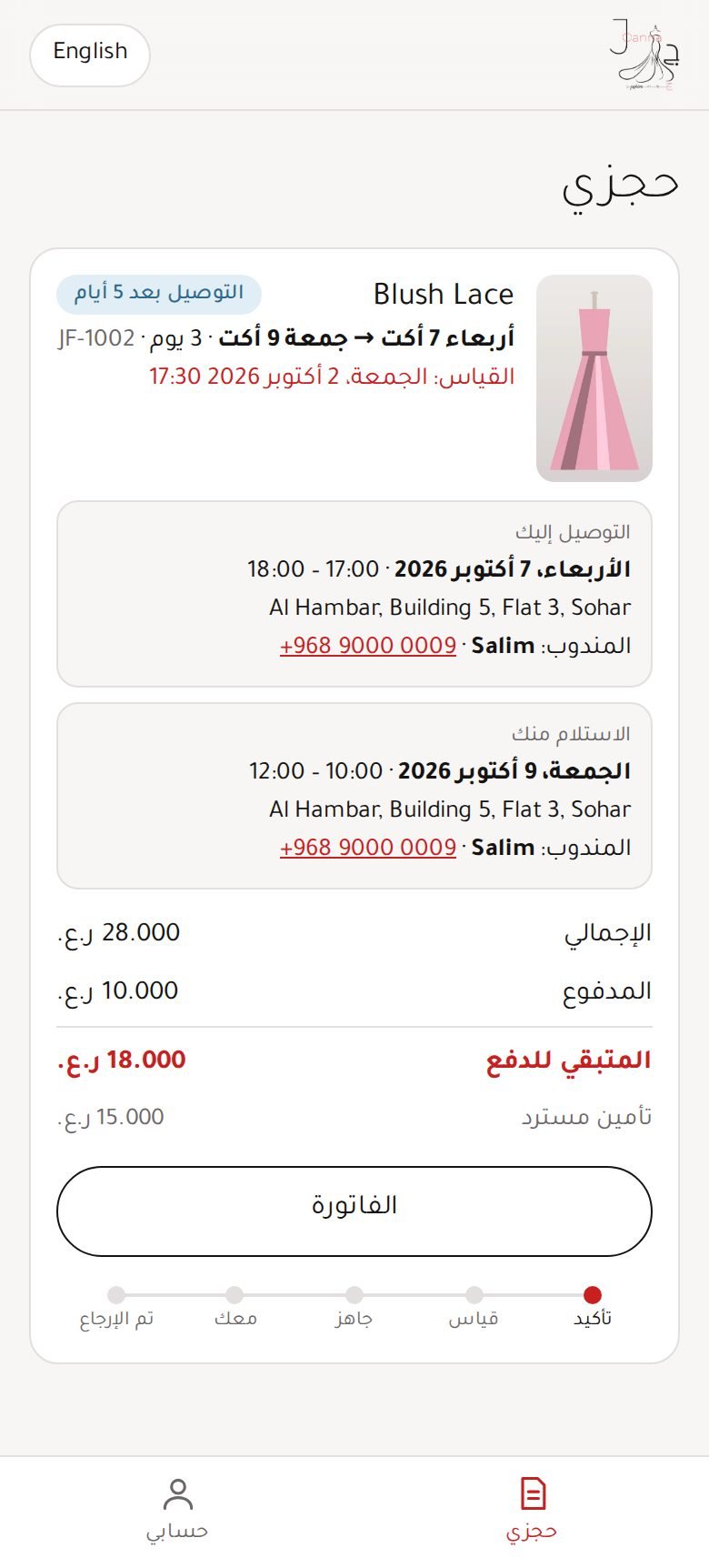
App: upcoming booking with delivery (Arabic)
Booking steps, delivery date and time window, who delivers, and money paid / left.
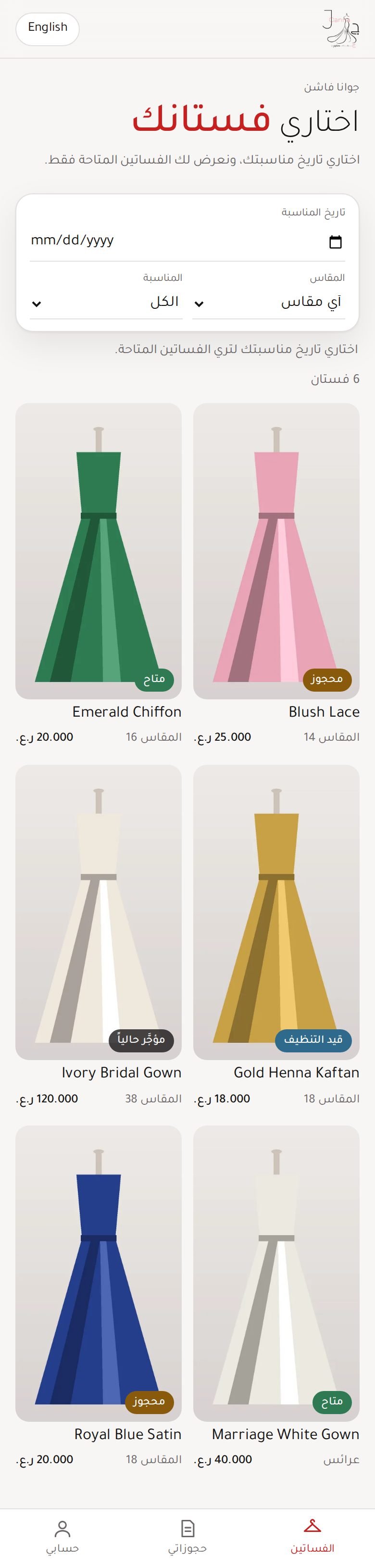
App (optional mode): browse dresses (Arabic)
If the shop turns it on, customers can also see the collection. They cannot book from the app; only the shop books.
App (optional mode): dress details (Arabic)
Photos, price and an "Ask the shop" WhatsApp button.